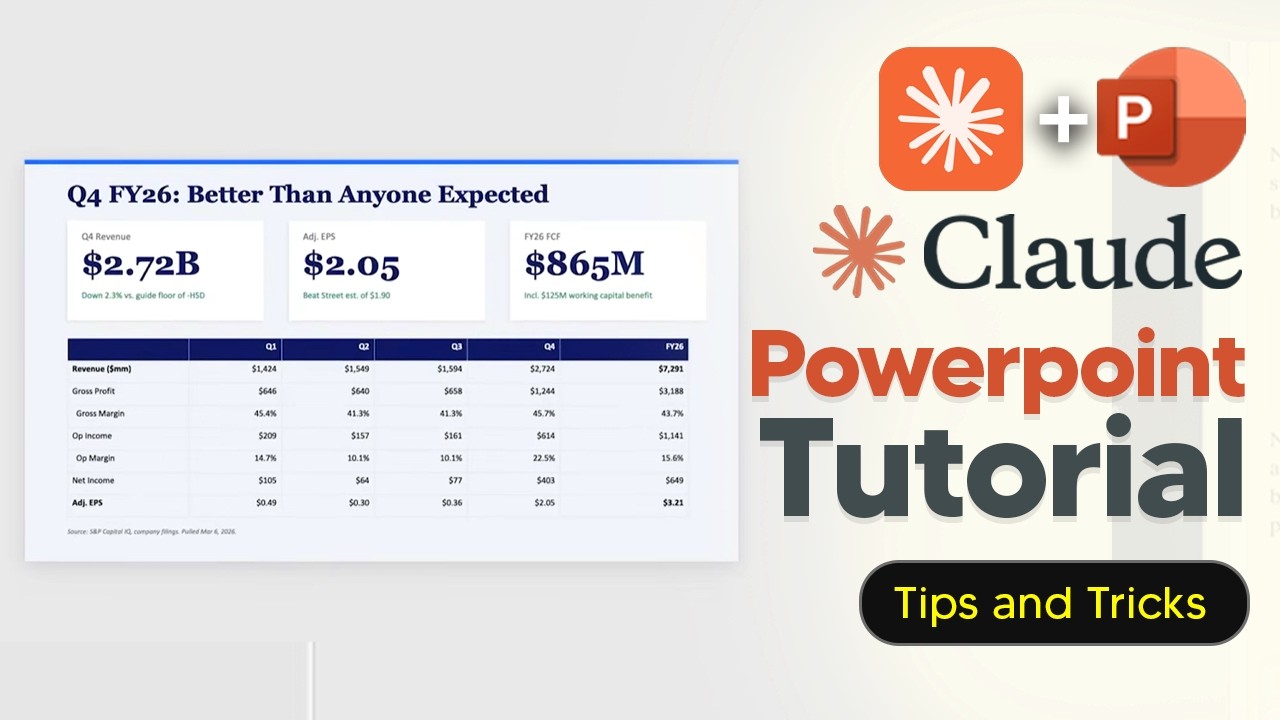
Claude for PowerPoint is an official add-on developed by Anthropic that integrates directly within Microsoft PowerPoint, allowing users to generate fully editable native PowerPoint elements rather than static images. To use it, you need a Claude Pro account or a Max Team/Enterprise plan, along with an updated version of PowerPoint desktop or web. Installation is straightforward through the add-ins menu, and once logged in, Claude appears in the sidebar. Users can choose between two AI models: Opus 4.6 for complex tasks like full deck generation and Sonnet 4.6 for quicker edits such as fixing typos or reformatting slides. Settings allow customization of fonts, colors, and notes, and users can control whether Claude asks for permission before making edits.
Claude automatically reads your slide master layouts, fonts, and color schemes to generate slides that align with your existing template, achieving about 90% accuracy on the first try. Users can prompt Claude to create presentations by specifying slide count, style, and content. It also supports editing individual slides by selecting them, which provides context for targeted changes. However, since Claude cannot visually interpret slides yet, it may occasionally hallucinate data, especially in charts, but all generated elements remain fully editable, allowing users to adjust content and design as needed.
One of Claude’s powerful features is its ability to convert uploaded documents like PDFs and Excel sheets into polished slide decks. For example, sales reports can be transformed into concise presentations summarizing key metrics and trends. Claude also supports web search functionality, enabling users to input a website URL and generate a pitch deck based on the site’s content and design theme. While the generated presentations may require minor adjustments, such as font or layout tweaks, they generally maintain a coherent and visually appealing style consistent with the source material.
Additional functionalities include the use of “skills” to format content in specific ways and connectors to pull data from external sources. Claude-generated presentations are fully editable, allowing users to modify text, fonts, images, and backgrounds easily. It can also translate entire decks into other languages, such as French, and add detailed speaker notes to each slide, which is particularly useful for preparing presentations without spending time on scripting. These features enhance productivity and customization for users creating professional presentations.
Despite its strengths, Claude for PowerPoint has some limitations. It is currently in beta and only available on desktop and web versions, not on iPad or Android. Large presentations may hit file size or generation limits, and complex custom layouts or multi-step visuals might not render perfectly. Additionally, graphics analysis is limited because Claude processes slides internally as markdown, which can result in loss of some graphical information. Users should expect to make minor manual adjustments but can benefit greatly from the tool’s AI-powered assistance in creating and editing presentations efficiently.