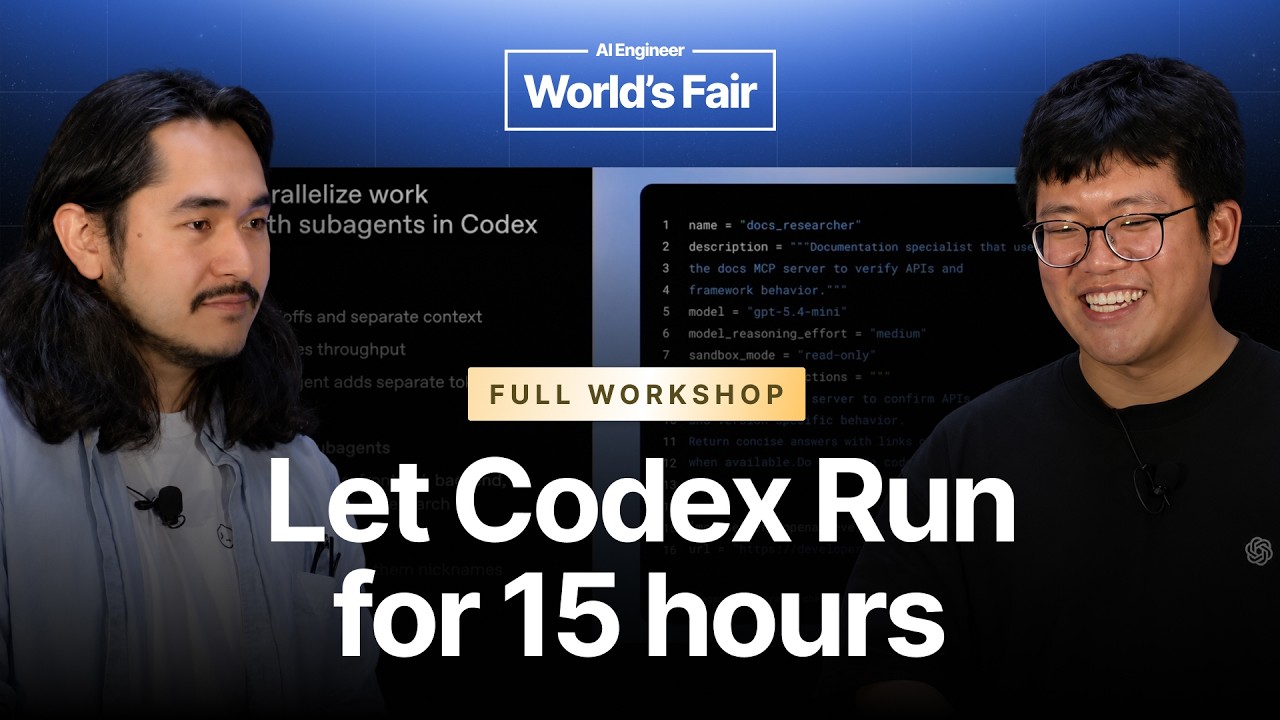
The “Cooking with Codex” workshop, presented by Charlie Guo and Gabriel Chua from OpenAI’s developer experience team, showcased the versatility and power of Codex, an AI coding assistant. They began by highlighting the diverse range of projects users have created with Codex, from synthesizer plugins and video editing automation to playable games and even self-driving golf carts. Emphasizing Codex’s accessibility, they noted its availability on mobile devices and its open-source nature, allowing integration into various platforms and workflows. The session aimed to guide attendees through six key steps to effectively “cook” with Codex, starting with providing context and moving towards building, automating, and embedding Codex in different environments.
A significant portion of the workshop focused on how to give Codex rich context to improve its output. This includes feeding it information from documents, conversations, emails, and tools like Slack or Notion. Features like appshots, which capture screenshots with embedded text, and memory capabilities through the Chronicle research preview, allow Codex to retain and utilize personalized context over time. They demonstrated building a real-time translation MacOS app using Codex plugins, showcasing how Codex can handle complex tasks even without prior experience in certain development areas. The presenters also introduced the Agents SDK and Sites, tools that help create sharable artifacts and streamline collaboration.
The presenters then explored Codex’s ability to take direct actions on a user’s computer through features like computer use, Chrome extension, and in-app browser. These allow Codex to interact with applications, automate repetitive tasks, and navigate web interfaces, even in legacy or non-API environments. Live demos included automating data downloads from dashboards and creating Google Forms based on provided questions. They emphasized that Codex can work in the background without interrupting the user’s workflow, making it a powerful assistant for both simple and complex automation tasks.
For more complex and long-running projects, Codex supports advanced workflows involving sub-agents, thread-to-thread handoffs, and goal-oriented task management. These features enable Codex to break down large projects into manageable parts, communicate between different threads or agents, and continuously evaluate progress against defined success criteria. The presenters shared examples of Codex working on projects for hours, coordinating tasks like code reviews, testing, and deployment autonomously. They also demonstrated how Codex can send updates via Slack and handle authentication securely, illustrating its potential as a collaborative and autonomous coding partner.
Finally, the workshop covered automation and embedding Codex into custom products using the open-source app server protocol. Automations can run on schedules or be event-driven, allowing Codex to monitor tasks, respond to feedback, and manage workflows with minimal human intervention. The app server enables developers to integrate Codex’s capabilities into their own platforms, leveraging features like compaction, steering, and plugin support. The session concluded with encouragement to experiment with Codex, build loops for continuous improvement, and consider scaling from individual agents to complex software factories, highlighting the future potential of AI-assisted software development.