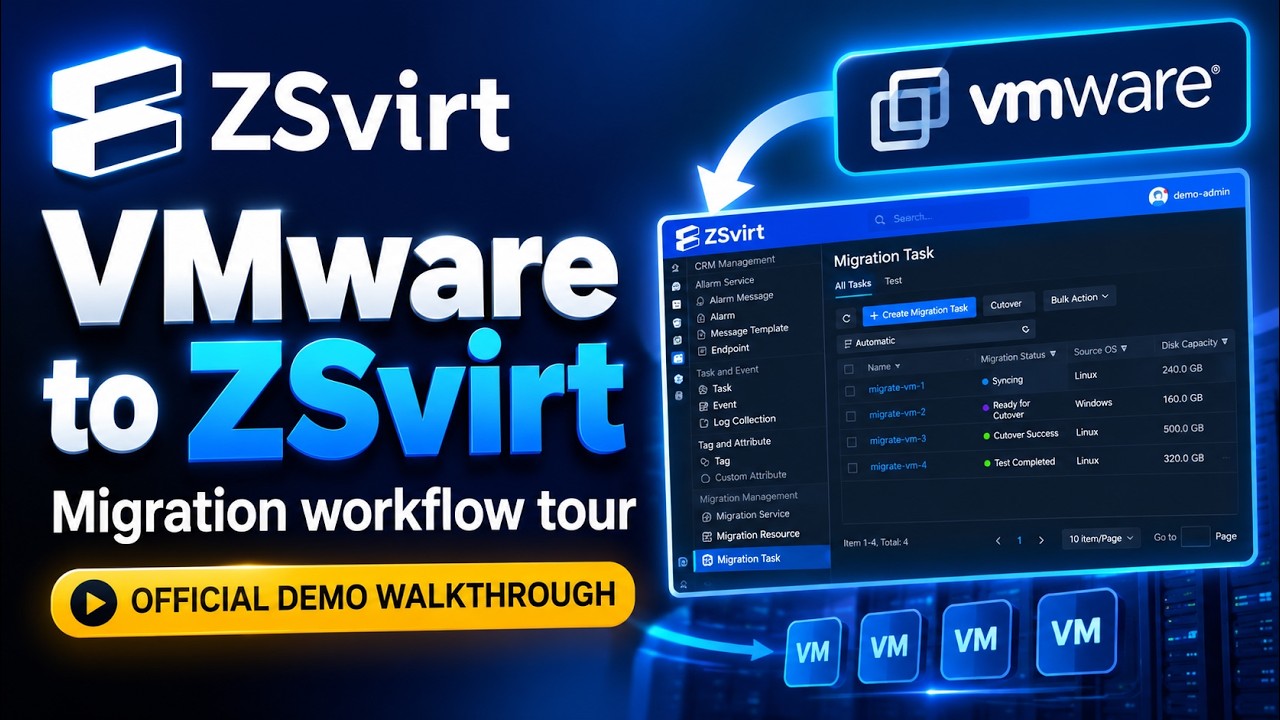
This video provides a detailed walkthrough of migrating virtual machines (VMs) from VMware to ZSvirt, an open-source virtualization platform released by Zstack under the GPL3 license. The presenter begins by introducing ZSvirt, explaining that it is a management layer built on top of KVM, allowing users to manage VMs, storage, networks, images, snapshots, and permissions through a web console. The video highlights where to download ZSvirt, including the ISO, OVA, and QCow2 images, and emphasizes verifying the ISO’s SHA256 hash to ensure authenticity.
The installation process is outlined step-by-step, with requirements such as a management node having at least eight CPU cores, 8 GB of memory, a 100 GB system disk, and a static IP address. The installation involves booting from the ISO, selecting the management node software, configuring network settings manually, and setting a root password. After installation, users access the web dashboard by logging in with default credentials, which should be changed immediately. For testing purposes, an OVA image can be imported into a hypervisor, though this is recommended only for labs or proofs of concept.
The video then tours the ZSvirt dashboard, showcasing its layout and key metrics such as VM counts, host status, CPU and memory utilization, storage usage, and alarms. The left sidebar provides navigation to various sections like resources, reliability, data protection, monitoring, operations, and settings. This overview helps users understand what to expect when managing their own ZSvirt environment.
The core focus is on the migration workflow, which involves deploying a separate migration service package called Z migrate. The migration process is managed through a wizard that guides users to register the source platform (e.g., VMware vSphere), create migration tasks, and execute synchronization, testing, and cutover steps. The video explains licensing considerations, volume limits on online migration, and the importance of planning downtime during cutover. It also notes alternative migration methods like OVF import and VMDK upload for single VMs without vCenter.
In conclusion, the presenter summarizes key points to check before attempting migration, including volume limits, license points, network configuration, disk space, and timing for cutover. While the platform claims support for large-scale deployments, these claims remain unverified. The video encourages viewers to try ZSvirt on spare hardware or VMs with hardware virtualization enabled and provides links for downloads and further information. Overall, the video serves as a practical guide to understanding and using ZSvirt’s migration capabilities.
Useful Links