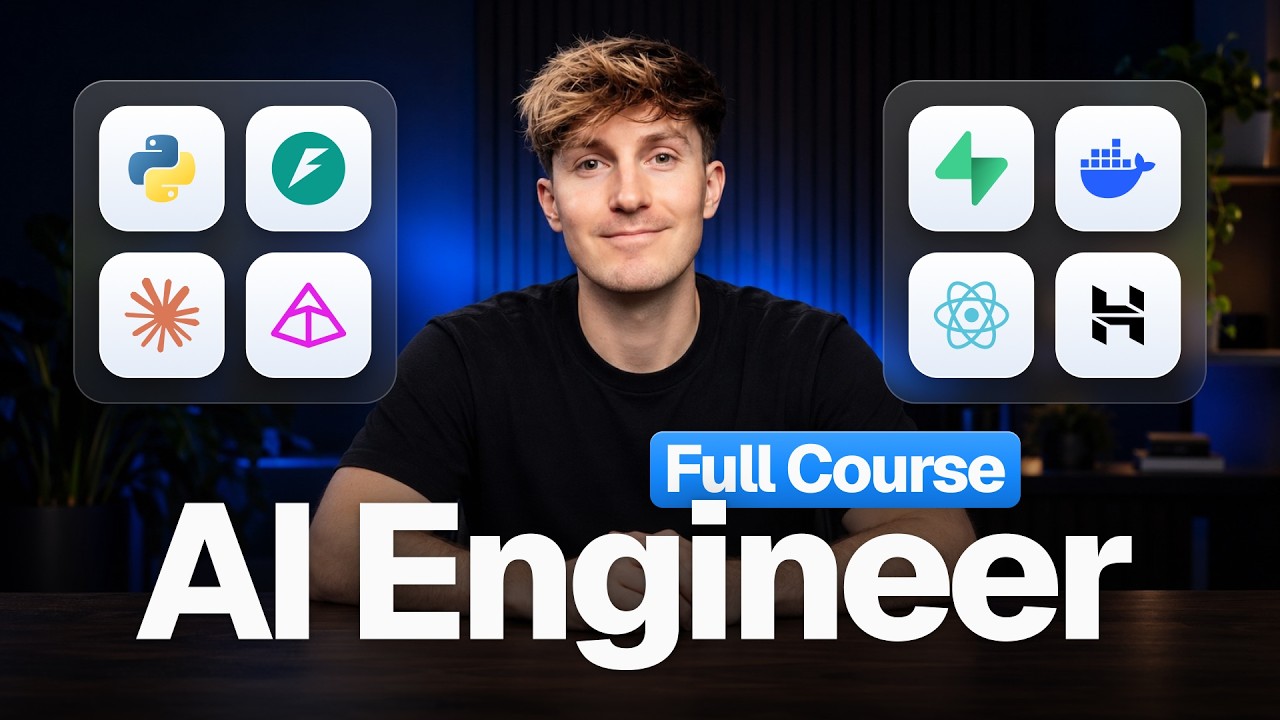
This comprehensive Full-Stack AI Engineering course guides learners through building an AI-powered customer support system modeled after real client projects. The system automates email handling by reading customer inquiries from a Gmail inbox, referencing a knowledge base, and generating replies using AI. If the AI is uncertain, it escalates the issue to a human agent via an admin dashboard. The course covers the entire stack, including backend development with FastAPI, AI integration using Pydantic AI and Anthropic models, database management with Supabase, frontend creation with React and ShedCN, and deployment on a VPS using Docker and Hostinger.
The backend setup begins with creating a FastAPI project that connects to Gmail via the Gmail API, handling OAuth authentication and token management. A polling mechanism is implemented to periodically check for new emails, classify them, and process replies or escalations. The system uses a PostgreSQL database managed through Supabase to store events, tickets, messages, and knowledge base entries. The course emphasizes best practices such as guardrails to prevent reply loops and structured data modeling with Pydantic to ensure reliable AI outputs.
On the AI side, the course introduces a multi-step pipeline where incoming emails are first classified by a smaller model to determine the nature of the request and whether human intervention is needed. Then, a more powerful agent model generates replies using tools that query the knowledge base. Business logic rules are hardcoded to guide the AI’s decisions, such as how to handle missing accessories or warranty claims. The course also covers evaluation techniques using golden datasets and automated tests to measure and improve the AI’s performance over time.
Deployment is a key focus, with detailed instructions on setting up a secure VPS on Hostinger, including SSH key management, firewall configuration, and connecting the server to GitHub via deploy keys. Docker is used to containerize the backend and frontend applications, enabling easy deployment and updates. The course demonstrates how to run the system continuously on the server, manage environment variables securely, and restrict database access by IP for enhanced security. This practical deployment knowledge equips learners with skills to run production-grade AI applications.
Finally, the course builds a React-based admin dashboard that allows support teams to manage tickets, view events, and update the knowledge base dynamically. The dashboard includes basic authentication and is integrated with the backend API. The course encourages learners to enhance the UI and add features, providing a full-stack project that can be showcased in portfolios or used as a foundation for freelancing. Overall, the course offers a deep dive into AI engineering, combining coding, AI integration, database management, deployment, and frontend development into a cohesive real-world project.