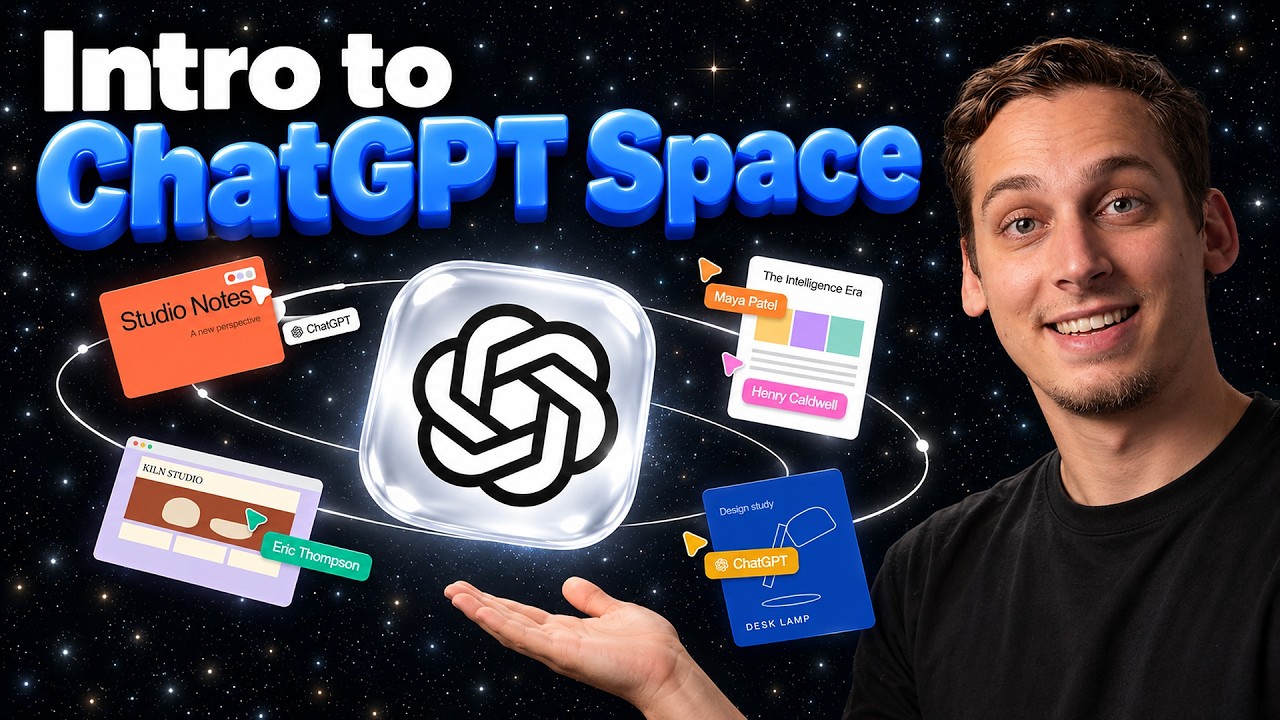
OpenAI recently introduced “Spaces” and “Pages” in ChatGPT, as announced during their DevDay event. Spaces serve as a central hub within the ChatGPT desktop app, allowing users to organize and manage their files, generated content, and synced documents. Pages are interactive documents within Spaces, supporting features like charts, images, checklists, dashboards, and more. This new functionality has been compared to a blend of Notion and Google Drive, offering a familiar yet integrated experience directly inside ChatGPT.
The ChatGPT desktop app now features a refreshed user interface, including the ability to pin plugins to the sidebar and access new tools like “dots.” Within Spaces, users can view and manage their pages, sites, images, and connect external plugins such as Google Drive or Dropbox. Spaces act as a library for all your content, making it easy to keep everything organized and accessible in one place.
To get started, users can select from various starter templates, such as a project tracker. When a template is chosen, ChatGPT generates a new page and populates it with relevant information, automatically updating it daily if needed. The interface allows for both document editing and chat interactions, enabling users to request summaries, visualizations, or other content generation directly within a page. For example, users can ask ChatGPT to generate a summary or create an interactive roadmap based on the page’s content.
Pages also support collaborative features like comments, image generation, and plugin integrations. Users can add comments to specific sections, request changes, and resolve feedback, similar to tools like Notion. Images can be generated and inserted directly into pages, and plugins like MagicPath can be used to create website variants or other interactive elements. Sharing pages is straightforward, allowing for easy collaboration and distribution.
Finally, Spaces help categorize and group related pages and chats, making it simple to manage projects or topics such as YouTube content. Users can tag chats and pages, generate summaries across multiple elements, and post updates directly to pages. The new system introduces a lot of flexibility and organization to ChatGPT, and the creator encourages viewers to experiment with these features, share their experiences, and join the community for further discussion and feedback.
Useful Links