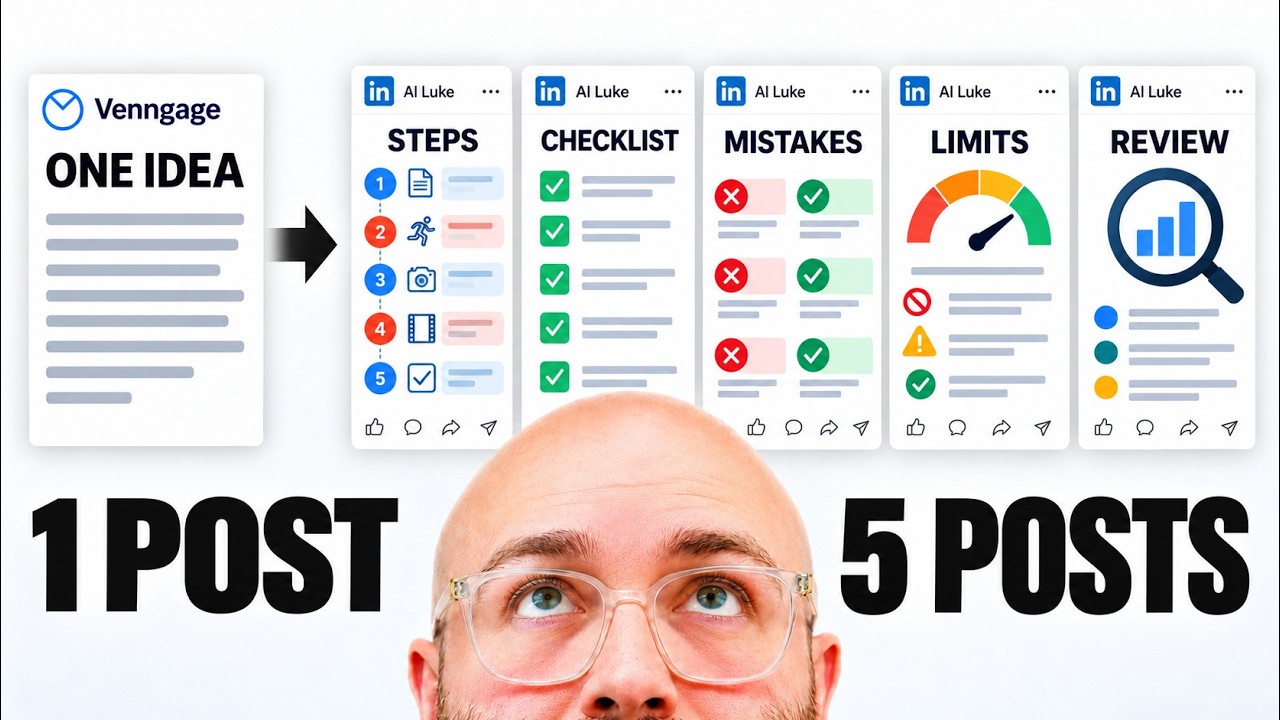
In this video, the creator demonstrates how to transform a single written post into five distinct LinkedIn infographics using Venngage, an AI-powered design tool. Each infographic serves a unique purpose, such as explaining a process, providing a checklist, highlighting common mistakes, clarifying the role of references, and offering post-production checks. The key idea is to extract multiple valuable angles from one piece of content, maximizing its usefulness and reach without redundancy.
The process begins by inputting the original post into Venngage’s AI infographic generator, specifying the desired style, headlines, and content for each of the five pages. The tool then produces fully editable infographics that maintain a consistent color scheme and design language. This approach allows for easy customization of text, layout, and visuals without the risk of losing other design elements, which is a common issue with other AI tools like ChatGPT when paired with separate image generators.
After generating the infographics, the creator reviews and refines the content to ensure clarity and accuracy, removing any unnecessary technical jargon or duplicated information. Adjustments to font size, page dimensions, and layout are made to enhance readability and visual appeal. This step emphasizes the importance of human oversight in AI-assisted design to maintain quality and ensure the messaging aligns precisely with the original source material.
Once finalized, the infographics are downloaded as high-quality PNG files and prepared for posting on LinkedIn. The creator suggests crafting engaging captions that complement each infographic, which can be generated or refined using AI writing assistants like Claude or ChatGPT. This combination of visual and textual content helps to attract and retain audience attention on social media platforms.
Finally, the video highlights the use of Codex browser to streamline the LinkedIn posting process without relying on complex APIs. Codex can prepare posts with images and captions, leaving them ready for review and scheduling directly within the browser. This workflow, powered by Venngage and Codex, offers a highly efficient way to repurpose content into multiple engaging posts, saving time and enhancing social media presence. The video concludes with a promotional offer for Venngage, encouraging viewers to try the tool with free daily generations and a discount code.