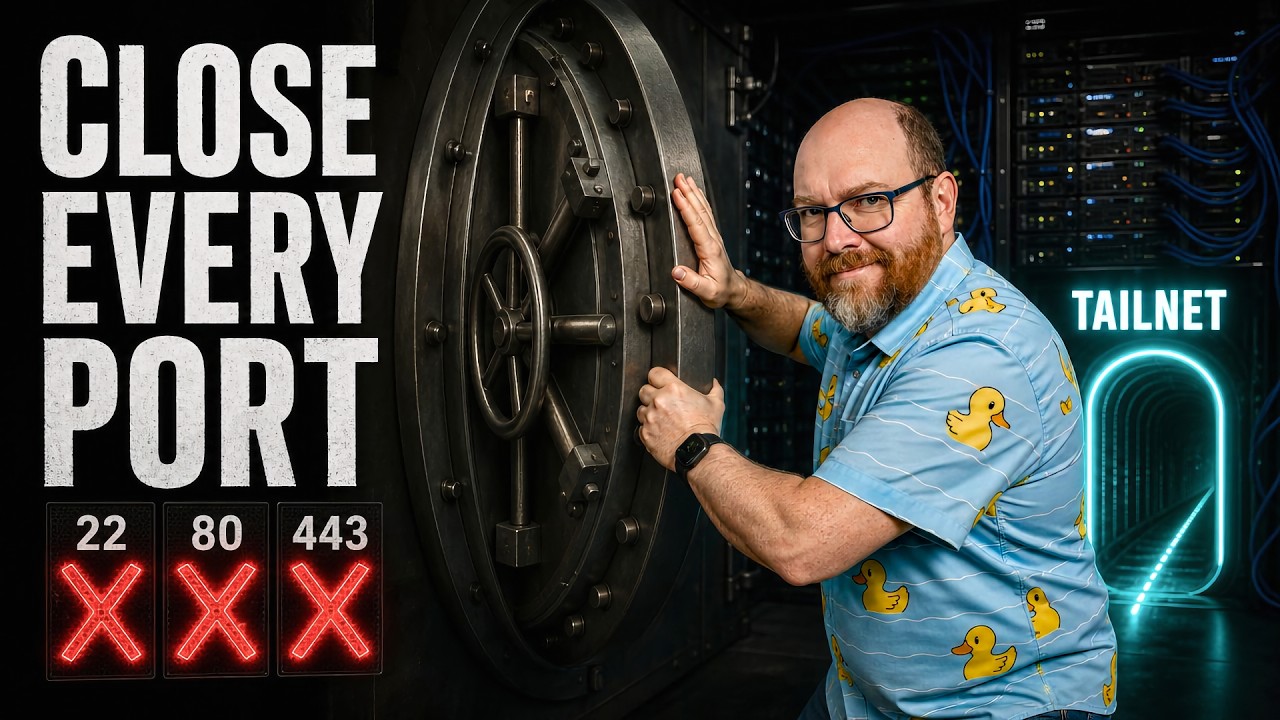
The video demonstrates how to securely lock down a VPS by closing all public ports and accessing it exclusively through Tailscale’s private network, using tags and grants for fine-grained access control. This approach eliminates exposure to the public internet, preventing common security risks while simplifying management and ensuring only authorized devices can connect to specific services.
This video explains how to securely lock down a Virtual Private Server (VPS) using Tailscale, a tool that creates a private network for your devices. The presenter highlights the common security pitfalls of VPS setups, where users often expose services like SSH or app dashboards to the public internet, making them vulnerable to automated attacks. Instead of relying on firewall rules alone, the recommended approach is to close all public ports and access the server exclusively through Tailscale’s private network, which assigns each device a unique IP and DNS name within the Tailnet.
The video walks through the initial VPS setup on Hostinger, emphasizing the importance of starting with a clean base OS like Ubuntu and immediately configuring strict firewall rules to block all incoming public traffic. The presenter also runs a custom bootstrap script to create a non-root user, install essential tools, and harden SSH by disabling root login and password authentication. This ensures that the server is inaccessible from the public internet while remaining fully functional internally, setting a secure baseline before integrating Tailscale.
Next, the video dives into configuring Tailscale’s access controls using tags and grants, which allow fine-grained permission management within the private network. The presenter demonstrates how to define tags for different roles (e.g., production, video, agent) and create grants that specify which machines and ports can communicate. This method replaces older access control lists and provides a scalable way to manage network permissions, ensuring that only authorized devices can access specific services on the VPS.
After configuring access controls, the VPS is added to the Tailnet with the appropriate tags, and the presenter shows how to install and authorize Tailscale on the server. Once connected, users can securely SSH into the VPS using its Tailscale IP or hostname, bypassing the public internet entirely. The video also suggests testing the setup by temporarily removing grants to confirm that unauthorized access fails, reinforcing the security benefits of this approach.
In conclusion, the video encourages a shift in mindset from trying to protect exposed ports to eliminating unnecessary exposure altogether. By using Tailscale as the sole access path and carefully managing permissions, users can prevent common mistakes that lead to security breaches, such as accidentally exposing admin dashboards or binding apps to all interfaces. This setup not only secures the VPS but also simplifies ongoing management, providing peace of mind for running apps like OpenClaw or Hermes without fear of unwanted external access.