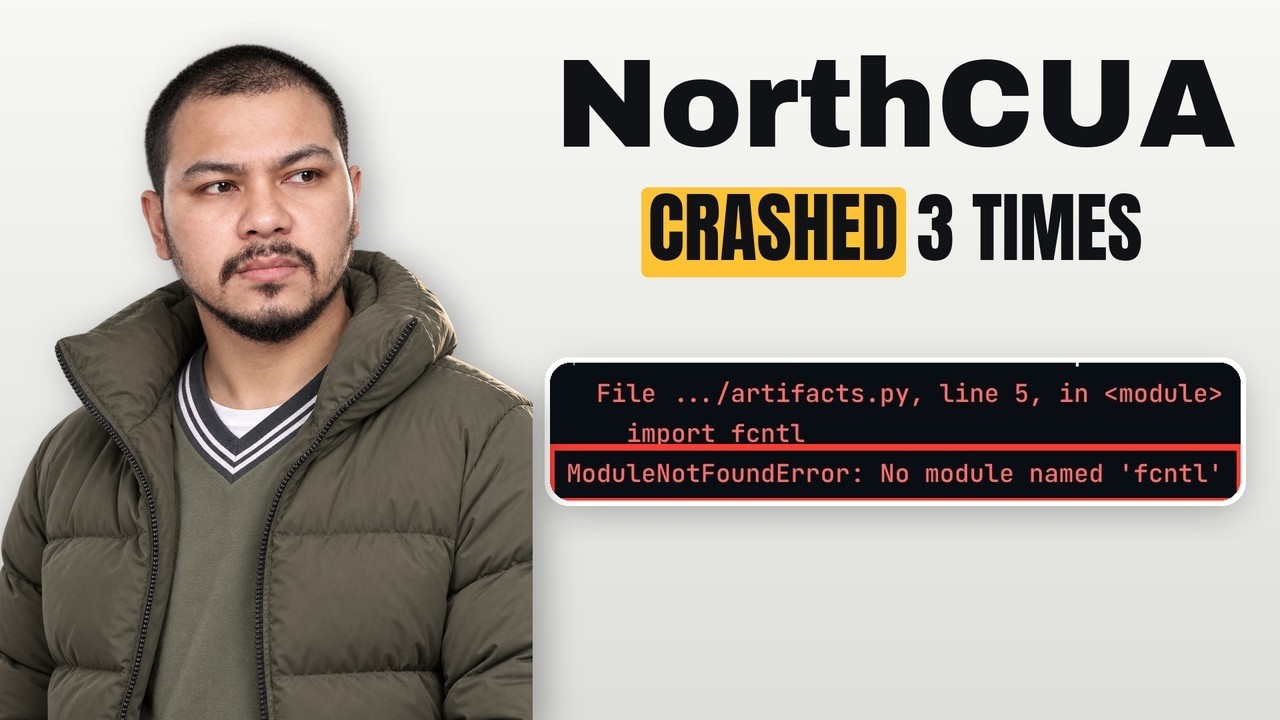
The video reviews the newly released open-source desktop agent called NorthCUA (NSQL) on Windows, highlighting its initial instability with three crashes before successfully running a simple scripted task. NorthCUA is a harness designed to run vision models that can interact with desktop and web environments by simulating mouse clicks and keyboard inputs. It is not a model itself but a runtime framework that requires users to supply their own models. The harness aims to manage tasks by preparing, acting, evaluating results independently, and maintaining evidence for verification, with a focus on reliability and long task management.
The video explains the three model sizes compatible with the harness: Nano (9 billion parameters), Mini (35 billion total, 3 billion active), and Pro (397 billion total, 17 billion active). Active parameters refer to the amount of computation per token, not memory usage, which is substantial—especially for the larger models that require hundreds of gigabytes of memory, far exceeding typical consumer GPUs. The Mini model is highlighted as the most practical, achieving near-Pro performance with fewer active parameters. The models were trained using reinforcement learning with extensive task data, and the harness supports multiple communication protocols to connect with these models.
Installation on Windows revealed several issues: the need for a newer version of the UV library, the absence of the Unix-only FCNTL module requiring a workaround, and Unicode encoding errors fixed by enabling Python’s UTF-8 mode. Despite these hurdles, the harness successfully ran a scripted demo task that clicked a button and verified the result, demonstrating the harness’s ability to capture detailed logs, screenshots, and evaluation reports. However, the scripted model lacks real intelligence, so the success of this demo does not prove the effectiveness of the models themselves.
Further testing involved deliberately breaking tasks to observe failure handling and recovery. The harness’s evaluator correctly identified failures when the task ran out of steps without completing, but a fake failure test passed due to lenient test fixtures. Batch recovery features, important for running multiple tasks reliably, could not be tested on Windows due to OS-specific limitations. Desktop control features also remain untested on Windows because they require a real vision model and an interactive desktop environment, which the reviewer did not have.
In conclusion, the video confirms that NorthCUA can be installed and run on Windows with some patching and workarounds, but many features remain unproven on this platform. The harness works as intended in managing tasks and evaluations, but the quality and performance of the actual models are not demonstrated. The reviewer advises Linux or Mac users to follow official tutorials for a smoother experience and encourages viewers to suggest which models to test next. The key takeaways are that NorthCUA is a harness, not a model; the agent’s completion and evaluator’s success are separate; and Windows users should expect to patch and treat some features as experimental.