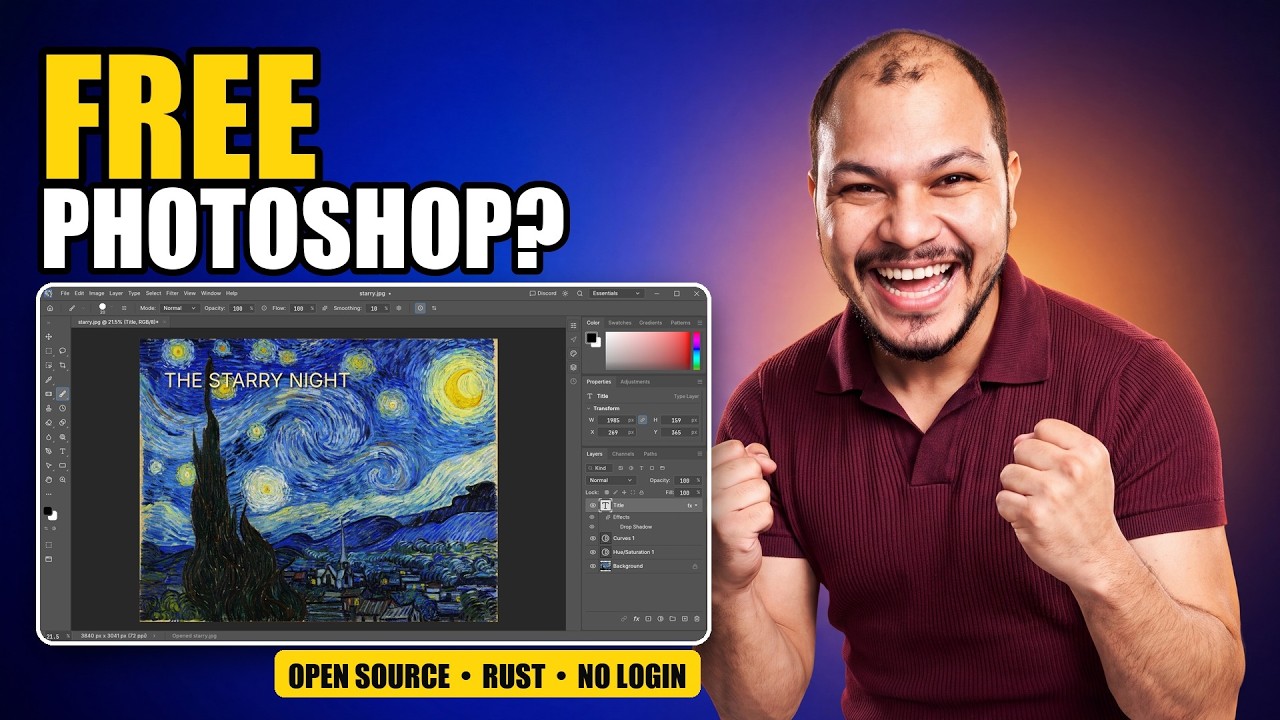
The video introduces PhotoCraft, an open-source Photoshop alternative written entirely in Rust. Although it is not Adobe’s Photoshop, it is a clean room reimplementation built from public specifications and observed behavior, with no proprietary code involved. The project has gained significant attention since its creation on September 30th, quickly amassing around 37,000 stars and over 5,000 forks on GitHub, contributed to by a community of 166 people. PhotoCraft is free, offline, and runs natively on multiple platforms including Windows, Mac, Linux, FreeBSD, and even in browsers via WebAssembly.
PhotoCraft offers a familiar Photoshop-like interface with layers, adjustment layers, and a layers panel, following Photoshop’s layout for menus, shortcuts, and panels. It uses GPU acceleration through WGPU, supporting Vulkan, DX12, and Metal, without relying on Electron or web views. The installation process is straightforward, with options for a portable zip or MSI installer on Windows. The portable version keeps all preferences and autosaves contained within its folder, making it easy to remove without leaving traces on the system.
The video demonstrates PhotoCraft’s capabilities by editing a high-resolution image of Van Gogh’s Starry Night. The user adds a hue/saturation adjustment layer, a curves adjustment layer, and a type layer with editable text and drop shadow effects. The software preserves the layer structure when saving as a PSD file, ensuring compatibility with Photoshop users. The project claims strong PSD file support, with 307 out of 309 test files rendering correctly after resaving, showcasing its practical use for collaborative workflows.
PhotoCraft also includes a command-line interface (CLI) that allows users to automate tasks and run batch processes. The CLI supports a wide range of commands, enabling scripted image editing and integration with AI agents like Claude, which can control the editor via an MCP server. This feature highlights the project’s flexibility and potential for advanced workflows, including headless operation and batch processing of multiple images.
Despite its promising features, PhotoCraft is still in early alpha and not yet suitable for professional daily use. Missing elements include AI and generative features, some Photoshop tools, advanced typography, pro workflows, and plugin compatibility. The developers acknowledge rough edges and potential file handling issues but continue to release frequent updates with contributions from a diverse community. Overall, PhotoCraft represents a significant step toward a free, open-source, and cross-platform Photoshop alternative that users can try and contribute to today.
Useful Links