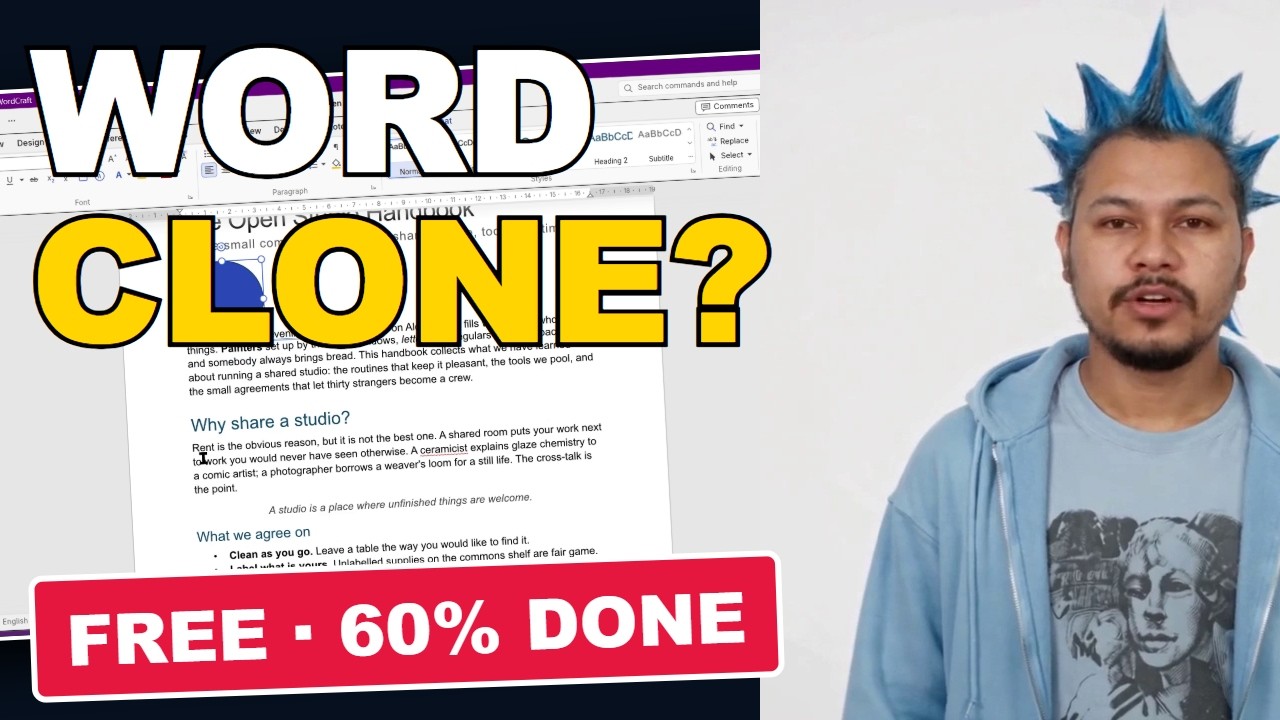
The video reviews Wordcraft, a newly developed open-source word processor written entirely in Rust. Despite being only 10 days old, Wordcraft has quickly gained popularity, boasting 14,000 stars on GitHub. The application impresses with its speed, performing tasks like bolding a word and saving the document in just 44 milliseconds, and converting documents to PDF in under three seconds on a modest laptop. Wordcraft is designed from scratch based on public specifications, not Microsoft’s code, and supports multiple platforms including macOS, Windows, Linux, and browsers, using GPU acceleration via EGUI instead of Electron.
Wordcraft is currently in alpha stage, covering about 88% of Microsoft Word’s ribbon features through commands. However, its overall readiness to replace Word is rated at 60%, with 55% suitability for professional workweeks and 63% for everyday use. The developers plan to improve support for real DOC files, graphics, SmartArt, pagination, and native printing in future beta releases. The project is actively maintained with frequent releases and is licensed under Apache 2.0 and MIT, making it free to use.
The reviewer demonstrates Wordcraft’s core features, including text formatting, autoformatted bulleted lists, drop caps, line numbering, text wrapping around shapes, track changes, and theme switching between light and dark modes. The interface closely resembles Microsoft Word, making it familiar to users. The command-line interface is also highlighted for its speed and flexibility, allowing users and AI agents to manipulate documents efficiently through a wide range of commands.
While the reviewer did not test Wordcraft’s performance on large, complex documents with tables and extensive change tracking, the developers claim impressive typing speeds even on lengthy documents. The reviewer confirms that basic features work well and the application installs quickly and runs smoothly. However, the project is still in early development, and some advanced features like saving charts and SmartArt are not yet fully functional.
In conclusion, Wordcraft is a promising free alternative to Microsoft Word, especially for users needing offline word processing or script-based document manipulation. The project’s current readiness level is about 60%, making it suitable for basic tasks but not yet a full replacement for Word in professional environments. The reviewer encourages viewers to try Wordcraft and share their thoughts on switching from Word to a free alternative, while teasing future reviews of other open-source tools.
Useful Links