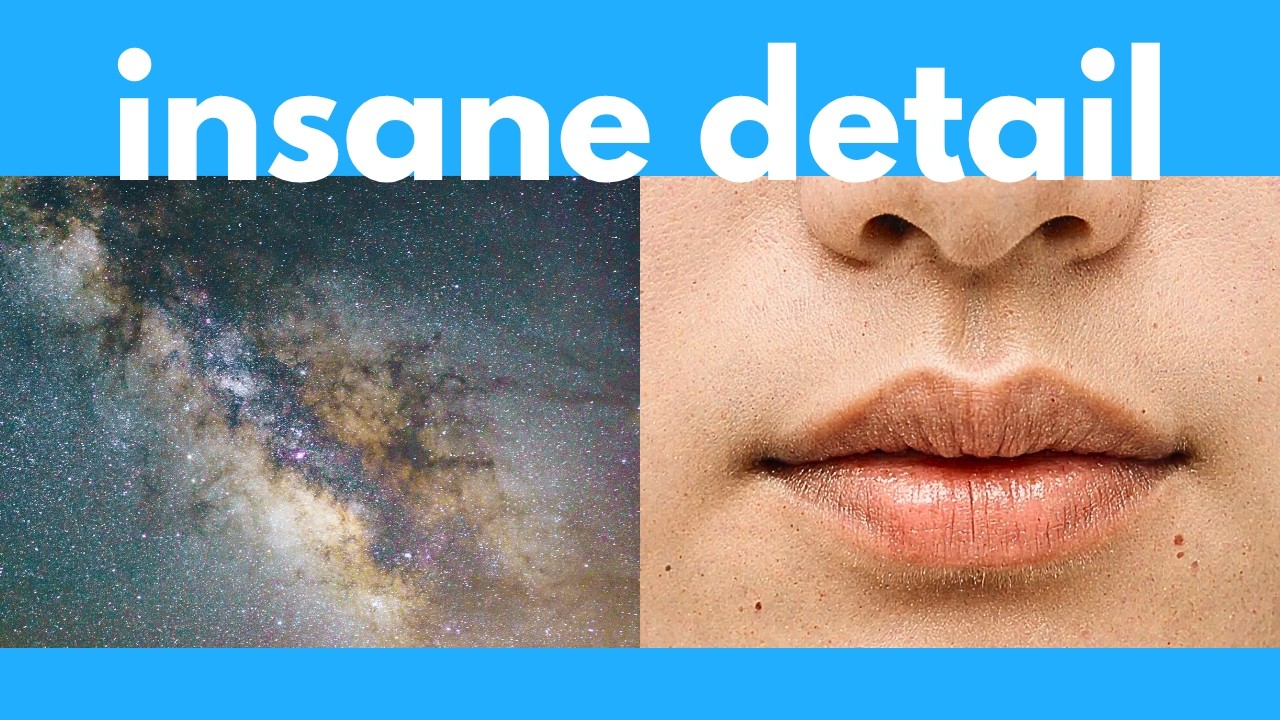
The video introduces DYP, a powerful AI image generator capable of producing native 4K resolution images with exceptional detail, eliminating the need for upscalers. Unlike older models such as Quinn Image, Flux, or Stable Diffusion, which struggle with high-resolution outputs and often produce distorted or low-quality images when scaled up, DYP generates sharp and proportionally accurate images directly. The presenter showcases several official demos and personal examples, highlighting the impressive clarity and intricate details in portraits, landscapes, and even oil painting-style images, emphasizing DYP’s capability to create high-resolution images suitable for large prints or posters.
The tutorial then shifts focus to the installation process, guiding viewers on how to set up DYP on their computers for free, offline, and unlimited use. Instead of using the official GitHub repository directly, the presenter recommends integrating DYP with Comfy UI, a popular platform for running open-source AI models offline. By cloning the Comfy UI DYP repository into the custom nodes directory and loading a pre-built workflow, users can easily access DYP’s functionalities without building complex nodes from scratch. This integration simplifies the user experience and leverages Comfy UI’s robust interface.
Next, the video covers the necessary model downloads required for DYP to function correctly, including the Flux Create Dev FP8 scaled model, text encoders, and a VAE model. These models are quite large, with some files exceeding several gigabytes, so users should be prepared for significant download times and storage requirements. After downloading, users must refresh their model list in Comfy UI and select the appropriate models in the workflow. The presenter explains key settings such as image dimensions, batch size, seed values, step count, and CFG scale, providing recommendations for optimal results when generating high-resolution images.
The presenter also discusses advanced features like the DYP exponential value, which controls the dynamic effect strength during image generation and is crucial for producing high-quality 4K or higher resolution images. Additionally, options like Sage Attention can speed up generation times but require extra installation steps. The video demonstrates generating a detailed aerial view of an ancient city in the forest, taking several minutes on a 16GB GPU, illustrating the trade-off between image quality and generation time. The workflow automatically saves generated images, making it convenient for users to access their creations.
Finally, the video addresses the question of censorship and content restrictions. While Flux is not the most uncensored model available, users can enhance DYP’s capabilities by adding Loras—additional model components that modify or extend the base model’s behavior. The tutorial shows how to load and integrate a Flux Lora into the workflow, enabling more customized and potentially less restricted image generation. The presenter encourages viewers to share any installation issues in the comments and promotes a free weekly AI newsletter for staying updated on the latest AI developments. Overall, the video provides a comprehensive guide to harnessing DYP’s powerful 4K image generation capabilities through Comfy UI.