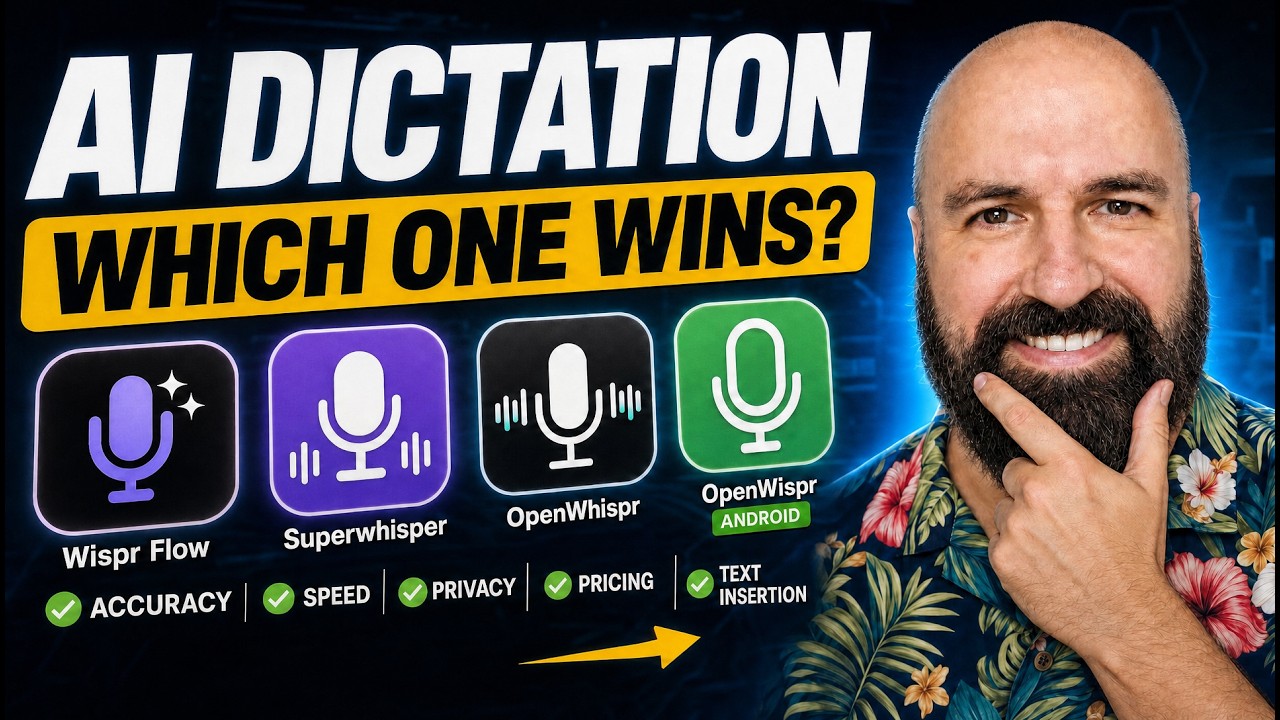
The video explores various voice typing apps, highlighting their features, pricing, and usability, with a focus on local processing for privacy and cost benefits. The presenter emphasizes the importance of local processing to avoid uploading sensitive information to the cloud, which can pose privacy risks. Additionally, voice typing is praised for its versatility across different applications like note-taking, messaging, and meeting transcription, offering a more efficient alternative to traditional typing.
The first app reviewed is Whisper Flow, which stands out for its polished interface, extensive language support (over 100 languages), and advanced features like personal dictionaries, snippets, and style learning for different communication contexts. It offers integration with various apps and APIs, and its pricing starts at €12 per month for unlimited dictations. Whisper Flow also provides meeting transcription with speaker identification and summary generation, making it suitable for business use. The app’s voice recognition is accurate and formats text into readable paragraphs, though some minor errors in spelling and punctuation were noted.
Next, Superwhisper is discussed as a more barebones alternative with a lower price point ($84.99 yearly or a lifetime option). It supports local models and offers customization through different modes and snippets but lacks advanced text polishing features. The app uses both free and subscription-based local models, with some confusion around the “pro” model access. While it transcribes accurately, it does not clean up or format the text, making it less refined compared to Whisper Flow.
OpenWhispr is presented as a middle ground, offering local and cloud transcription options with a polished interface and useful features like audio file and YouTube transcription. It supports multiple models that can be downloaded and customized, including text cleanup models that improve grammar and formatting. Pricing is cheaper than Whisper Flow, and the app integrates with various services and APIs. Tests showed it could correct errors and format text better than Superwhisper but still had some issues with name recognition and text flow.
Finally, the video covers an open-source app called Open Whisper (by Team 3B), notable for its offline functionality on Android without requiring accounts or payments. It downloads local models for fast, private transcription but lacks advanced text formatting and sometimes misrecognizes names. The presenter concludes that while Whisper Flow offers the best quality and convenience at a higher price, the other apps provide more affordable or free options with trade-offs in accuracy and polish. Viewers are invited to share their preferences between paying for convenience or using free models with less perfect results.
Useful Links