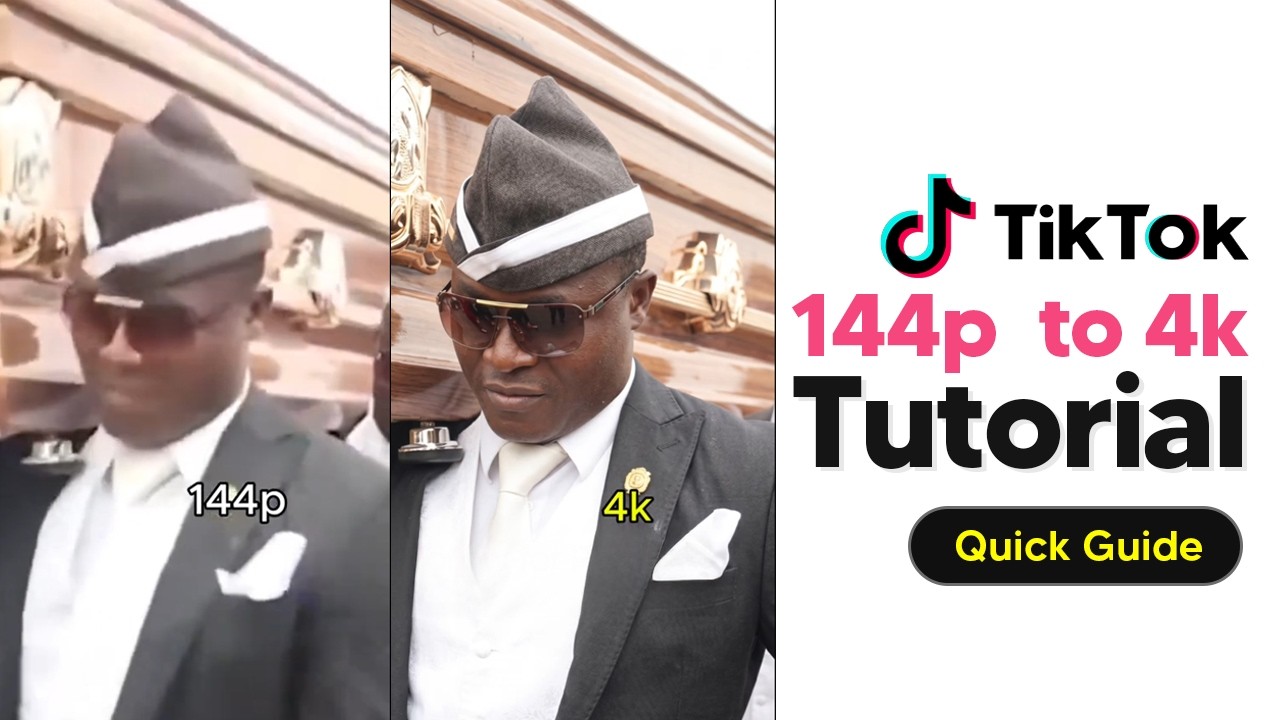
The tutorial demonstrates how to transform low-quality meme videos into high-resolution 4K clips synced with a specific soundtrack by using video editing software and AI image upscaling tools like Gemini AI. It guides viewers through downloading audio, editing clips, capturing still frames, upscaling images, adding text overlays, and exporting the final viral TikTok video with a smooth quality transition effect.
The video tutorial explains a trending TikTok editing technique where low-quality meme videos are transformed into high-resolution 4K clips synced with a specific soundtrack. The creator begins by showing how to download the soundtrack, either by right-clicking the video or using a TikTok downloader website like Snaptick. After obtaining the soundtrack, the user imports it into a video editing software such as Premiere Pro or CapCut, where they mark the points in the audio where the video quality changes to 4K.
Next, the tutorial guides viewers to find and download low-quality meme videos from TikTok by searching for “lowquality memes.” The creator selects three such videos, downloads them, and imports them into the editing timeline. Each video is scaled to full screen, and the audio is unlinked and removed. The clips are then trimmed at the points where the soundtrack signals a switch to 4K, and screenshots of the final frames before the switch are taken to be used later as still images.
The still images captured from the low-quality videos are then upscaled using AI tools like Gemini AI or ChatGPT’s new image generation feature. The creator emphasizes uploading one image at a time and starting a new chat session to avoid errors. These AI tools regenerate the images at a higher resolution, effectively simulating a 4K upgrade. The upscaled images are downloaded and imported back into the editing timeline to replace the original low-quality still frames.
Once all the clips and upscaled images are arranged on the timeline, the creator adds text overlays indicating “144p” during the low-quality segments and “4K” during the high-resolution parts. The text is styled with simple fonts and strokes for visibility and positioned strategically on the screen. The final video is then exported with settings that match the source quality to ensure proper formatting and resolution.
In conclusion, the tutorial provides a step-by-step guide to creating viral TikTok videos that transition from low-quality to 4K using AI upscaling and precise editing techniques. The creator offers project files, prompts, and soundtrack downloads through a free community link to help viewers replicate the effect easily. This trend is popular for its entertaining visual transformation and is accessible to anyone with basic video editing skills and access to AI image upscaling tools.