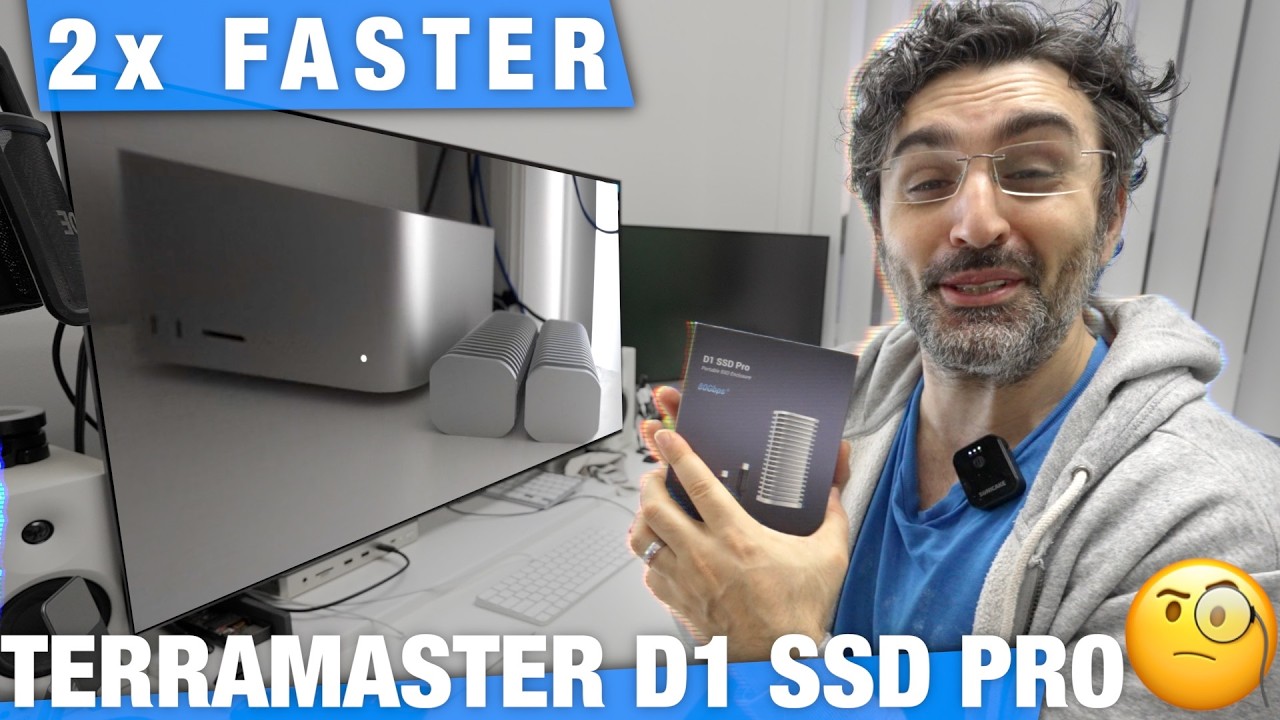
In this video, the presenter explores maximizing SSD speeds using TerraMaster’s Fundable Five SSD enclosure, which supports up to 80 gigabits per second. Unlike the previously used TerraMaster DS4, which supports four SSDs but only Fundable 3 speeds, the Fundable Five promises faster performance. The presenter demonstrates the ease of installing SSDs into the enclosure, highlighting the thermal management features like heat sinks and thermal tape. Two high-speed T705 SSDs, capable of 14,000 MB/s, are installed and raided together to test their combined performance.
The RAID 0 setup is explained as a method to combine multiple drives to increase read and write speeds by splitting data across drives. The presenter notes that while RAID 0 can double speeds, it carries the risk of data loss if one drive fails. Upon testing, the RAID 0 configuration on the Fundable Five achieves impressive read speeds of nearly 7,000 MB/s, significantly faster than the previous DS4 setup and even beating the internal SSD speeds of the Mac Studio. However, write speeds appear lower than expected, possibly due to background processes.
The real-world impact of this speed boost is demonstrated by loading large AI models. The presenter compares loading times of a 448 GB GLM model on the internal Mac Studio SSD versus the RAID 0 Fundable Five setup. The RAID configuration loads the model in 38 seconds, nearly twice as fast as the internal SSD, which takes over a minute. Multiple tests confirm the consistency of this performance gain, suggesting that the RAID setup is highly effective for speeding up large file operations like AI model loading.
The presenter speculates on reasons for the discrepancy between synthetic speed tests and actual loading times, suggesting that background system activities or differences in file sizes and types might affect results. Despite some uncertainties, the practical benefits of the RAID setup are clear, prompting the presenter to consider migrating all model files to this faster storage solution. The potential for even greater speeds with additional drives in the RAID array is highlighted as an exciting prospect for future upgrades.
Finally, the video concludes with a brief tutorial on how to create a RAID 0 array on macOS using Terminal commands. The presenter walks through identifying physical drives, avoiding system drives, and combining external drives into a RAID 0 volume. A warning is given that creating a RAID array will erase the drives involved. The resulting RAID volume combines the capacities of the individual drives, offering both increased speed and storage space, making it an attractive solution for users needing high-performance external storage.