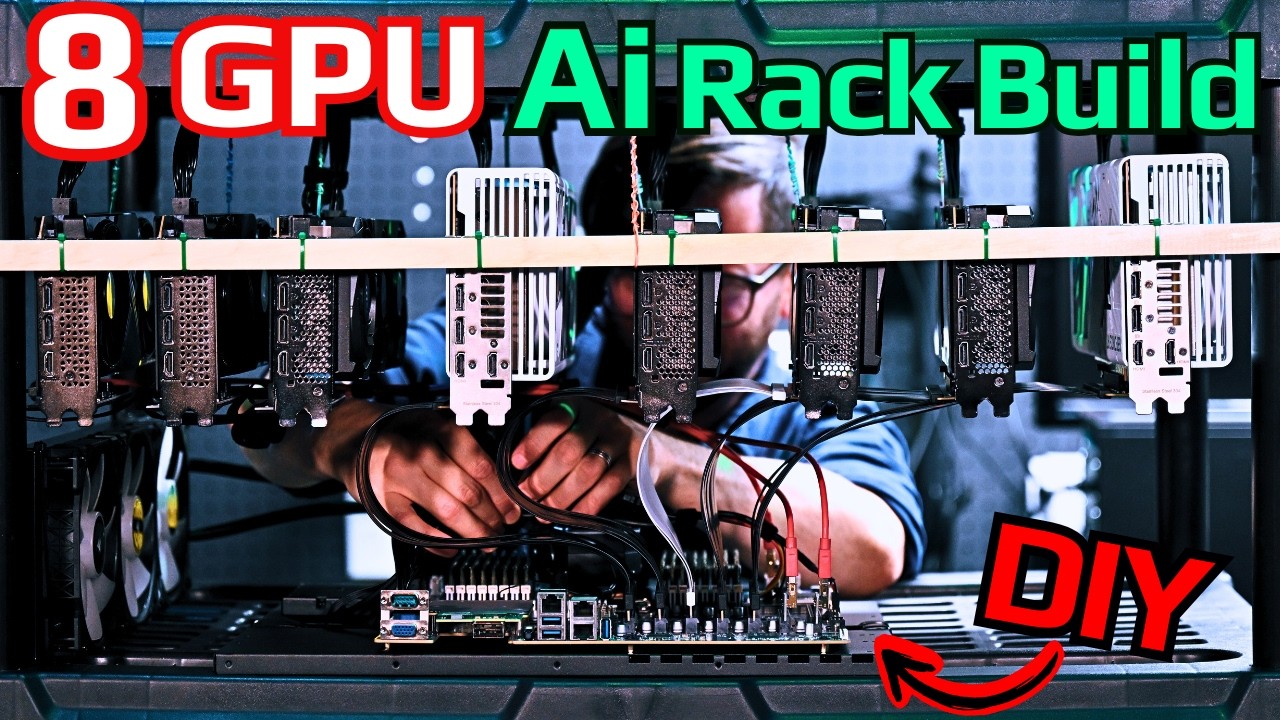
The video details the process of building a high-capacity local AI home server rack capable of supporting eight to sixteen GPUs, with a focus on maximizing expandability and efficient power management. The creator aims to transform their home lab into a local AI data center, emphasizing the importance of dedicated power supplies, robust cabling, and airflow. The build is designed to run advanced AI models like Miniax 2.5 in quant 4 with Unsloth UD Q4 KXL, leveraging a Gigabyte MZ32-AR0 motherboard known for its ability to handle multiple GPUs and PCIe bifurcation. The setup is intended to save costs and space compared to running multiple separate rigs.
The construction process involves careful planning and customization, including drilling holes in the rack legs, using dowels and repurposed Cat 5 cables for sturdy GPU mounting, and ensuring that the GPUs are spaced for optimal airflow. The creator discusses the challenges of mounting different GPU sizes and stresses the importance of avoiding contact between wires and sensitive GPU components. Zip ties are recommended over screws for securing components, as they prevent wear on the rack and allow for easier adjustments. The video also highlights the need for a strong center support to handle the cumulative weight of multiple GPUs.
Motherboard mounting is addressed with a $20 EATX-compatible mount plate, and the creator advises against using unnecessary riser attachments that could impede airflow. The choice and layout of PCIe risers are discussed in detail, with a preference for full x16 risers for high-end GPUs to maintain performance, especially for image and video generation tasks. The video warns against using SATA connectors for risers and explains the trade-offs between Gen 4 and Gen 5 PCIe standards, recommending Gen 4 for most users due to cost and compatibility considerations.
Power supply placement is optimized by mounting PSUs at the top of the rack, allowing cables to “rain down” to the GPUs and motherboard. The system uses two high-wattage PSUs and is connected to a robust UPS for power conditioning and protection against outages or surges. The creator emphasizes the importance of dedicated electrical circuits and proper wire gauge, especially for high-power setups, and provides tips for cable management and rack stability. The build is tested for power-up, and the system successfully boots, with all fans and water cooling operational.
In the final setup, the server rack boasts 512 GB of RAM, 64 CPU cores, and eight GPUs, with the potential to expand further. The system demonstrates impressive performance running local AI models, achieving high token generation speeds and efficient VRAM utilization. The creator expresses satisfaction with the build’s cooling, cable management, and overall functionality, positioning it as an ideal solution for local AI experimentation and development. The video concludes with encouragement to consult the accompanying written guide and thanks to channel supporters for making such projects possible.