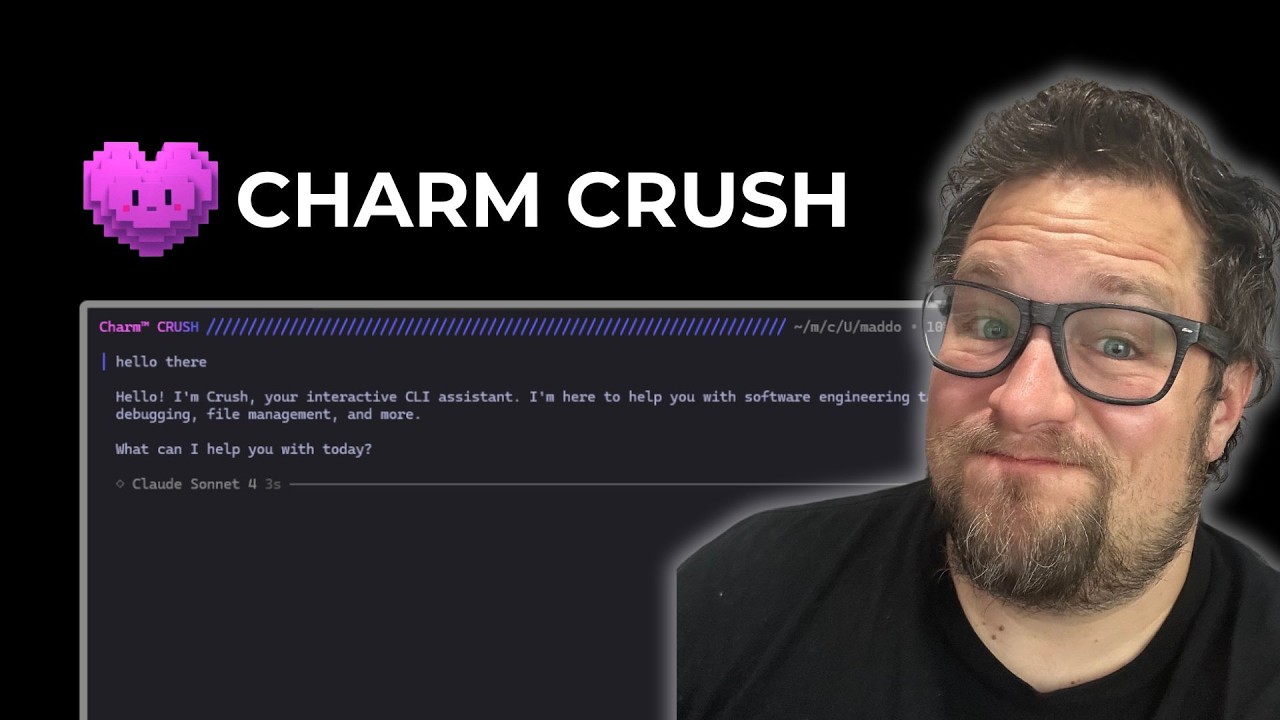
The video introduces Crush, a new AI coding assistant developed by Charm, highlighting its beautiful and glamorous terminal-based user interface. The presenter expresses excitement about the tool’s design and functionality, showcasing its smooth UI and responsive features. He demonstrates how Crush operates, including its two modes: the regular mode, which requires permission prompts for actions like creating directories or writing files, and the YOLO mode, which bypasses these permission requests for a more seamless but riskier experience. Despite some quirks, such as frequent permission requests and occasional freezing, the overall user experience is praised for its speed and responsiveness.
One notable aspect of Crush is its detailed side panel that provides summaries of completed tasks, including project details and cost information. The presenter appreciates this feature as it adds clarity and transparency to the coding process. He also points out some minor idiosyncrasies, like the use of forward slashes instead of the more common “@” symbol for adding files, but notes that these are minor issues given the tool’s overall performance. The model selector is another highlight, allowing users to easily switch between different AI models, enhancing flexibility and customization.
The presenter shares his experience running evaluations on Crush using different AI models like Quinn 3 coder and Sonnet 4, noting that while Sonnet 4 had issues running through Open Router, Quinn 3 coder performed well. He compares Crush’s performance scores with other AI coding tools, finding it competitive and solid, especially considering its low memory footprint and cross-platform compatibility. Despite the abundance of AI coding assistants available, Crush stands out for its unique combination of aesthetics and functionality.
However, the video also addresses some areas for improvement. The permission system, while important for security, can be frustrating due to repeated prompts that interrupt workflow. The presenter suggests that better configuration options could alleviate this annoyance, allowing users to balance control and convenience. Additionally, Crush currently lacks some advanced features like message queuing and custom slash commands, which are common in other tools. Nonetheless, the developer’s inclusion of logs and support for custom providers shows promise for future enhancements.
In conclusion, Crush is presented as a highly impressive and visually appealing AI coding assistant with strong foundational features and a smooth user experience. While it is still new and has some rough edges to smooth out, particularly around permissions and feature completeness, it holds great potential. The presenter expresses optimism about its future development and encourages viewers to try it out and share their experiences. Overall, Crush is positioned as a standout CLI coding tool that combines style, speed, and solid AI capabilities.