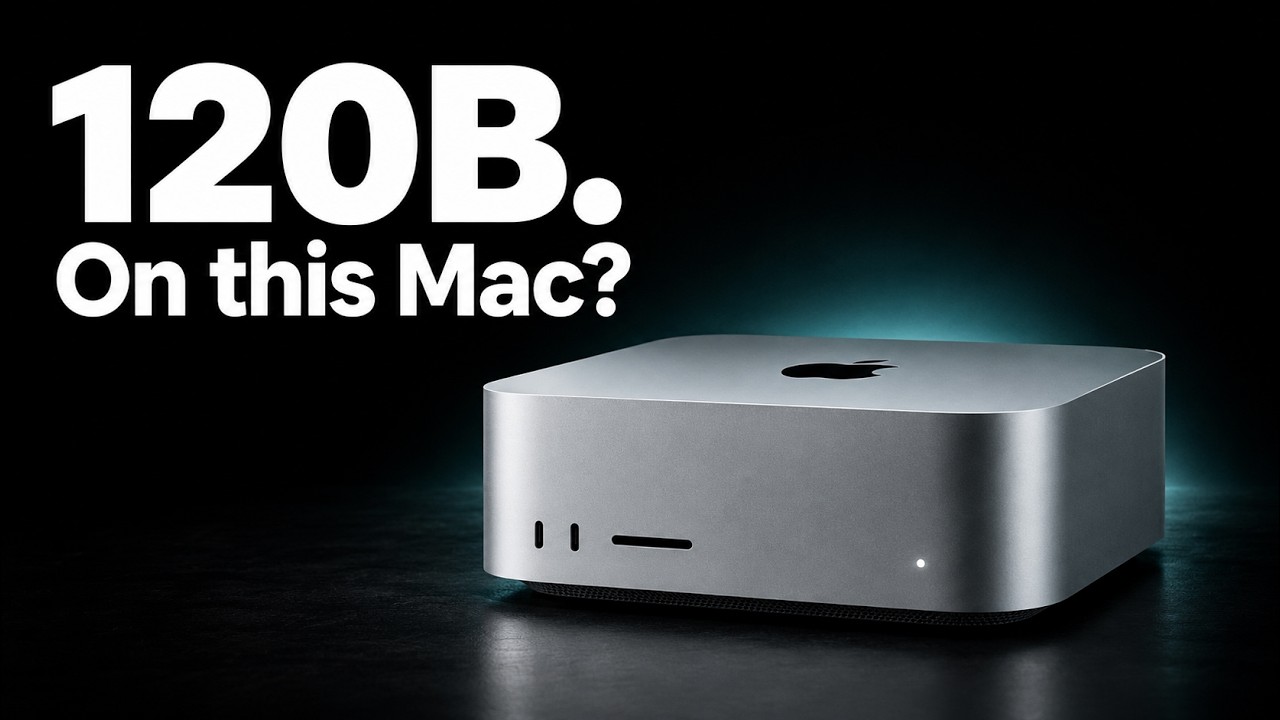
Apple’s $5,499 Mac Studio with the base M5 Ultra chip and 96 GB of unified memory does not allocate the full 96 GB to AI models. By default, macOS reserves about three-quarters of this memory for the graphics side where AI models run, leaving the rest for the operating system and other applications. This means the effective memory budget for AI models is roughly 77 GB, increasing slightly to about 83 GB on newer macOS versions. Different applications handle this memory limit differently, with some crashing if the model size hits the limit, while others warn or slow down. Users can temporarily increase this memory allocation via a terminal command, but it resets on reboot and should be used cautiously.
For practical use, dense AI models up to around 30 billion parameters run comfortably within this memory budget, with ample room left for conversation memory and system processes. For example, the Quen 3.8 27B model in 4-bit precision uses about 16 GB, leaving plenty of headroom. Writing speeds on the base Mac Studio for these models are comparable to those on higher-end machines, making them a solid, zero-drama choice for users. However, stepping up to classic dense 70 billion parameter models is less practical. Although these models fit in memory, they run significantly slower due to the need to read the entire model for every token generated, resulting in slow response times and high memory usage for conversation context.
Mixture of experts (MoE) models around 120 billion parameters represent the sweet spot for the 96 GB Mac Studio. These models activate only a small subset of their parameters per token, allowing much faster generation speeds despite their large overall size. For instance, OpenAI’s GPT OSS120B runs at over 100 tokens per second on the base M5 Ultra, outperforming dense 70B models by a wide margin. MoE models also manage conversation memory more efficiently, making them ideal for longer chats. Popular options include GPT OSS120B and Quen 3.5 122B, which come in 4-bit downloads sized around 63 to 72 GB, fitting comfortably within the memory budget.
A unique exception is the Quen 3.8 Flash Next model, which exceeds the 96 GB memory limit but cleverly offloads a large lookup table (about 30 GB) to the SSD. This architectural trick allows it to run on the base Mac Studio with impressive speeds, although fresh prompts are slower due to disk reads. This model requires specific software support (such as OMLX) to handle the offloading correctly; otherwise, it will run out of memory. While this approach pushes the boundaries of what the hardware can handle, it is not a universal solution and depends heavily on software compatibility and user tolerance for slower initial responses.
Models larger than 200 billion parameters, such as DeepSeek V4 Flash and GLM 5.3 Flash, simply cannot fit into the 96 GB memory of the Mac Studio, even with aggressive quantization or offloading tricks. These models require significantly more memory, making a hardware upgrade to machines with 256 GB or more necessary. For most users, the best strategy is to choose mixture of experts models around 120 billion parameters or dense models around 30 billion parameters for 8-bit precision, avoiding the dense 70 billion tier due to its poor performance and high memory demands. Always check your machine’s actual memory budget in your AI runner before downloading models to ensure smooth operation.