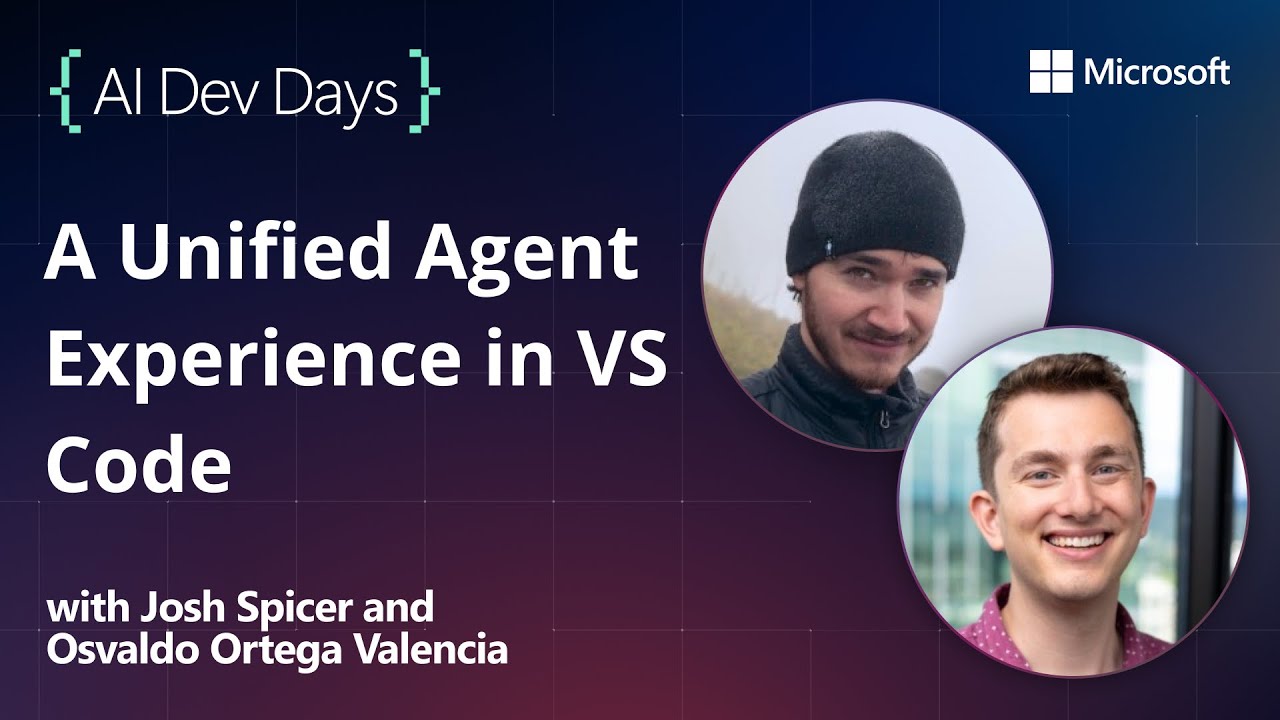
In this video, Oswaldo and Josh from the VS Code team introduce viewers to the concept of agentic flows and experiences within Visual Studio Code. They explain that agents are designed to help developers write code on their behalf, enabling faster work and maintaining focus on the most important tasks. The team showcases a new unified agent experience recently launched in VS Code, demonstrating how natural language commands can be used to interact with code projects, compile apps, and run them in simulators, all within a streamlined interface that tracks multiple agent sessions for multitasking.
Oswaldo presents an app he has been developing called Spokes, which facilitates communication during bike rides. He demonstrates how, even without prior knowledge of the codebase, a developer can clone the project, instruct the agent to compile and launch the app, and request enhancements such as adding a setting to switch between imperial and metric units. The agent manages these changes in isolated work trees to avoid conflicts, allowing developers to review, accept, or undo modifications seamlessly. This integration highlights how VS Code supports building and testing iOS apps with tools like MCP, all controlled through natural language.
Josh then shares his experience working on a hide-and-seek game app that uses a city’s transit system. He highlights the new “plan mode” feature in VS Code, which helps developers structure their workflows by generating step-by-step plans based on GitHub issues and project context. This mode improves agent reliability by setting clear expectations and considerations before implementation, reducing trial-and-error and enabling more autonomous coding. Josh also demonstrates how tasks can be delegated to cloud agents, allowing long-running processes to continue remotely and freeing up local resources.
The video further explores the flexibility of the agent system, showing how users can run multiple local agent sessions simultaneously, each working on different parts of a codebase without interference. Background agents operate in isolated work trees, and cloud agents run on GitHub’s infrastructure, enabling developers to close their laptops while work continues. Additionally, custom agents can be created to perform specialized tasks, such as querying Apple developer documentation to ensure code uses up-to-date APIs, enhancing developer productivity and code quality.
Finally, Oswaldo and Josh emphasize the architectural improvements in VS Code that unify all AI-related interactions within the chat interface, providing a centralized and customizable workspace for managing agent sessions. They encourage users to try out these new features, provide feedback, and share their experiences. The video showcases how the integration of agentic flows, plan mode, background and cloud agents, and custom tools collectively create a powerful, flexible, and efficient development environment tailored to diverse workflows and preferences.