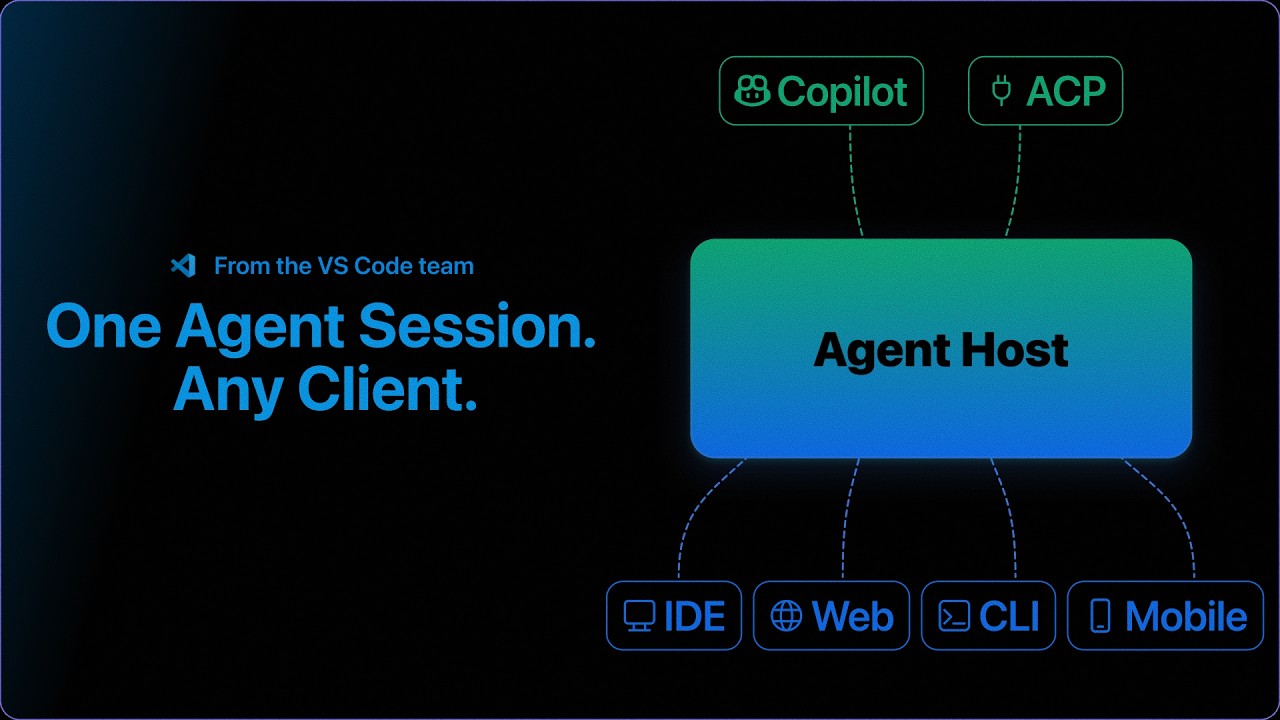
The video introduces the Agent Host feature in VS Code, which enables persistent, independent agent sessions that continue running across different projects, machines, and clients, allowing seamless workflow continuity and real-time synchronization. It also highlights remote web access and multi-device connectivity, empowering developers to manage and collaborate on sessions from anywhere with ease.
The video introduces the Agent Host feature in VS Code, which revolutionizes how agent sessions are managed by detaching them from the window or machine that started them. Traditionally, agent sessions would stop running once the folder or window was closed, but with Agent Host, sessions run in a dedicated process independent of any client, window, or device. This allows developers to maintain continuous workflows without interruption, even when switching projects or machines.
One of the key highlights demonstrated is the seamless persistence of sessions. The presenter shows how closing a project folder or opening a different one does not stop the agent session; instead, the session continues running in the background. Users can toggle between multiple sessions and projects effortlessly through the agents window, which acts as a centralized hub for managing all active sessions. This ensures that work is never lost and can be resumed instantly from anywhere.
The video also showcases the real-time synchronization of sessions across multiple clients. By opening the same session side by side in two different VS Code windows, the presenter illustrates how any interaction, such as chat inputs or queue management, is instantly reflected across both clients. This live, shared session capability enhances collaboration and flexibility, allowing developers to work seamlessly across different environments.
Another powerful feature of Agent Host is remote session access via the web. By enabling remote access, users can connect to their agent host machine through a browser at vscode.dev/agents and interact with their sessions just as they would in VS Code. This web interface supports starting new sessions and managing existing ones, providing developers with the freedom to work from virtually anywhere without losing access to their ongoing work.
Finally, the video highlights the ability to connect to multiple remote agent hosts across different machines. The presenter demonstrates connecting from a Windows laptop to a MacBook Air, accessing all running sessions on the remote machine, and even starting new sessions on it. This cross-device flexibility, combined with the persistent and synchronized nature of Agent Host sessions, offers a robust solution for developers working in diverse environments. The video concludes by inviting viewers to explore the Agent Host protocol and provide feedback to the development team.