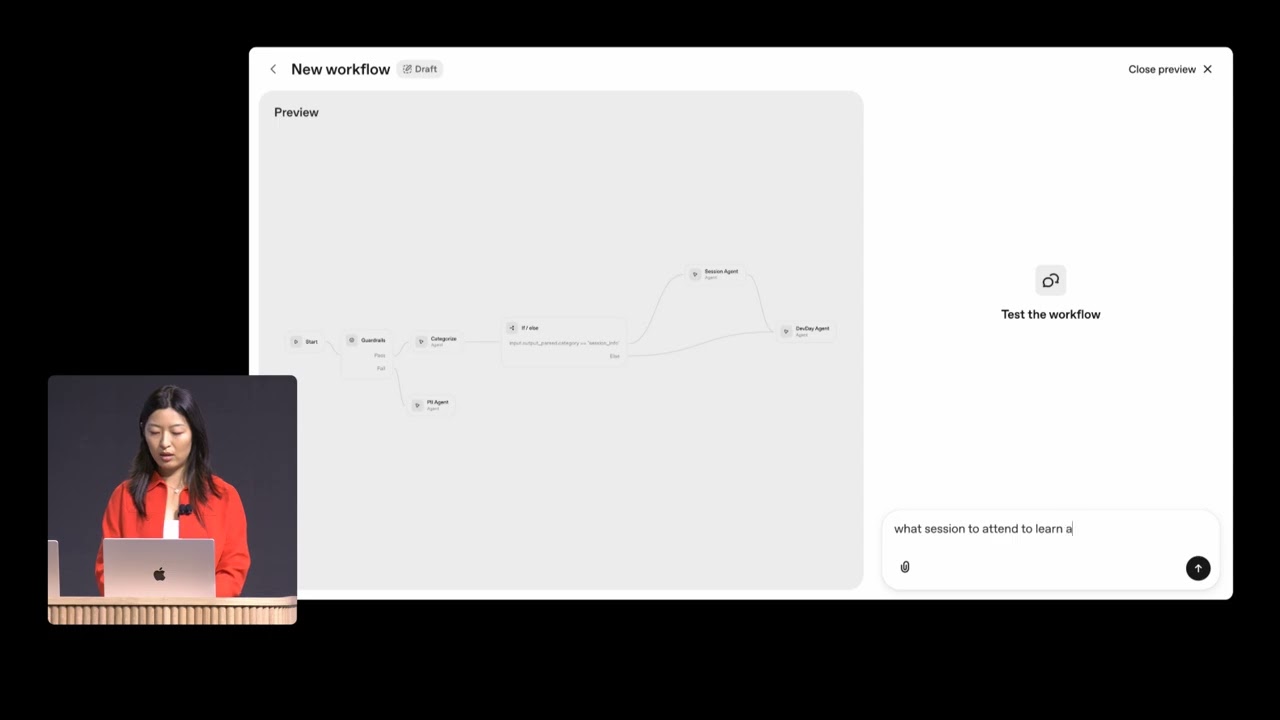
In this demo, Christina from the Agent Kit team showcases how developers can rapidly build intelligent agents using the Agent Kit platform. She begins by introducing the idea of enhancing the Devday website, which is currently static, by embedding an AI-powered agent that can help users navigate the event schedule and find sessions relevant to them. To demonstrate the platform’s ease of use, Christina sets a challenge to build and deploy a fully functional agent within eight minutes, emphasizing the visual workflow builder that allows developers to create complex agent behaviors without writing code.
Christina walks through the process of building the agent using the visual workflow builder on the OpenAI platform. She starts by creating a categorizing agent to route incoming messages based on their intent—whether they are about specific sessions or general Devday information. She then builds two specialized agents: a sessions agent that accesses a document containing session details and a general Devday agent that provides broader event information. To make the sessions agent more engaging, she attaches a custom-designed widget that visually presents session information in a fun and branded way.
Next, Christina adds important security features by integrating pre-built guardrails into the workflow. These guardrails help prevent the agent from sharing personally identifiable information (PII) and ensure it handles sensitive data appropriately. She configures the guardrails to block PII and adds an additional agent to respond politely when sensitive questions are asked, maintaining the brand’s voice. After finalizing the workflow, she previews the agent in the builder, testing its ability to categorize queries, retrieve information, and display responses using the custom widget.
With the agent fully built and tested, Christina publishes it and integrates it into the Devday website using the ChatKit React component. She customizes the chat interface to match the event’s branding and adds a convenient link to the agent at the top of the site. When tested live, the agent successfully guides users to relevant sessions, responding in the style of the event mascot, Froge, complete with playful “ribbit” sounds. Christina highlights that the entire process—from design to deployment—required no coding and can be iterated on easily through the visual builder.
In conclusion, Christina demonstrates how Agent Kit empowers developers to quickly create, customize, and deploy intelligent agents with rich interactions, security features, and seamless integration into existing websites. The platform supports adding new tools, widgets, and guardrails without code changes, enabling continuous improvement. The live agent is now available on the Devday site, ready to assist attendees in navigating the event, showcasing the power and flexibility of Agent Kit for building AI-driven experiences.