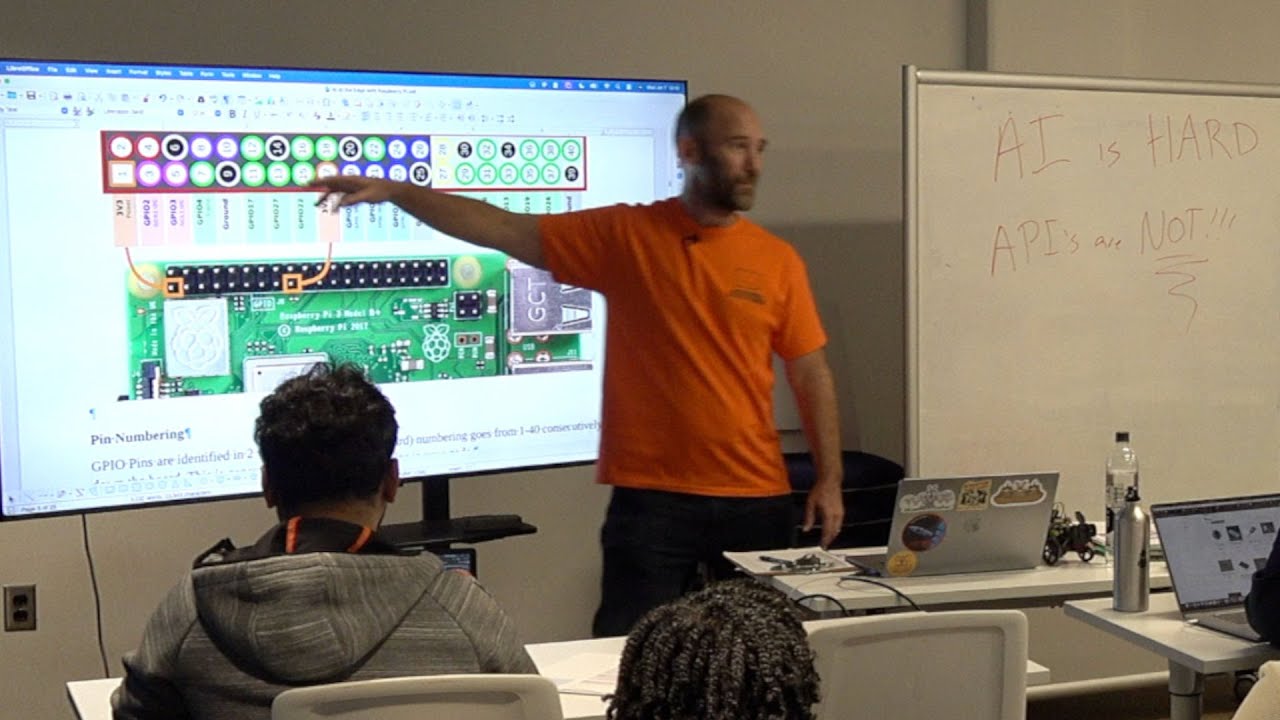
The video is a comprehensive class on using Raspberry Pi devices for edge AI applications, hosted by Silicon Dojo. The instructor begins by sharing the philosophy behind Silicon Dojo: making technology education accessible to everyone, inspired by experiences in India where a small fee ensured access for all. He explains the importance of managing attendance for free classes, especially as demand grows, and introduces the Silicon Dojo website as a resource for events, recorded classes, and self-study materials. The class is being recorded, and participants are encouraged to donate if they find value in the offerings.
The session then dives into the technical aspects of Raspberry Pi devices. The instructor distinguishes between Raspberry Pi computers and microcontrollers like Arduino or the Raspberry Pi Pico, emphasizing that Pis are full-fledged ARM-based computers capable of running Linux and supporting a wide range of software. He discusses the importance of using virtual environments for Python development on Raspberry Pi, especially to ensure access to system packages and avoid conflicts with GPIO (General Purpose Input/Output) modules. The class covers the setup process, including updating the OS, installing necessary Python modules, and handling quirks like audio output configuration.
A significant portion of the class is dedicated to hardware: the differences between various Raspberry Pi models (Zero, 4, 5, Pico), the importance of RAM, and the use of GPIO pins for connecting sensors, LEDs, and other peripherals. The instructor demonstrates how to use breadboards, jumper wires, and resistors to safely prototype circuits. He also explains the I2C communication protocol for connecting multiple devices, the process of enabling I2C on the Pi, and how to use tools to detect device addresses. The use of “hats” (add-on boards) and modules like cameras, screens, and relays is also covered, with practical advice on compatibility and wiring.
The class then transitions to practical AI applications on the Raspberry Pi. The instructor demonstrates how to use the camera module to capture images and process them with local AI models (like IBM’s Granite 3 and Lava for vision tasks) and cloud-based APIs (like OpenAI and Google Speech-to-Text). He highlights the trade-offs between local and cloud processing in terms of speed, accuracy, and cost. For example, running vision models locally can take several minutes per image, while cloud APIs are much faster but incur usage costs. The class also covers speech recognition and text-to-speech, showing how to build interactive voice-driven systems that can respond to commands and control hardware like relays and LEDs.
Throughout, the instructor emphasizes system architecture and user experience. He shows how to use motion sensors to trigger AI tasks only when needed, reducing costs and resource usage. Visual feedback with LEDs is used to indicate system status (listening, processing, speaking), and the importance of clear user interfaces is discussed. The class concludes with a demonstration of a voice-activated system that can control lights and respond to queries, highlighting both the power and limitations of running AI at the edge on affordable hardware. The instructor encourages experimentation, troubleshooting, and community involvement, and provides information on future classes and resources.