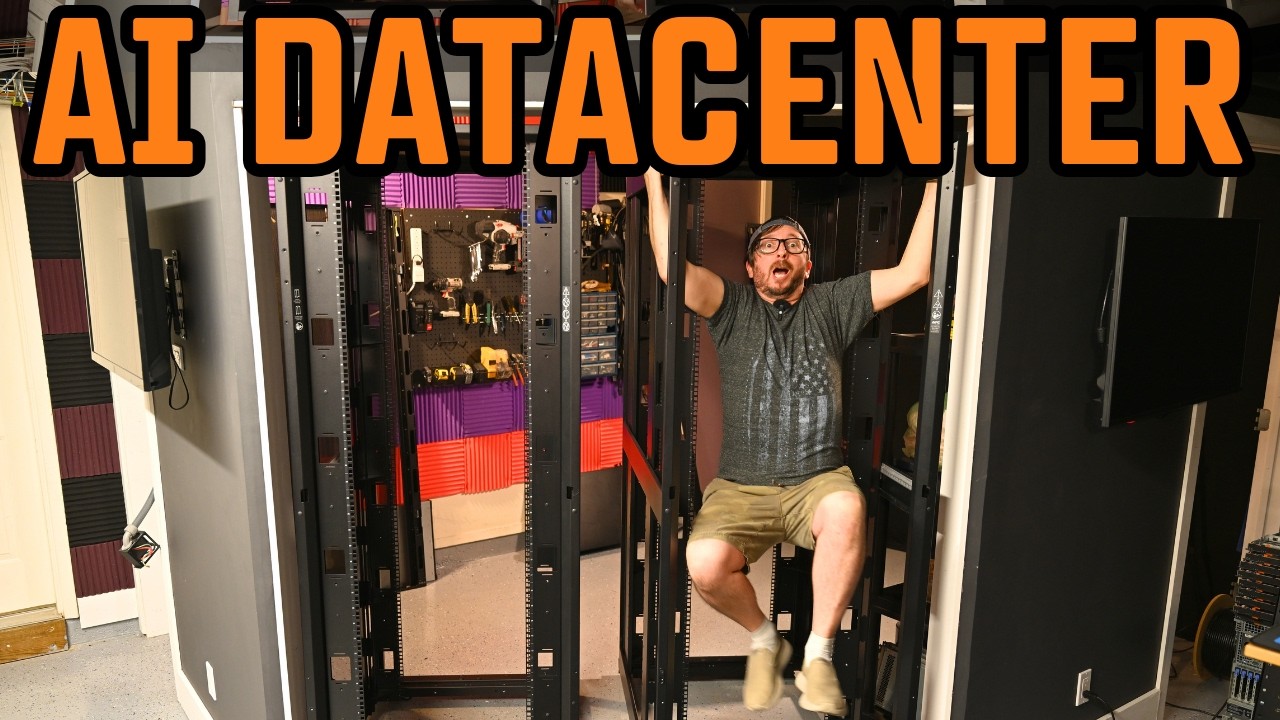
The creator meticulously prepares and levels server racks in their garage to build a stable and efficient home AI data center, detailing hardware choices, power management, and networking infrastructure for high-performance operation. They also share plans for upcoming videos to complete the racking, power installation, and cabling, while expressing gratitude to supporters and encouraging viewers to follow the series.
In this video, the creator focuses on laying a solid foundation for building a home AI data center, emphasizing the importance of properly leveling and stabilizing server racks before installation. They demonstrate how to fix stuck rack feet using a Torx wrench and stress the need for assistance when lifting heavy racks. The garage floor’s slight slope requires shimming with plate steel to ensure the racks are perfectly level, which is crucial for stability and proper alignment. The use of laser levels and traditional water tube methods for measuring slope is explained, along with tips on using anti-fatigue mats to protect equipment and ease the work process.
The racks being installed are APC NetShelter 3150 and 3350 models, chosen for their ability to accommodate deep servers and tape libraries. The creator discusses the importance of cable management, using blanks for routing network cables, and securing racks together to minimize vibration and noise. They also describe the process of installing Zero U PDU hangers for power distribution units, which will help organize power and networking cables efficiently within the racks. Adjustments to rack depth and alignment are carefully made to ensure everything fits and functions as intended.
A detailed overview of the planned hardware setup is provided, including storage arrays like the NetApp DS2246 and DS4246, which use SAS connections for high-speed data transfer. The creator plans to upgrade some components with faster OM12 cables and SSDs to enhance performance. They also discuss using a Dell MD3060E 60-bay JBOD primarily for defragmentation and backup purposes, considering different file systems beyond ZFS for optimal bandwidth and efficiency. The inclusion of a large HP MSL 8096 tape library highlights the focus on long-term storage and backup strategies, with the tape system offering energy-efficient archival storage.
Power management is addressed with an Eaton 9PX 11 kVA UPS system, supplemented by an extended battery module to increase runtime. The creator shares past experiences with lightning damage to UPS units and emphasizes the importance of reliable power protection. Networking infrastructure includes multiple switches, such as UniFi gigabit switches for management and PoE devices, and high-performance Mellanox SN2700 switches with 100 Gbit CX4 cards for fast data transfer between servers. The video also covers the use of budget-friendly SX6036 switches for cost-effective 40 Gbit networking, highlighting the balance between performance and affordability.
Finally, the creator outlines plans for upcoming videos where they will rack all the equipment, install power delivery systems, and complete cabling. They express excitement about the project’s progress and the potential for high-performance operation. The video concludes with gratitude toward Patreon supporters and channel members, encouraging viewers to like, subscribe, and stay tuned for the next parts of the series, which promise to showcase the full assembly and operational setup of the home AI data center.