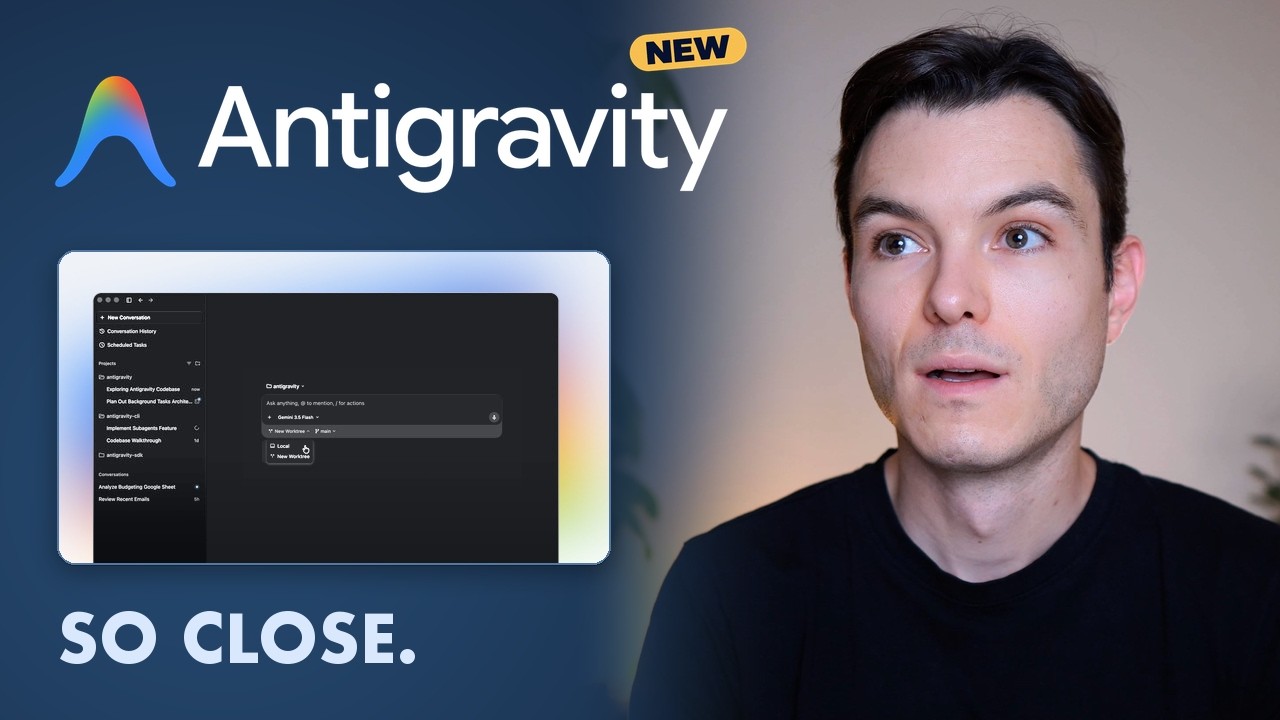
The video discusses the recent updates from Google, particularly focusing on the new redesign of Anti-Gravity 2.0 and the Gemini Nion model. While praising Google’s generational progress and the impressive capabilities of these tools, the presenter highlights several critical issues that need urgent attention. The main complaint is the lack of progress updates during long-running tasks in Anti-Gravity, where the model often works silently for extended periods, leaving users without any feedback or ability to steer the process. This lack of transparency and interaction is frustrating and considered a major usability flaw.
Another significant issue is the browser integration within Anti-Gravity. Although the embedded browser is pleasant to use, it lacks essential features like importing passwords and cookies, forcing users to log in repeatedly to websites. Additionally, attempts to use the personal browser on the computer are frequently blocked by confirmation dialogs, which disrupts long unattended sessions. The absence of native computer use capabilities, such as taking annotated screenshots of applications, further limits the tool’s effectiveness, especially compared to community solutions and competitors.
The presenter also critiques Anti-Gravity’s workspace environment, noting that while it is suitable for software engineers, it falls short as a knowledge work platform. The integration with Google Workspace apps like Docs, Sheets, and Gmail is not seamless or native, requiring cumbersome workarounds. This contrasts sharply with competitors like Claude Code, which offer rich, interactive artifact creation and smooth integration, enhancing productivity and user experience. The lack of creative variety in visual artifacts generated by Gemini is also mentioned, suggesting a need for more diverse and tailored outputs.
Further criticisms include Anti-Gravity’s inability to watch and summarize videos directly, unlike the Gemini app which uses built-in YouTube tools to fetch metadata and provide accurate summaries. The tool also fails to support SSH connections to Mac hosts, limiting remote work capabilities for users with Mac Minis or similar setups. The absence of a native mobile app forces users to rely on a suboptimal browser experience on phones. The presenter expresses a desire for Google’s AI models to be accessible through other platforms beyond Anti-Gravity to boost adoption.
In conclusion, the video calls on Google to address these issues by improving progress updates, enhancing browser and computer integration, enabling native Google Workspace support, fixing cache limits, and expanding platform compatibility. Despite these criticisms, the presenter acknowledges Google’s impressive recent advancements and encourages continued development. The overall tone is optimistic, urging Google to refine Anti-Gravity into a truly competitive and user-friendly AI workspace.
Useful Links