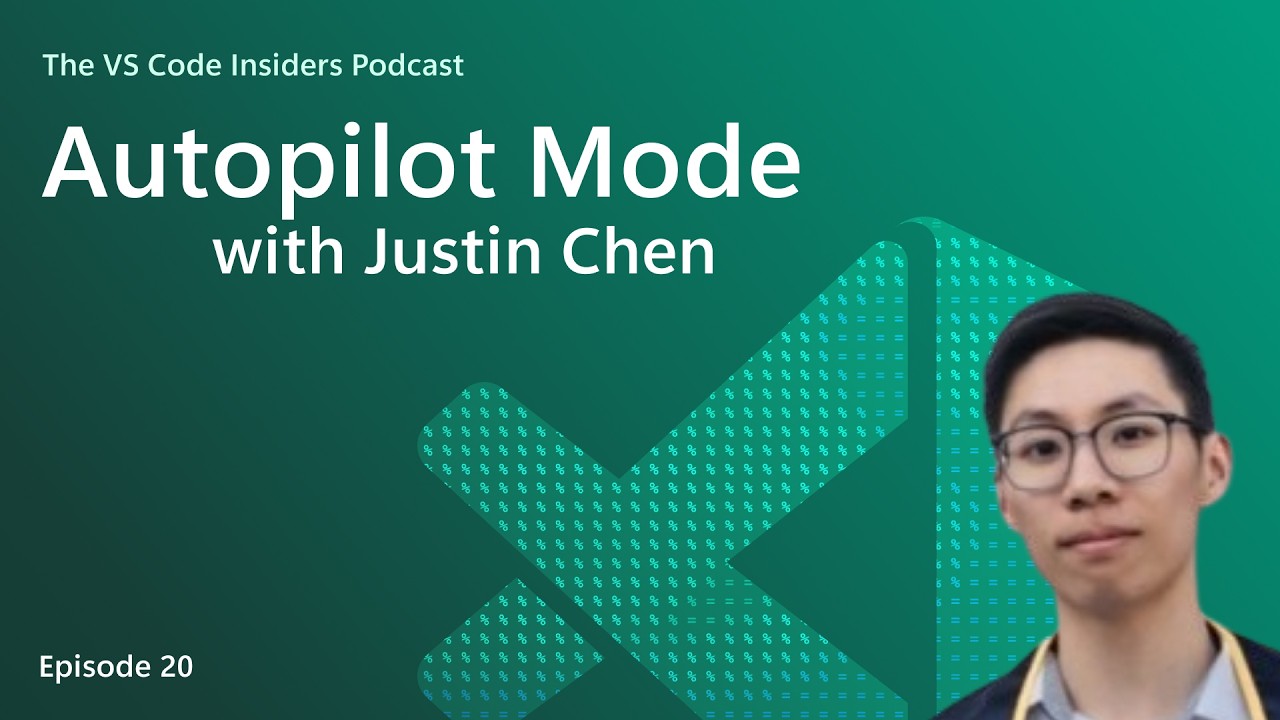
Certainly! Here’s a five-paragraph summary of the podcast episode featuring Justin Chen discussing Autopilot Mode in VS Code:
The episode opens with host James Montemagno and guest Justin Chen, a software engineer on the VS Code team, sharing their excitement about recent updates to VS Code, particularly around the chat experience. They discuss how the chat interface has evolved to be less cluttered and more user-friendly, with features like collapsible containers for tool calls and reasoning text, making it easier for users to focus on important actions without being overwhelmed by excessive information. The team has also introduced customizable shimmers and improved clarity around what actions the agent is taking, enhancing the overall developer experience.
A significant portion of the conversation centers on the changes to the chat input area, which now features two separate toolbars: one for session-level controls (like agent selection and permissions) and another for request-specific actions. This separation helps clarify the context of each control and improves usability. The new permissions picker is highlighted as a major addition, allowing users to easily manage how much autonomy the agent has when executing tasks, surfacing previously hidden settings like global auto-approve (also known as “YOLO mode”).
Justin explains the three main permission modes now available: Default Approvals, Bypass Approvals, and the new Autopilot mode. Default Approvals follows the user’s configured settings and prompts for approval as needed. Bypass Approvals automatically approves most tool actions except those requiring explicit user input, streamlining workflows in trusted environments. Autopilot mode, inspired by Copilot CLI, goes a step further by allowing the agent to autonomously iterate on tasks until completion, auto-responding to prompts and minimizing the need for user intervention.
The discussion delves into how Autopilot mode works in practice. While it currently relies on a modified system prompt and a “task complete” tool to determine when a job is finished, it’s designed to keep iterating until the task is truly done, retrying as necessary. Although not yet capable of advanced behaviors like code review or complex validation loops, Autopilot already enables a much more hands-off workflow, especially useful for repetitive or multi-step tasks in safe environments like sandboxes or Codespaces.
Finally, Justin shares his own experience dogfooding Autopilot mode, noting that he uses it for the majority of his work due to its convenience and efficiency. He highlights its usefulness for managing multiple sessions, automating tasks like fetching GitHub issues, running tests, and creating work trees. The episode concludes with encouragement for users to try out Autopilot mode, provide feedback via GitHub issues, and stay tuned for further improvements as the feature continues to evolve within VS Code Insiders.