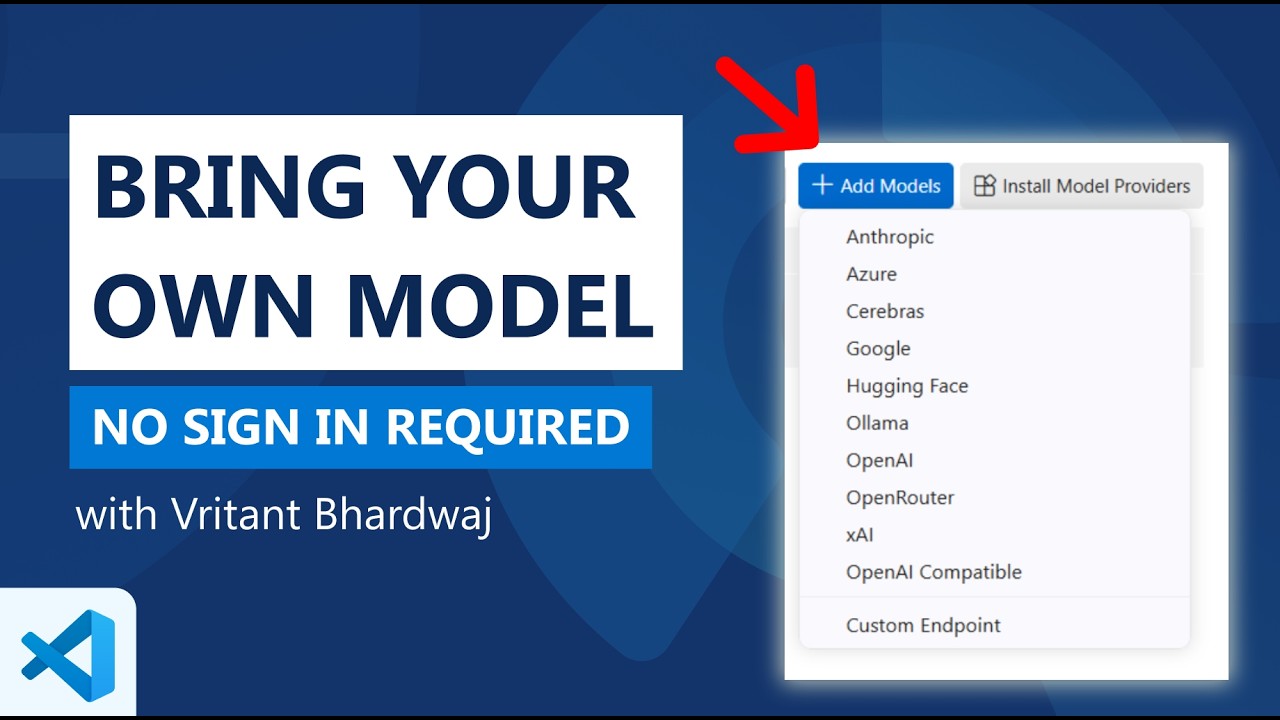
The video showcases how VS Code is becoming an AI-first code editor that allows developers to bring their own AI models and API keys without needing to sign into GitHub Copilot, supporting a wide range of providers including Anthropic, Mistral, and Hugging Face through flexible configurations and third-party extensions. This approach enables secure, customizable AI integration tailored to individual preferences and environments, enhancing usability and preparing for future features like the agents window.
The video discusses how VS Code is evolving into an AI-first code editor while maintaining flexibility for developers to use AI models and providers of their choice. The goal is to allow users to bring their own AI models (BYOA) and API keys without requiring sign-in to GitHub Copilot. This approach supports a variety of AI models and providers, enabling developers to work with the tools they prefer directly within VS Code.
The presenter demonstrates this by opening VS Code with GitHub Copilot but without signing in. They add the Anthropic AI provider by entering an API key, which immediately makes various Anthropic models available for use. A notification appears to inform the user that utility models, which power background features like commit message generation and renaming, are not yet configured. Users can select their own BYOA models to enable these features, and the video shows how to monitor API calls through a chat debug view.
VS Code also supports custom endpoints, allowing users to connect to less common or self-hosted AI models such as Mistral. The configuration for these custom models is managed through a JSON file where users can specify parameters like token limits and enable advanced features such as tool calling or vision. This flexibility ensures that developers can tailor their AI experience to their specific needs and environments, including offline or air-gapped setups.
The extensibility of VS Code’s language model providers is highlighted through the installation of third-party extensions, such as the Hugging Face provider. After installing and authenticating with an API key, users can browse and selectively enable models from Hugging Face’s extensive repository. This selective visibility helps keep the model picker manageable and focused on the user’s preferred models, enhancing usability without overwhelming the interface.
Finally, the video emphasizes that all these capabilities—using multiple AI providers, custom models, and third-party extensions—can be accessed without signing into GitHub Copilot. This means developers can run local models or use private keys securely in various environments. Additionally, these features will be integrated into the upcoming agents window, further streamlining the AI-powered coding experience within VS Code.