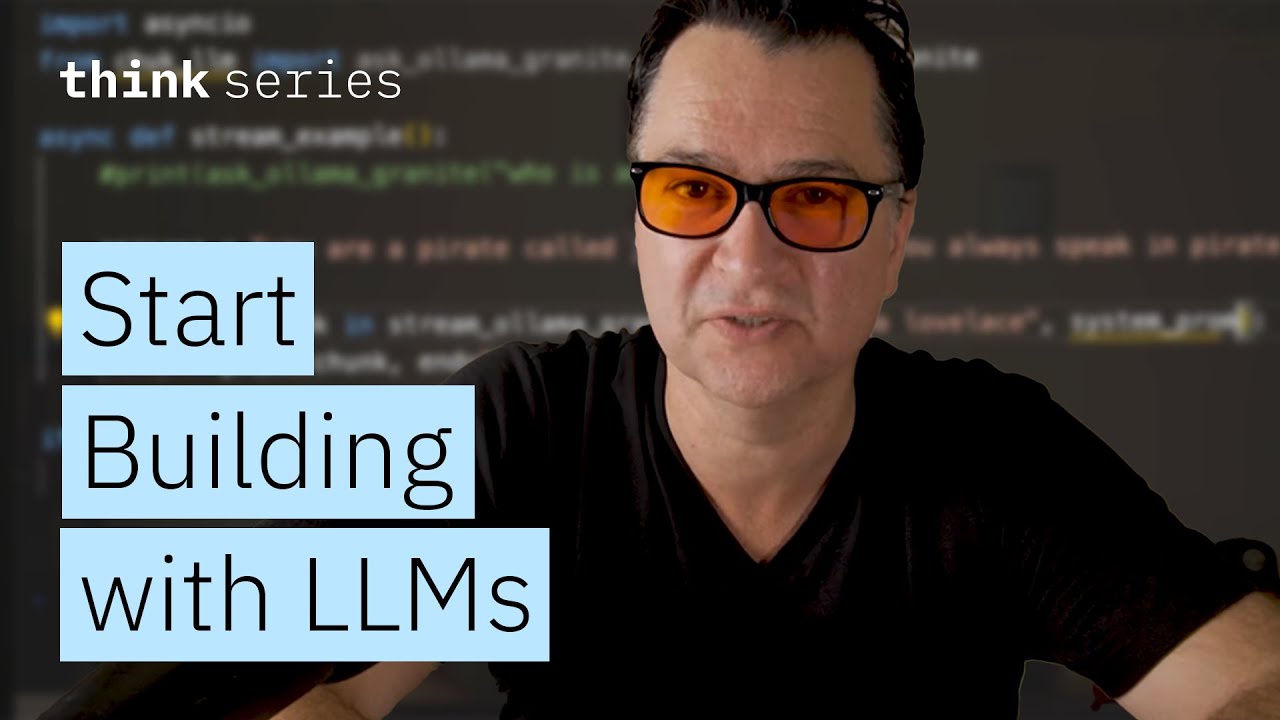
The video demonstrates how to quickly build local LLM applications in Python using Ollama to run models like Granite 3.3 locally and the lightweight chuk-llm library to interact with them in just two lines of code. It also covers advanced features such as asynchronous streaming, customizable system prompts, multi-turn conversations, and contrasts high-level convenience functions with lower-level API usage for greater control.
In this video, the presenter demonstrates how to quickly get started programming against a large language model (LLM) locally using just two lines of Python code. The key tool used is Ollama, which allows users to download and run LLMs on their local machines. After downloading and installing Ollama from ollama.com, users can pull models like Granite 3.3 and run them locally via simple terminal commands. This setup enables fast and easy access to powerful LLMs without relying on cloud providers.
To programmatically interact with these models, the presenter introduces a lightweight MIT-licensed Python library called chuk-llm, which can be installed using the UV package manager. This library automatically generates functions at runtime to interface with any locally installed model, such as Granite 3.3, allowing users to ask questions with minimal code. For example, importing a single function and calling it with a query returns the model’s response, simplifying the development process significantly.
The video also covers more advanced usage, including asynchronous streaming of model responses using Python’s asyncio library. This approach enables token-by-token output, mimicking the streaming effect seen in terminal interactions. Additionally, the presenter explains how to set system prompts to give the model a persona or special instructions, such as speaking like a pirate, which influences the style and tone of the responses. This feature is useful for customizing the model’s behavior in various applications.
Multi-turn conversations are supported through a conversation context manager provided by the chuk-llm library. This allows developers to maintain dialogue history and have the model remember previous interactions, enabling more natural and coherent exchanges. The presenter demonstrates how to ask follow-up questions within the same conversation context, showcasing the ease of managing stateful interactions with the model.
Finally, the video contrasts the high-level convenience functions with a lower-level API approach, where developers manually construct message arrays with roles like system, user, and assistant. This method offers more control but requires more code and understanding of the underlying message structure common to many LLM frameworks. Overall, the video provides a clear and practical guide to quickly building local LLM applications in Python, paving the way for more complex projects such as agents in future tutorials.