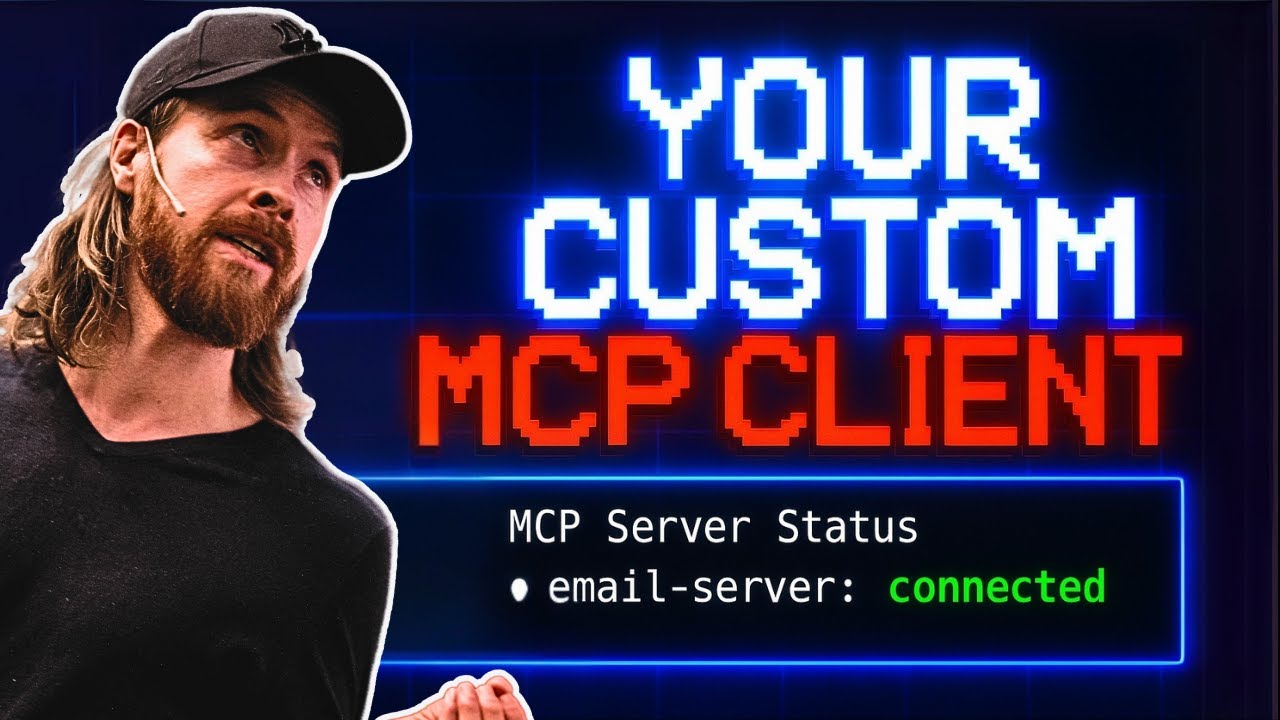
In the video, the creator builds a custom MCP client using Gemini 2.5 Pro, demonstrating its ability to connect to servers for fetching emails and data, while emphasizing the importance of context and interactivity in the development process. They enhance the client with features like voice responses and contextual memory, ultimately showcasing the flexibility and creativity involved in client-side development.
In the video, the creator embarks on a project to build a custom MCP (Multi-Channel Protocol) client using Gemini 2.5 Pro, diverging from their usual focus on MCP servers. The demonstration begins with a test example showcasing the client’s ability to connect to two servers: one for fetching emails and another for retrieving information from a URL. The creator successfully lists their latest emails from Gmail and fetches data from a specified URL, illustrating the functionality of the custom client.
The process of building the MCP client involves gathering documentation and setting up a project structure using Node.js. The creator emphasizes the importance of having a clear context and initial prompt to guide the development. They utilize Gemini to generate code snippets and configurations, which they then implement in their backend server. The video captures the iterative nature of coding, with the creator troubleshooting issues and refining their setup as they progress.
As the backend server is established, the creator shifts focus to the frontend, using React and TypeScript. They encounter some connectivity issues but manage to resolve them by modifying the chat interface to accept the data structure sent from the backend. The creator highlights the significance of contextual memory in the client, allowing for follow-up questions and a more interactive experience. They integrate this feature to enhance the usability of the client, ensuring that it can handle ongoing conversations effectively.
The video also explores the addition of a voice response feature using OpenAI’s text-to-speech (TTS) capabilities. The creator updates their environment to include the necessary API keys and modifies the backend and frontend to support voice responses. They aim to create a more natural conversational experience by condensing the responses from the MCP server, ensuring that the voice output is concise and relevant. This enhancement adds a layer of interactivity to the client, making it more engaging for users.
In conclusion, the creator reflects on the advantages of developing a custom MCP client, such as greater control over costs and the ability to implement unique features like voice responses and contextual memory. They express enthusiasm for the project and the potential for future explorations in client-side development. The video serves as both a tutorial and an inspiration for viewers interested in creating their own MCP clients, showcasing the flexibility and creativity involved in such projects.