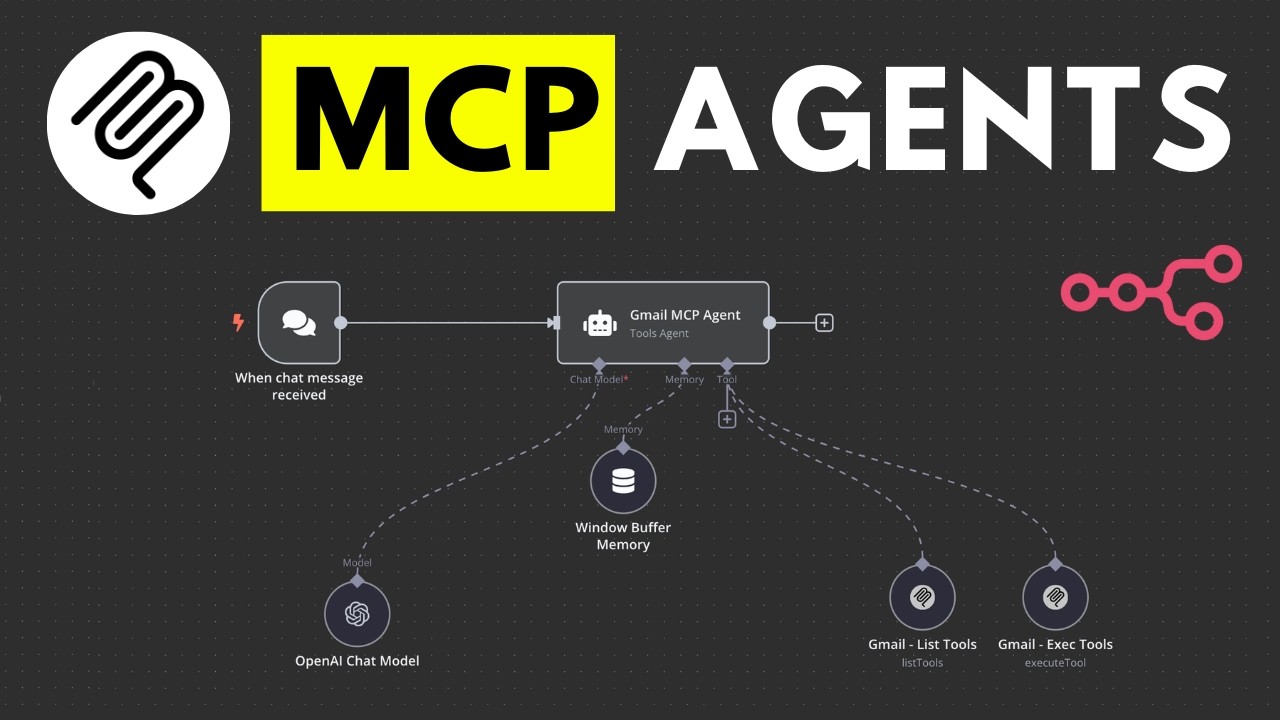
The video introduces mCP agents, a user-friendly way to create AI agents without coding, allowing users to execute actions like checking and sending emails through a simplified process. The presenter demonstrates the setup and functionality of an mCP agent, highlighting its efficiency and the importance of retry mechanisms, while also encouraging viewers to join a community focused on AI automation.
In the video, the presenter introduces mCP agents, a new way to create AI agents without the need for coding. Previously, building AI agents required creating multiple nodes for each action, such as sending or deleting emails. With mCP agents, users can simply pass in tools and execute them through an mCP server, significantly simplifying the process. The presenter demonstrates this by showing how the agent can check for new emails and execute various actions, highlighting the efficiency of the new system compared to the older method.
The video includes a live demonstration where the presenter interacts with the mCP agent to check for unread emails. The agent successfully retrieves and displays the emails, showcasing its ability to read and process information. The presenter also attempts to send an email using the agent, illustrating the importance of having retry mechanisms in place due to the occasional failures that can occur when using large language models. This feature ensures that the agent can attempt multiple times to execute a command correctly.
The presenter then shifts focus to building an mCP agent, explaining that the instructions come from a newly launched community aimed at entrepreneurs and enthusiasts interested in AI automation. The community offers resources, discussions, and courses on creating AI agents, including a specific module on mCP agents. The presenter emphasizes the collaborative nature of the community, encouraging viewers to join and learn together.
To build the agent, the presenter guides viewers through the process of self-hosting the necessary software and installing the mCP node. This involves using npm (Node Package Manager) to install the community node, which is essential for accessing the latest technologies. The presenter provides step-by-step instructions on how to set up the environment, including configuring environment variables to allow the use of community nodes as tools within the workflow.
Finally, the video concludes with the presenter demonstrating the complete setup of the mCP agent, including connecting it to Gmail and authenticating it through the Google Cloud console. The presenter walks through the process of creating a Google Cloud project, enabling the Gmail API, and obtaining the necessary credentials. After successfully setting up the agent, the presenter showcases its functionality by executing commands to read emails, illustrating how mCP agents can streamline tasks and enhance productivity in a user-friendly manner.