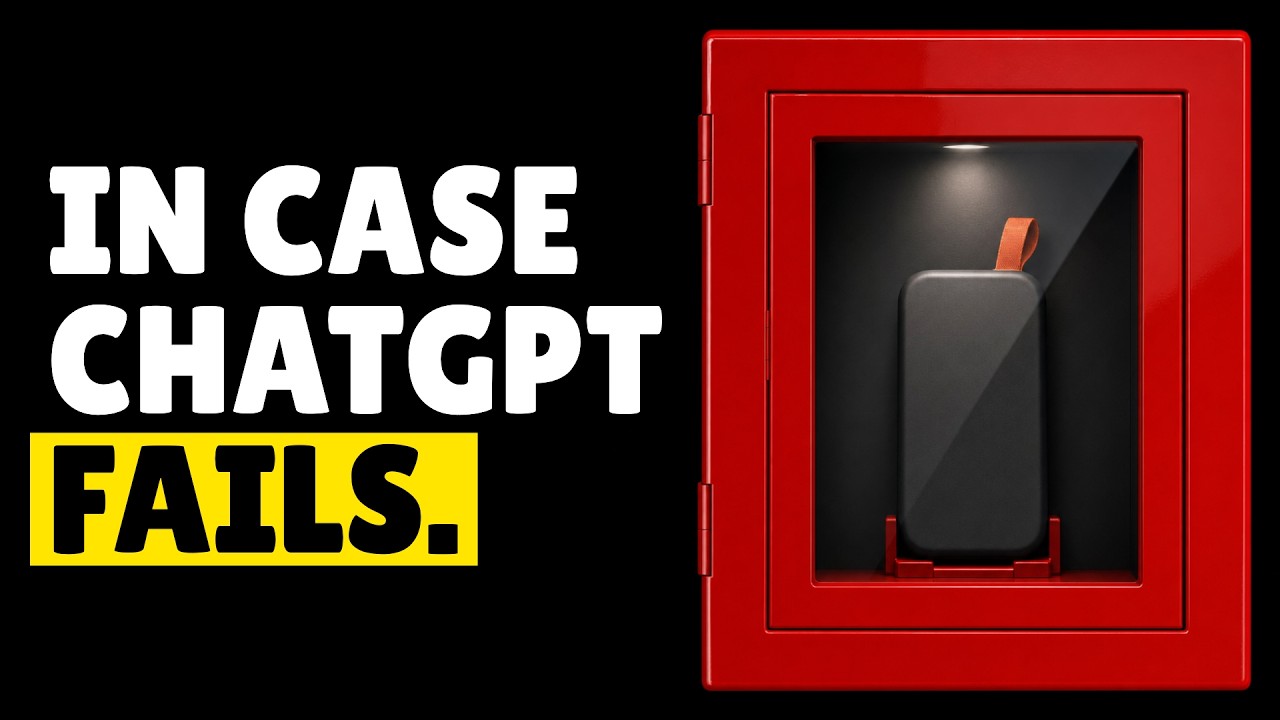
The video discusses building a local AI kit capable of performing various tasks such as writing code, generating images, transcribing audio, and answering questions from Wikipedia, all without internet access. It emphasizes the importance of having a self-contained AI setup on a laptop or external drive, especially for situations like internet outages caused by natural disasters, government shutdowns, or cloud service disruptions. The kit ensures continued access to AI tools without relying on external servers, which can become unavailable or restrict certain queries.
A key point is the selection of efficient AI models that fit within limited storage and memory constraints. For chat and coding tasks, quantized models around 17-18 GB are recommended, balancing performance and size. The video highlights the trade-offs between model size, speed, and capability, noting that larger models require more VRAM and run slower on typical laptops. It also suggests keeping both stock and uncensored versions of models to handle different use cases, such as avoiding refusals in critical or creative scenarios.
For image generation, the video recommends offline tools like ComfyUI and models such as Flux 3 Klein and Z image turbo, which run on GPUs with at least 8 GB VRAM. Video generation remains challenging on typical laptops due to high resource demands and slow processing times, making it more suitable as a batch job on powerful machines. Audio tasks, including speech-to-text and text-to-speech, are more manageable locally, with models like Parakeet V3 and Kokoro offering fast and efficient offline performance.
The video also covers the importance of offline access to reference materials, recommending storing English Wikipedia, programming documentation, and reverse engineering tools like Ghidra. These resources complement the AI models by providing a knowledge base that can be queried without internet access. It advises organizing models and their runners carefully, keeping exact versions to avoid compatibility issues, and verifying that models truly run locally rather than relying on cloud services.
Finally, the video outlines storage requirements and practical tips for assembling the kit. A 256 GB drive is sufficient for a basic setup covering chat, coding, images, audio, and documentation, while larger drives allow for more extensive libraries and video models. Users with less RAM should opt for smaller models and prioritize essential functions. The overall message encourages preparing and testing a local AI kit in advance to ensure reliable AI capabilities during internet outages or other emergencies.
Useful Links