The video showcases how MCP servers like Microsoft Learn and Context 7 enhance AI-assisted app development by providing updated, relevant context that improves code generation, feature integration, and UI design. Through a TypeScript web app example combining comic APIs and an 8-bit arcade-style theme, it demonstrates that using MCP servers results in more functional and visually appealing applications compared to working without them.
The video begins by emphasizing the importance of having updated context for coding agents to improve app development. The presenter starts by scaffolding a simple TypeScript web app using the Microsoft Learn MCP server. This app integrates comic APIs, allowing users to select two characters and combine them using an image model. The presenter also mentions using Shad CN to help structure the UI. During the scaffolding process, the Microsoft Learn MCP tool is called to retrieve relevant developer documentation, which aids in building the app effectively.
After setting up the initial web app, the presenter demonstrates its functionality by searching for characters like Iron Man and Batman using the Marvel and Comic Vine APIs, respectively. The image generation feature, powered by GPT image one hosted on Azure AI Foundry, works as expected. This showcases how the Microsoft Learn MCP server can assist in creating a functional app that integrates multiple APIs and services seamlessly, providing a solid foundation for further development.
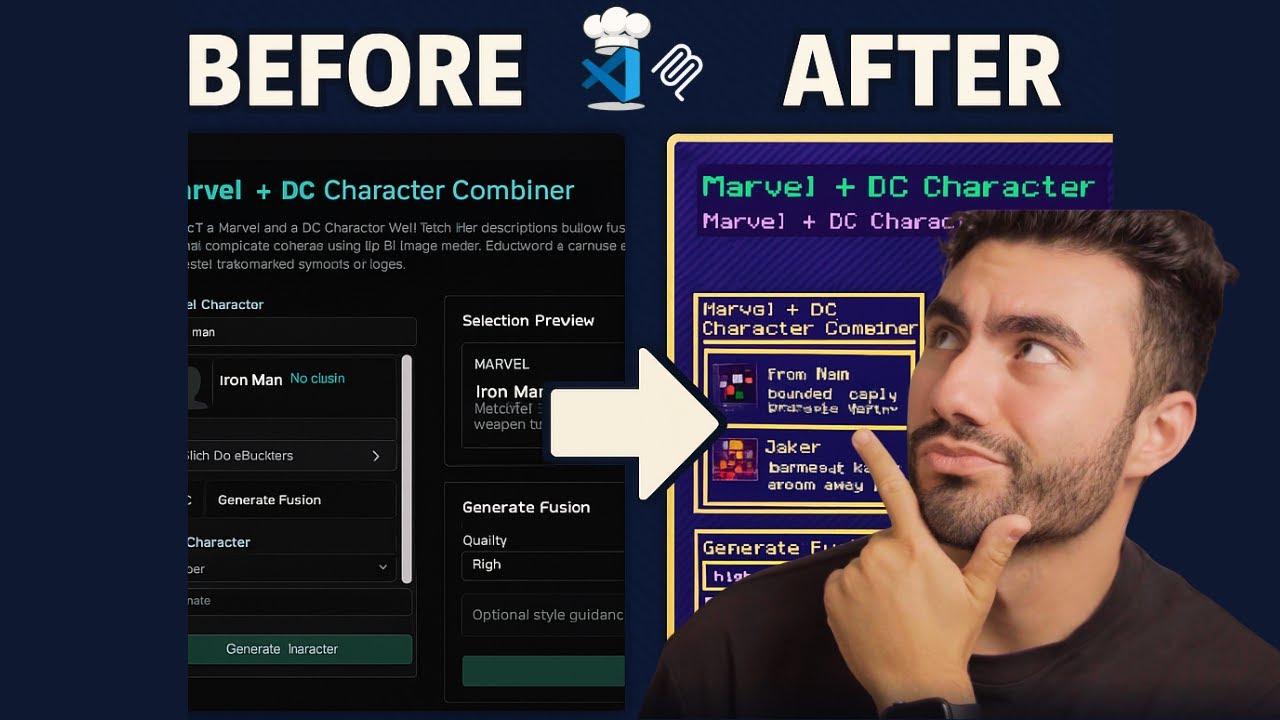
Next, the presenter shifts focus to enhancing the app’s UI by implementing an 8-bit arcade-style theme. To test the impact of context on coding agents, they first attempt to add this theme without using the Context 7 MCP server. The result is a somewhat underwhelming 8-bit style with limited visual appeal and legibility issues, earning a modest rating of 3 out of 10. This highlights the challenges coding agents face when working without updated or relevant context.
The presenter then repeats the 8-bit theme implementation, this time instructing Copilot to use the Context 7 MCP server. Upon executing the MCP tool call, Context 7 searches its library and returns relevant documentation and code snippets, providing Copilot with the necessary context to improve the task. The resulting arcade mode UI is much more vibrant, with better legibility and more authentic 8-bit characteristics, although some minor inconsistencies remain. Overall, the version created with Context 7 is a significant improvement over the one without it.
In conclusion, the video demonstrates how MCP servers like Microsoft Learn and Context 7 can enhance AI-assisted app development by providing updated and relevant context. This leads to better code generation, more functional features, and improved UI design. The presenter encourages viewers to explore these MCP servers by installing them in VS Code or VS Code Insiders via GitHub, inviting developers to leverage these tools for more effective and enjoyable coding experiences.