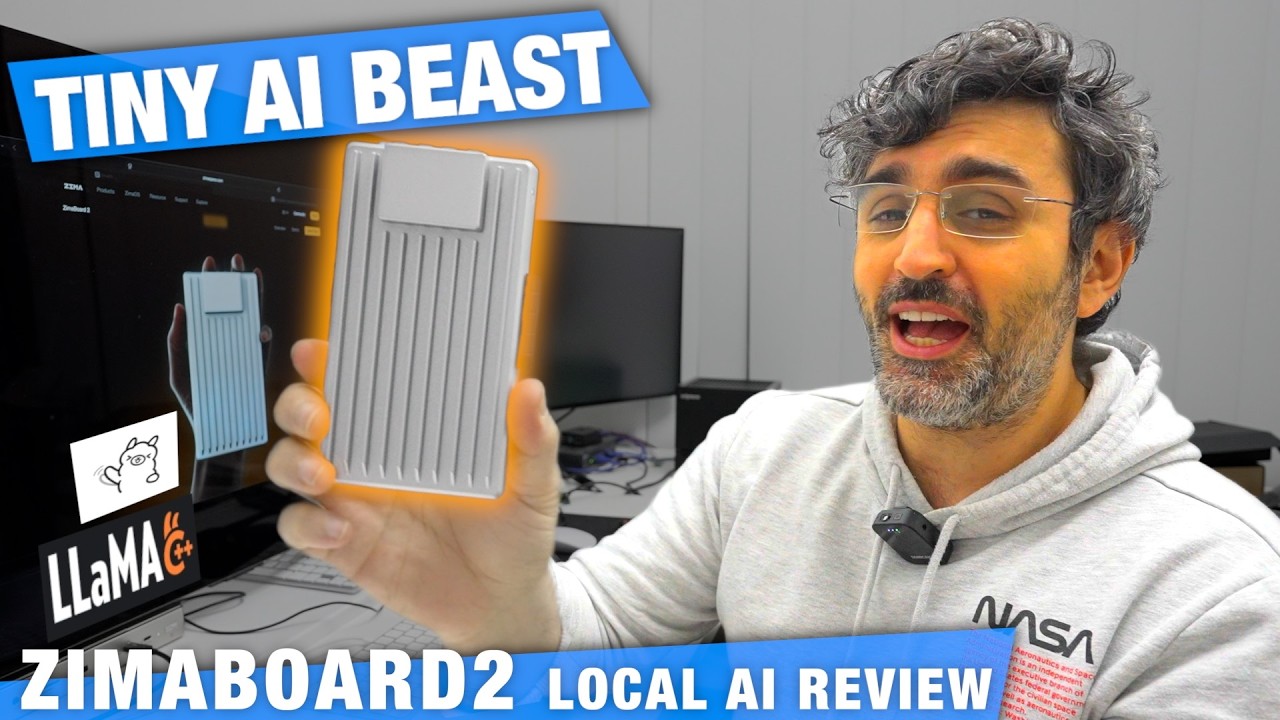
The video reviews the ZimaBoard 2, a compact and powerful single-board computer priced at $399, focusing on its capability to run local AI models. The host highlights its impressive hardware features, including a PCIe port for GPU expansion, dual Ethernet ports, USB-C, SATA for RAID setups, and fan support for cooling, making it ideal for DIY enthusiasts. The device runs on Zima OS, which offers a web-based interface with an app store primarily featuring Docker-based applications, allowing easy installation and management of AI tools like Ollama and Llama.cpp.
The initial tests with Ollama reveal that the pre-installed version is outdated and struggles with performance, especially when running larger models like Gemma 4. Although Ollama supports image inference, it is notably slow and inefficient on the ZimaBoard 2. The host demonstrates how to install the latest Ollama version via Docker and shows basic usage through API calls, but overall, Ollama’s performance is underwhelming, with high CPU usage and long wait times for responses, leading to the decision to uninstall it.
Switching to Llama.cpp, the host experiences significantly better performance. Starting with the smaller Llama 3.21B model, the system delivers fast token generation speeds (around 25-30 tokens per second) with low memory usage and manageable heat output. Upgrading to larger models like Gemma 4E4B and GPT-OSS 20B, the ZimaBoard 2 still handles inference well, maintaining reasonable speeds and temperatures. The host also demonstrates image inference capabilities with Gemma 4, showing that the device can process visual data locally, albeit at slower token rates.
The video emphasizes the importance of managing storage carefully, as the ZimaBoard 2’s onboard 48GB SSD can fill up quickly with large AI models. The host suggests using external storage options via the available ports to avoid performance bottlenecks. Despite running demanding AI workloads at near 100% CPU usage, the system remains responsive, with no noticeable sluggishness in the operating system or web interface, showcasing the board’s efficiency and stability under load.
In conclusion, the ZimaBoard 2 proves to be a capable and versatile platform for running local AI models, especially when using Llama.cpp over Ollama. Its hardware expandability, robust OS, and ability to handle advanced models like Gemma 4 and GPT-OSS 20B make it a compelling choice for hobbyists and developers interested in edge AI computing. The host recommends the device for those wanting a compact, DIY-friendly solution for local AI inference, highlighting its balance of performance, features, and price.