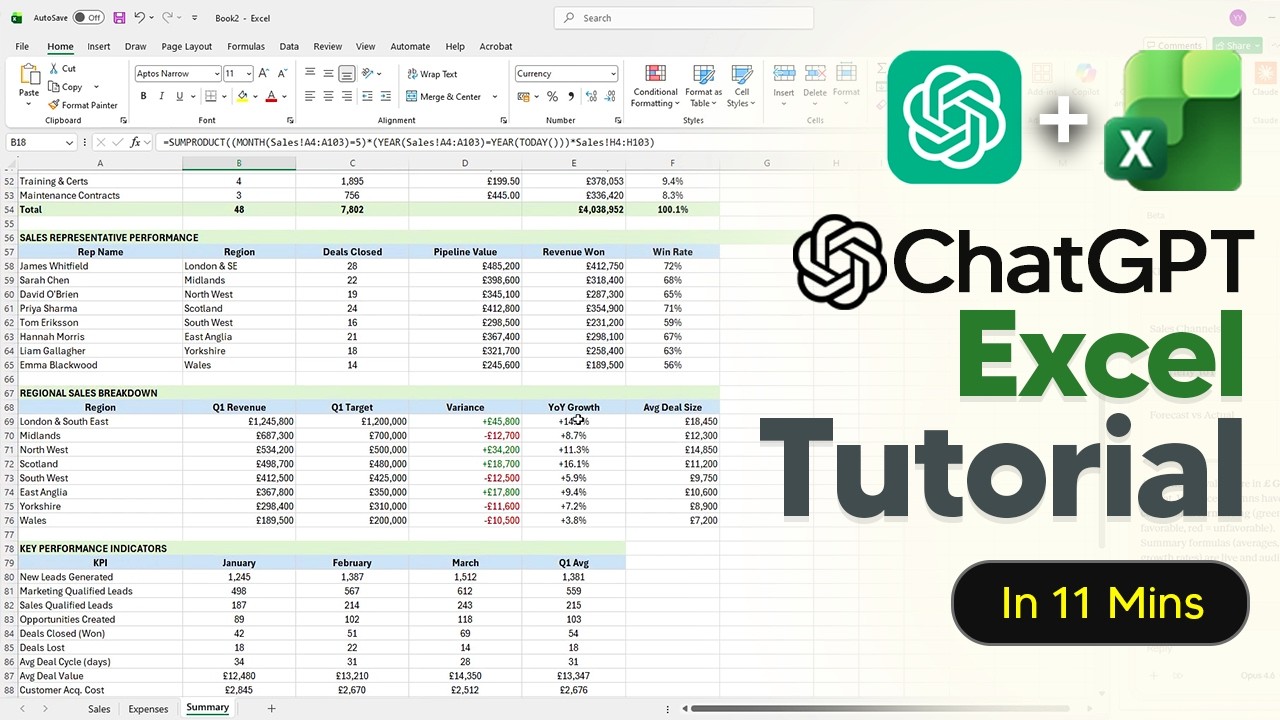
The video tutorial introduces the powerful integration of ChatGPT within Microsoft Excel, highlighting two main methods for installation: through the Excel add-ins store or via a direct link. Users who have already installed ChatGPT for PowerPoint will find it readily available in Excel as well. The presenter emphasizes the importance of cautious use, especially with sensitive data, recommending users either disable automatic editing or work on duplicate files to prevent irreversible mistakes caused by AI-generated changes.
Once installed, ChatGPT can assist in building spreadsheets from scratch by generating multiple sheets such as sales, expenses, and summaries based on natural language prompts. The tool provides useful features like clickable cell references and a visible timer showing how long it took to complete tasks. Users can also upload external data files, such as PDFs, to automatically populate sheets, making data entry more efficient. Additionally, ChatGPT can explain complex formulas in simple terms, helping users understand the calculations behind their spreadsheets.
The AI integration is also adept at error detection and correction, allowing users to identify and fix mistakes in existing sheets quickly. It can clean and standardize messy data by splitting columns, removing duplicates, and formatting inconsistencies, which is particularly helpful when dealing with exported data from various sources. Visualization is supported through the creation of basic charts, such as bar charts comparing quarterly data, enhancing the presentation of information within Excel.
ChatGPT can generate custom formulas based on user instructions, such as calculating total costs or flagging high-value items, eliminating the need for deep Excel formula knowledge. The video also introduces the concept of “skills,” which are preset workflows designed to automate repetitive tasks. Users can create personalized skills tailored to their specific needs, such as building trading journals with predefined criteria, significantly saving time and streamlining their Excel workflows.
Finally, the tutorial explains how users can manage these skills by editing or uninstalling them as needed. The skill feature is particularly valuable for those who frequently work with similar types of data or reports, allowing consistent and efficient spreadsheet creation. Overall, the integration of ChatGPT in Excel is presented as a versatile tool that enhances productivity, simplifies complex tasks, and helps users make the most out of their data management and analysis efforts.