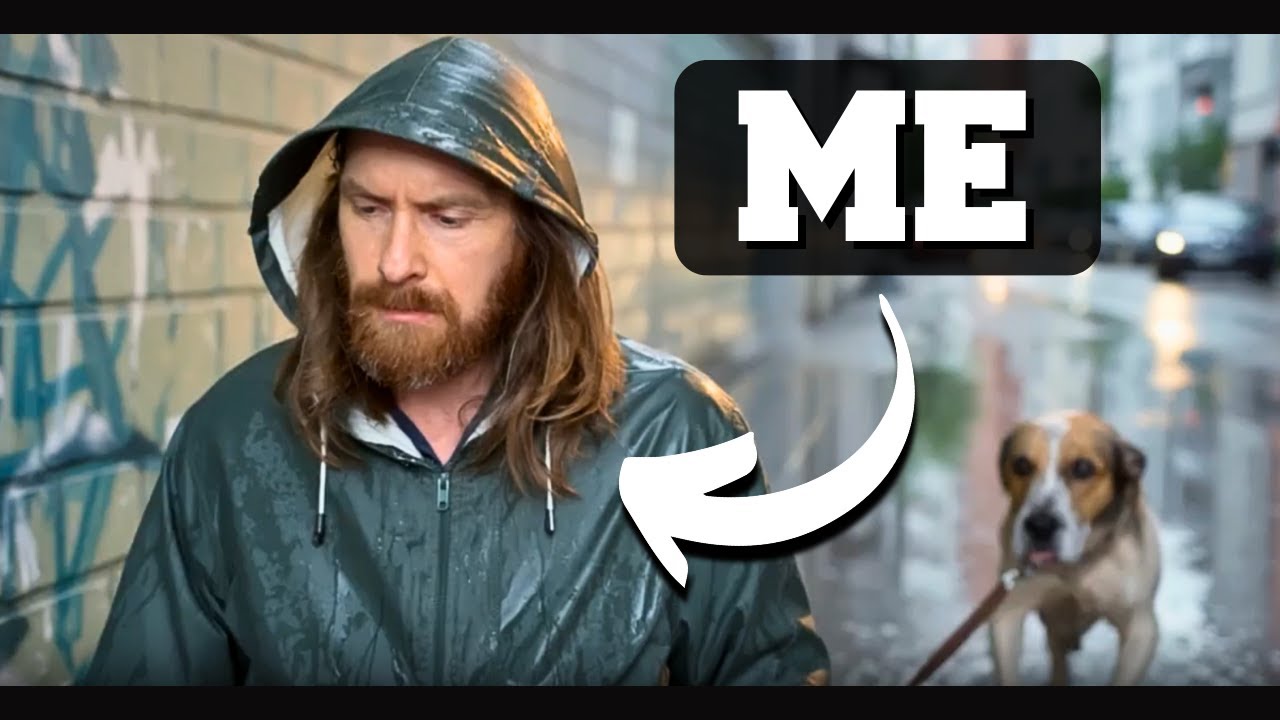
In this video, the creator embarks on building an innovative AI-powered video application using Claude Code and the Codex CLI from OpenAI. The app concept revolves around generating a multi-scene video based on a user-uploaded character reference image, with the theme “a day in the life of a sad dog walker” amidst heavy rain. The project integrates several AI tools, including the new Ideogram character image model for image generation, 11 Labs music API for background music, and GPT-5 nano for generating scene prompts, voiceover scripts, and music prompts. The goal is to create a coherent, engaging video with rolling reference images to maintain visual consistency across scenes.
The development process begins with drafting a detailed Product Requirements Document (PRD) using GPT-5, which outlines the app’s features, user interface, and technical workflow. The PRD specifies a web app with webcam or image upload capabilities, scene selection, prompt input, and a progress display during video generation. The backend plan includes generating images per scene with Ideogram, creating voiceovers and music with 11 Labs, merging video and audio using FFmpeg, and providing a video player with download options. This structured approach ensures clarity and a roadmap for the app’s build.
Next, the creator uses Cloud Code to translate the PRD into an actionable development plan, breaking the project into milestones such as UI creation, video generation, audio integration, and polishing for production readiness. The project setup includes gathering all necessary API documentation and environment configurations to streamline development. As the codebase grows, the creator emphasizes maintaining a clean context window in Cloud Code to optimize performance and facilitate debugging.
During implementation, the creator encounters challenges with FFmpeg commands for merging video and audio. To address this, they leverage GPT-5 to review and suggest improvements to the FFmpeg usage in the code. After applying these fixes, the app progresses to testing, where the UI allows webcam image capture and scene prompt input. Initial tests produce a short video with generated scenes and background music, though the voiceover was removed due to length and quality concerns. The creator demonstrates the app’s functionality with different prompts and images, showcasing its ability to generate thematic AI videos.
In conclusion, the video highlights the power of combining multiple AI tools and automation frameworks to build a complex multimedia application efficiently. The creator plans to share the project on GitHub for community collaboration and encourages viewers to participate in an ongoing AI Red Team Challenge with a $100 bounty. They also promote the Bossy Discord server, a large community focused on AI safety and red teaming, inviting interested developers to join and engage with similar projects. Overall, the video serves as both a tutorial and an inspiration for leveraging AI in creative app development.