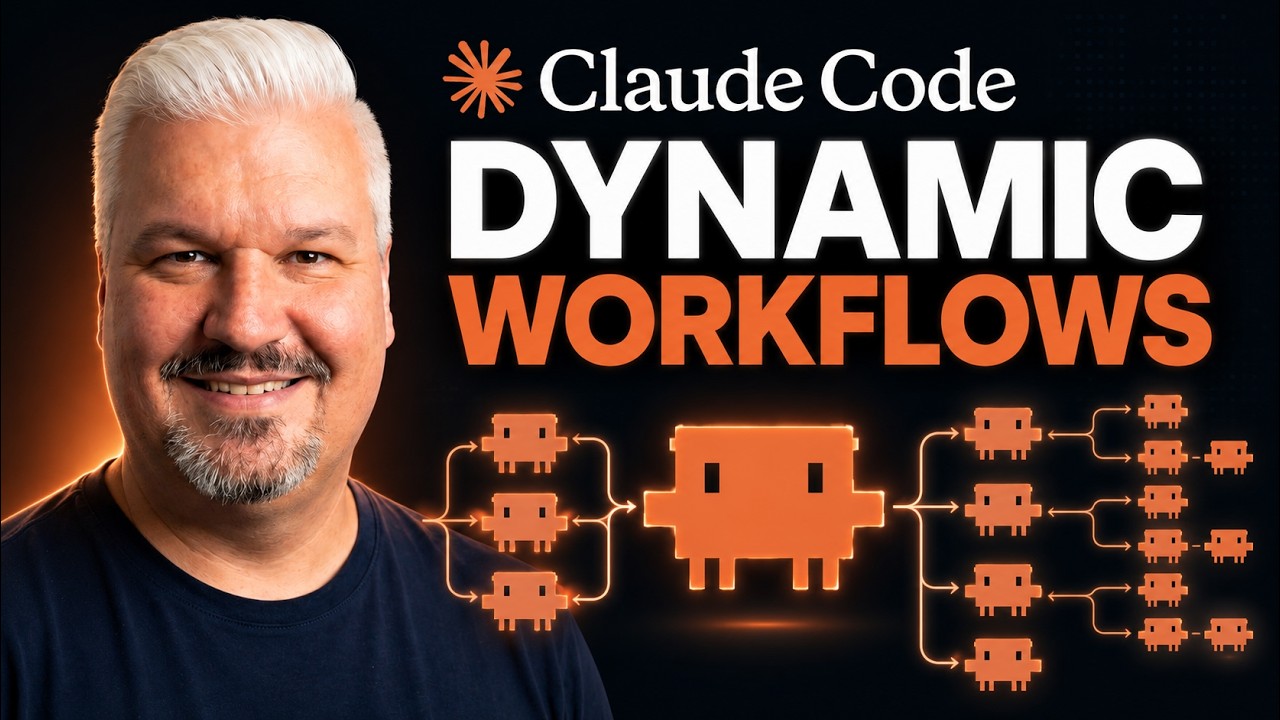
The video explains Claude Code’s dynamic workflows, a feature that enables large-scale, parallel task processing by distributing work to multiple agents within a single session, ideal for repetitive and scalable tasks like auditing or analyzing numerous files. It also covers best practices, challenges, and how to initiate, monitor, save, and reuse these workflows, highlighting their efficiency and flexibility for automating complex projects.
The video introduces Claude Code’s dynamic workflows, a powerful feature that allows Claude to write its own orchestration script and distribute tasks to hundreds of parallel agents within a single session. Unlike normal Claude Code sessions, dynamic workflows enable large-scale processing by fanning out work to multiple subagents simultaneously. This capability is particularly useful for repetitive tasks that need to be performed at scale, such as analyzing hundreds of video transcripts or auditing numerous files, which would be impractical in a standard session.
Dynamic workflows are not limited to coding tasks; they can be applied to various scenarios like responding to emails, handling support tickets, or auditing projects. The key advantage is that Claude can manage many items concurrently by following a consistent set of rules defined by the user. The video emphasizes that dynamic workflows should be used when tasks are repetitive and scalable, but not for simple tasks that can be completed in a single session, as workflows consume more tokens and resources due to multiple parallel sessions running simultaneously.
The presenter demonstrates how to initiate a dynamic workflow by explicitly instructing Claude Code to use a workflow in the prompt, recommending starting with a small batch to verify the process before scaling up. Using the example of auditing a project for security issues based on the OWASP top 10 vulnerabilities, the video shows how the workflow splits the task into multiple agents, each checking a specific vulnerability category. This approach ensures efficient parallel processing and clear output management, such as writing findings to designated files.
The video also covers best practices and potential challenges, such as avoiding workflows when human intervention is required mid-process and managing code conflicts when multiple agents modify the same codebase. Strategies like working on separate branches or work trees are suggested to handle merge conflicts. The workflow interface allows users to monitor active agents, review their progress, and inspect individual tasks, providing transparency and control over the entire operation.
Finally, the video explains how to save and reuse dynamic workflows for future projects, making them shareable and easy to integrate into new Claude Code sessions. The presenter offers a downloadable example workflow and promotes a free course called the 7-Day Builder Challenge, which teaches practical ramp workflows for building real-world applications. The video concludes with encouragement to explore dynamic workflows and leverage their power for efficient, large-scale automation.