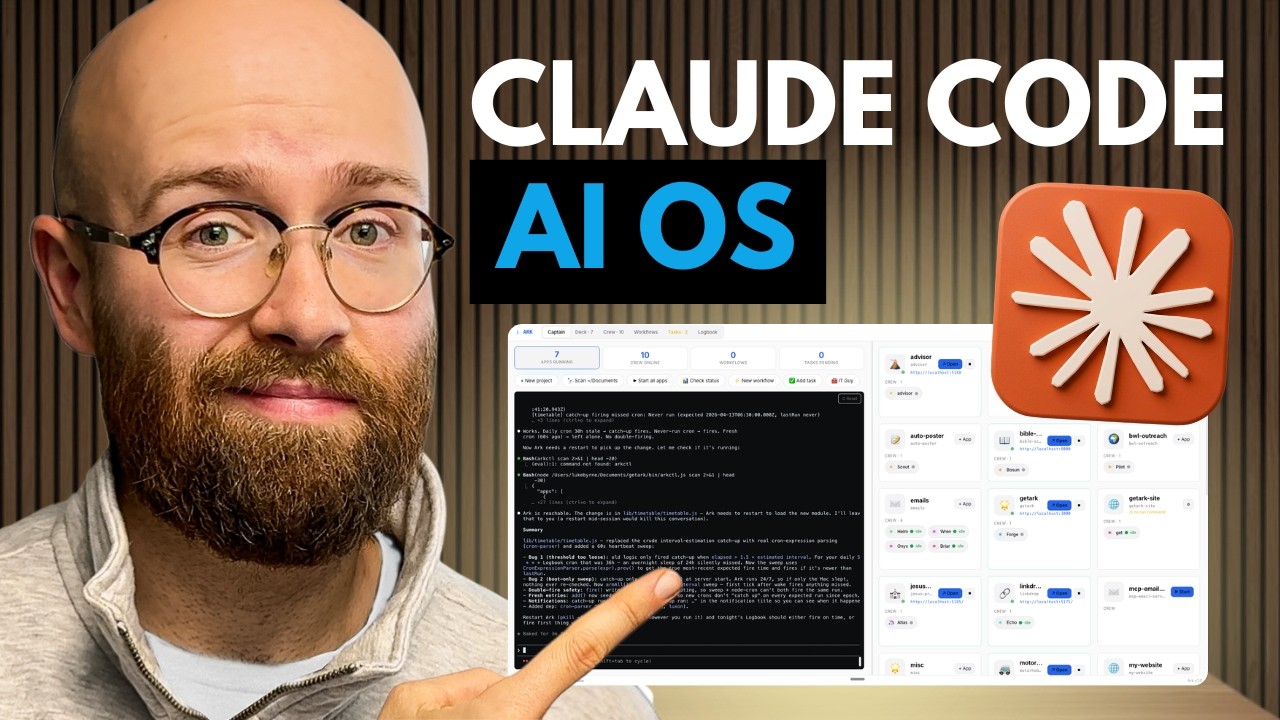
The video introduces Arc, a tool designed to consolidate and manage multiple Claude Code terminal sessions into a single, user-friendly interface that streamlines project organization, communication, and testing. By operating locally and offering features like conversation history, live previews, and AI-assisted task management, Arc significantly enhances workflow efficiency for users working with Claude Code.
The video discusses the challenges of managing multiple Claude Code terminal sessions when working on various applications and projects. The creator expresses frustration with having to navigate through numerous terminals to keep track of ongoing work. To solve this problem, they developed a tool called Arc, which consolidates all Claude Code sessions into a single interface. Arc allows users to view and interact with multiple projects and agents from one centralized location, simplifying project management and communication.
Arc works by scanning the user’s documents and folders to automatically pull in all existing projects and chat sessions from Claude Code. This scanning feature helps organize projects by name and displays the team members or agents working on each one. Users can directly communicate with these agents through the interface, open applications in full mode for testing, and manage multiple tasks simultaneously without switching between different terminals. This streamlined approach significantly improves workflow efficiency.
One of the key features of Arc is the ability to maintain conversation history with agents, allowing users to resume chats seamlessly. This means users can pause a task, switch to another project, and then return to continue the previous conversation without losing context. Additionally, Arc provides a way to view artifacts or outputs generated by the agents, such as website amendments or code changes, with a live preview option. This helps users monitor progress and verify work in real-time.
Arc also supports running full applications locally through integrated localhost URLs, enabling users to test complex projects beyond simple single-page apps. The tool organizes projects alphabetically and provides quick access to open or preview them. Importantly, Arc operates directly on the user’s machine by managing Claude Code terminal sessions locally, avoiding reliance on external APIs or cloud services. This local operation ensures faster and more reliable performance tailored to the user’s environment.
The creator invites viewers to join their school community at school.com/look, where they offer tutorials on building with Claude Code and provide free access to Arc with license keys. They highlight additional features such as workflow and task management, AI-assisted task execution, and chat scanning to identify pending actions. Overall, Arc is presented as a powerful and user-friendly solution for anyone working extensively with Claude Code, aiming to enhance productivity and simplify project oversight.