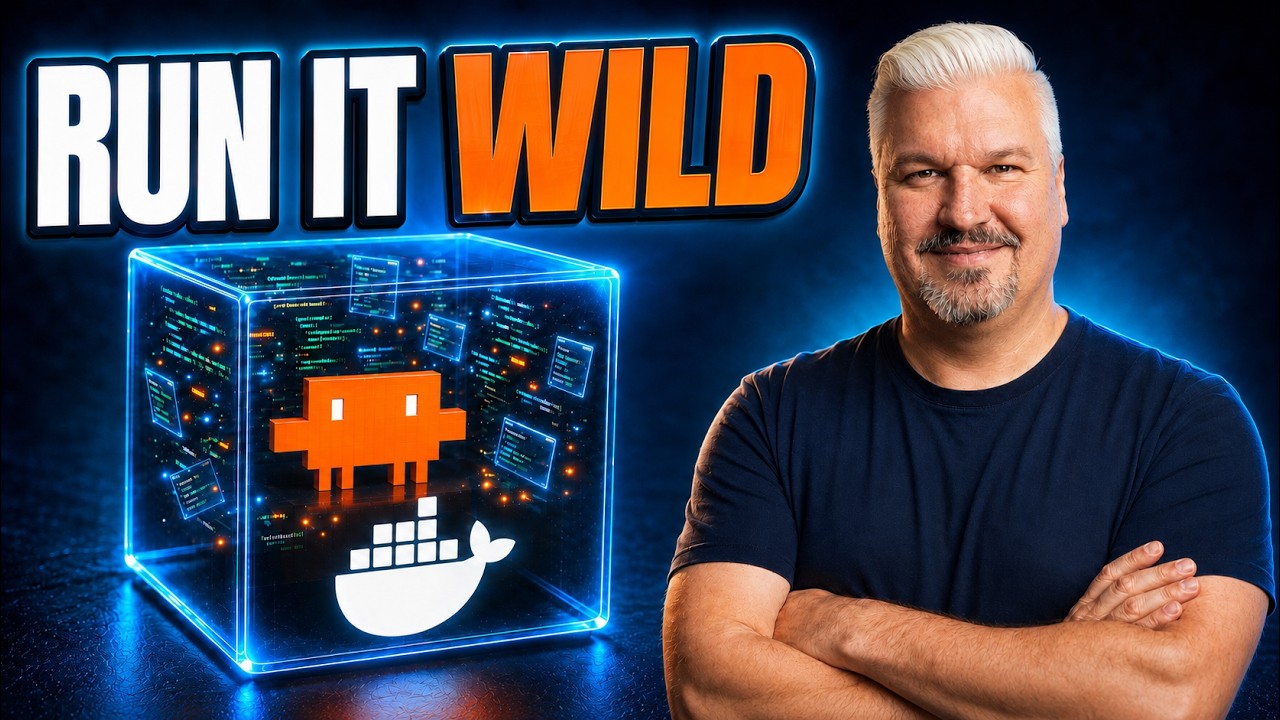
The video addresses the risks of running AI coding agents like Claude Code in unrestricted “YOLO” mode, where they execute commands without user approval. While approval mode is safer, it is slow and impractical for complex tasks such as triaging thousands of GitHub issues. The presenter highlights the danger of prompt injections, where malicious users can embed harmful commands in open-source project issues or pull requests, potentially causing agents to leak credentials or install malware. To mitigate these risks, the video introduces the concept of sandboxes—isolated virtual environments that safely contain the agent’s operations.
Docker Sandboxes are presented as an easy-to-use solution for running AI agents in YOLO mode responsibly. Unlike typical containers, Docker Sandboxes create microVMs with their own kernel, file system, and network, providing strong isolation from the host machine. This means the agent can only access files and resources explicitly scoped to the sandbox, preventing it from reaching sensitive data or other projects on the host. The presenter demonstrates how running Claude Code inside a sandbox restricts its file system access compared to running it normally, enhancing security without disrupting the developer’s workflow.
The video then walks through the installation and setup of Docker Sandboxes, showing how to install the tool on Windows and run Claude Code inside the sandbox using simple commands. It explains the network policy options—open, lockdown, and balanced—that control the agent’s internet access, with balanced mode allowing access to common development sites but restricting others. The presenter also shows how to modify these policies dynamically and reset them if needed, giving users fine-grained control over the agent’s external connectivity.
Next, the tutorial covers securely integrating GitHub credentials into the sandbox environment. Instead of authenticating inside the sandbox (which risks leaking secrets), the presenter demonstrates how to pipe GitHub tokens from the host machine into the sandbox’s secret store. This ensures the agent can interact with GitHub repositories safely without exposing sensitive tokens. The video also explains how to manage sandbox lifecycles—listing, removing, and recreating sandboxes—to update environment variables or reset the environment as needed.
Finally, the presenter showcases a practical development workflow where Claude Code, running inside a Docker Sandbox, triages open issues on a real GitHub project, prioritizes them, and generates an HTML report. The agent then addresses the top issues by creating pull requests, which the developer can review and merge. This workflow highlights the power of combining sandboxed AI agents with automation to handle complex coding tasks efficiently and securely. The video concludes by emphasizing the disposability of sandboxes, allowing users to delete compromised environments easily, and encourages viewers to try Docker Sandboxes for safer AI agent development.