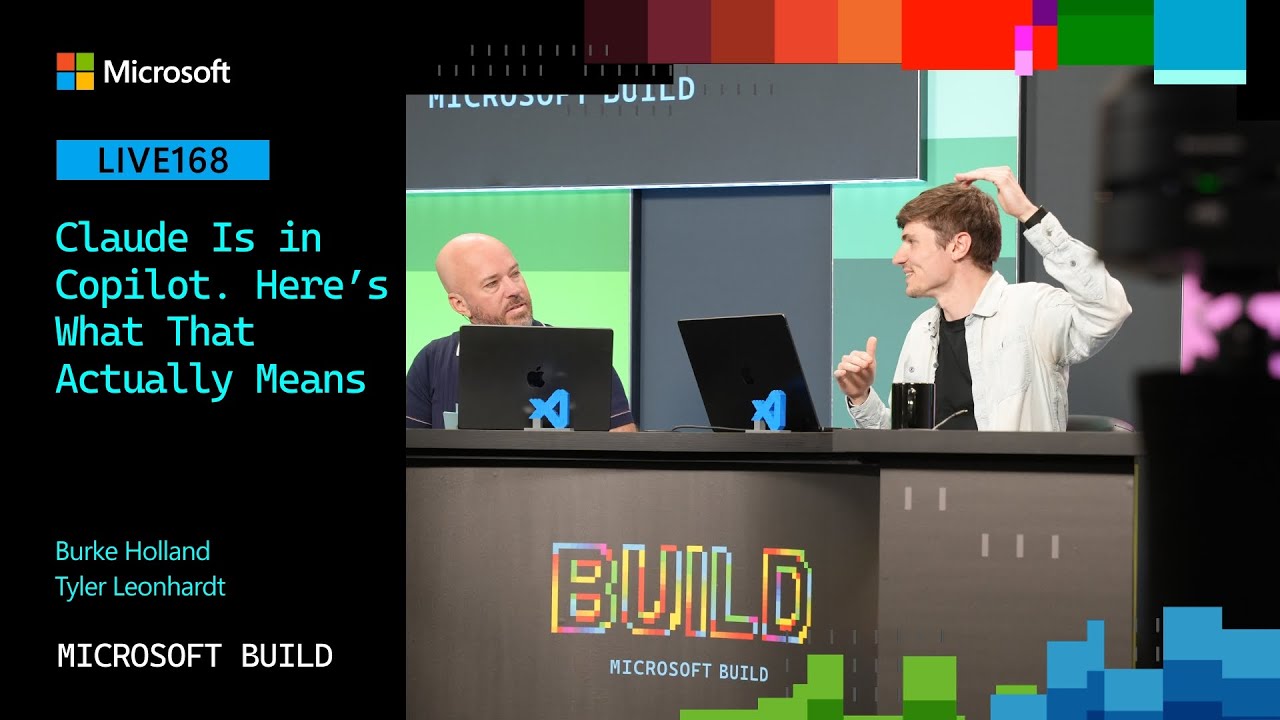
The video begins with a lively introduction where the host and guests, including Tyler from the VS Code team, discuss the integration of the Claude agent within Visual Studio Code (VS Code). Unlike GitHub Copilot, Claude is another AI agent that can be used within the same environment, offering users more flexibility. Tyler explains that Anthropic provides an agent SDK for Claude, similar to the Copilot SDK, allowing developers to leverage Claude’s capabilities while still being tied to their existing Copilot subscription. This integration provides users with a choice between multiple AI harnesses, including local agents, Copilot CLI, and Claude, without needing to manage multiple subscriptions or billing systems.
Tyler demonstrates how the Claude agent works within VS Code, showing how it can be used to generate code and assist with tasks such as building a website. He shares a personal example where he used Copilot to create a website for an event he organizes, highlighting how AI tools can streamline development work. The integration also includes an “agents window” in VS Code, where users can interact with different AI agents, including Claude, making it easy to switch between them. This flexibility is particularly valuable as new AI agents and harnesses continue to emerge in the developer ecosystem.
The discussion then shifts to the complexity of managing multiple AI agents and harnesses, which led Tyler’s team to develop the “agent host protocol.” This protocol facilitates communication between agents and clients, allowing users to run agents on different machines and connect remotely. Tyler demonstrates how this works by showing a remote session where the agent runs locally but can be accessed through a web browser on another device, such as a phone. This capability enhances productivity by enabling developers to work seamlessly across devices and locations while maintaining secure access through authentication.
Further, Tyler explains that users can delegate tasks to Claude running in the cloud via VS Code’s settings, enabling cloud-based AI assistance alongside local options. This cloud integration means that users can offload processing to powerful remote machines, which handle the AI computations, while still interacting through their familiar VS Code interface. The cloud agent supports all the customizations available in Claude code, making it a versatile option for developers who want to leverage cloud resources without changing their workflow or subscription.
In conclusion, the integration of Claude agents into VS Code represents a significant step toward providing developers with a flexible, unified AI experience. By supporting multiple agents under a single Copilot subscription and enabling remote and cloud-based access, Microsoft is addressing the evolving needs of developers who want choice and convenience. Tyler’s presentation highlights the ongoing innovation in AI tooling within VS Code and hints at future developments, including more agent options and improved protocols for managing AI interactions. The session ends with appreciation for Tyler’s insights and a teaser about the event “Compliment Fest,” which Tyler is involved in organizing.