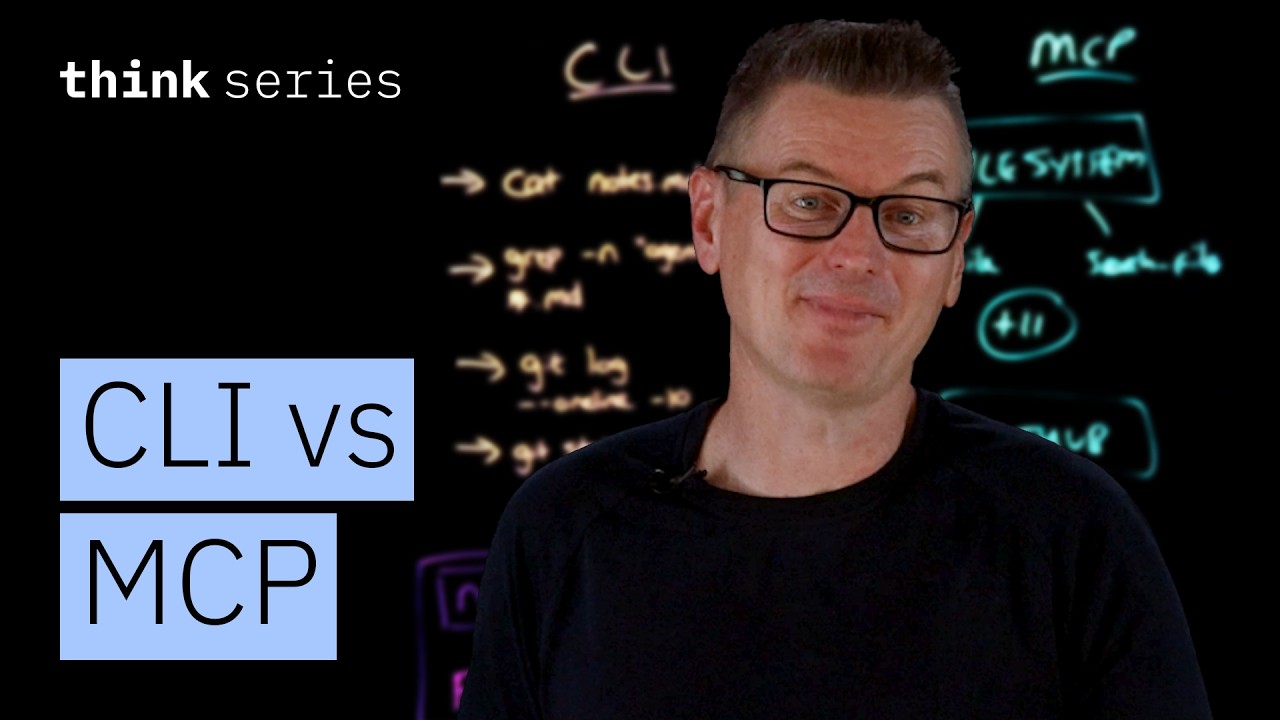
The video compares two methods AI agents use to interact with external systems: the Command Line Interface (CLI) and the Model Context Protocol (MCP). CLI involves the agent running traditional terminal commands like ls, cat, grep, and curl, which are well-known and widely used by developers. MCP, on the other hand, is a standardized protocol where dedicated servers expose structured tools with defined names, descriptions, and JSON schemas specifying their inputs. While MCP offers a formalized approach, some developers argue it introduces unnecessary complexity and consumes valuable context window tokens in AI models.
An example with simple file operations illustrates the differences. Using CLI, the AI agent executed bash commands like cat notes.md and grep to read and search files, leveraging its training data knowledge without needing to reference any schemas. With MCP, the agent called specific tools from a file system server, such as “read file” and “search files,” but had to load schemas for 13 tools, most of which were unused, consuming thousands of tokens. Both methods succeeded, but CLI was more compact and efficient in this straightforward scenario.
The video then explores a more complex example involving Git, a widely used developer tool. The AI agent can run Git commands directly via CLI, knowing the commands and flags from its training data. In contrast, the MCP approach requires loading a large number of tool definitions—up to 80 tools with detailed schemas—into the model’s context window, which can consume around 55,000 tokens. This token cost translates to higher API usage costs and reduced space for actual task processing, making CLI more efficient for local developer tools where the model already has extensive knowledge.
However, MCP shows its strengths in scenarios where raw CLI tools fall short, such as fetching and processing dynamic web pages built with JavaScript frameworks like Next.js. The MCP server can use a headless browser to render the page fully and return readable content efficiently. In contrast, the CLI approach with curl struggles because it cannot execute JavaScript, forcing the agent to attempt complex and time-consuming workarounds like writing Python scripts to reverse engineer the page structure. This example highlights MCP’s advantage in bridging gaps between raw tool outputs and user needs.
Ultimately, the video concludes that both CLI and MCP have their place. CLI excels when commands directly map to tasks, especially for file operations, Git, and text processing, benefiting from the model’s pre-existing knowledge and the natural composability of CLI commands. MCP is preferable when abstraction, authentication, or organizational governance is required, such as managing OAuth tokens or enforcing per-user access control and audit trails. The best approach is a hybrid one, where AI agents use CLI for straightforward tasks and MCP when the complexity or security demands justify it.