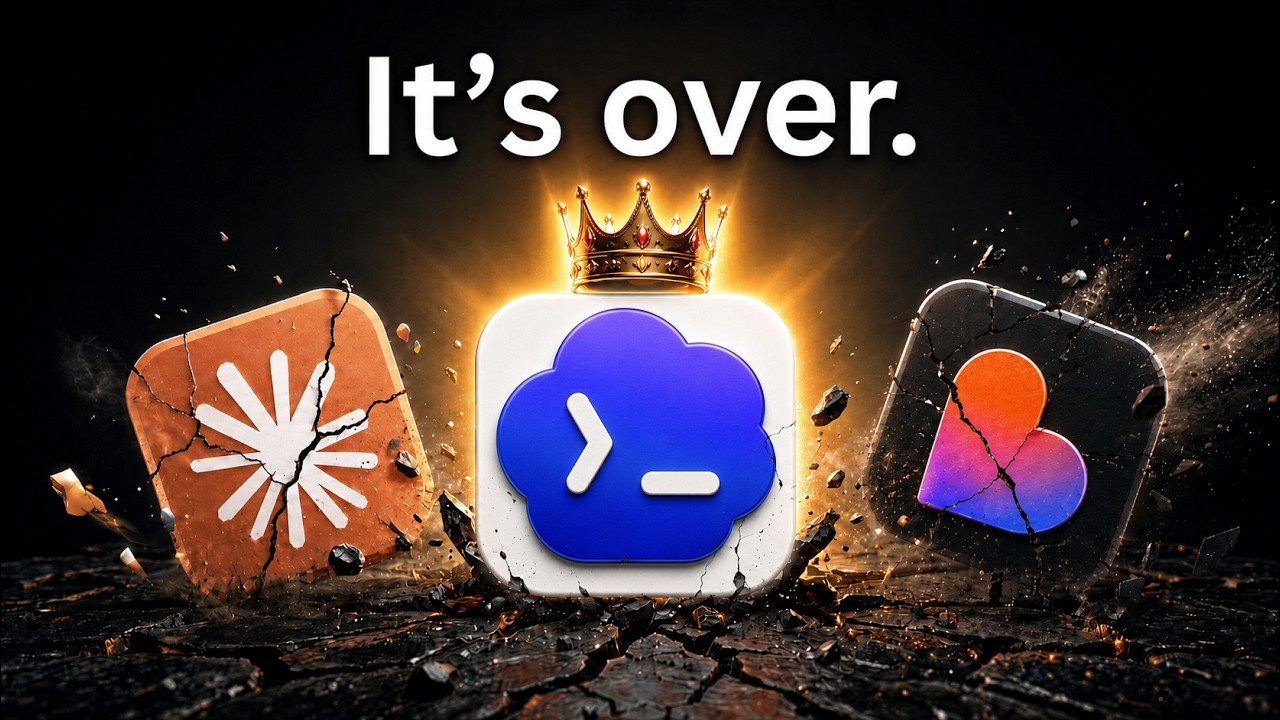
The video showcases the new Codex Mobile update, which enables seamless remote coding and computer control from a phone, including continuous chat interactions and practical workarounds for limitations like previewing local projects via Netlify deployment. It also highlights features such as plugin accessibility, skill functionality through commands, and remote task management, positioning Codex Mobile as a powerful and integrated tool for developers on the go.
The video introduces the new Codex Mobile update, which allows users to control their computer and code directly from their phone. This update enables continuous chat interactions even when away from the computer, such as lying in bed at night. The presenter walks through the installation and setup process, highlighting that the latest update is essential and explaining how to connect Codex Mobile to a computer by managing connections and entering credentials. Despite some limitations like the inability to preview code or stop conversations easily, the presenter shares practical workarounds to enhance the mobile experience.
One notable limitation discussed is the inability to preview local projects directly on the phone because local host addresses do not work across devices. To solve this, the presenter recommends using Netlify, a free hosting service, to deploy projects online. By setting up a Netlify API key and configuring it globally on the computer, users can push their projects to Netlify and then view live previews on their mobile devices. This approach also allows for testing mobile sites directly from the phone, which is especially useful for developers working remotely or on the go.
The video also covers how Codex Mobile handles plugins and skills. While plugins are accessible and visible on both the phone and computer, skills are local and do not appear on the mobile interface. However, skills still function if invoked by commands or natural language requests, meaning users can still leverage their full capabilities without explicitly selecting them. This flexibility allows users to continue using advanced features seamlessly, even with the mobile interface’s current constraints.
Another useful tip shared is about managing ongoing tasks and stopping Codex processes remotely. The mobile app sometimes does not show a stop button for running tasks, but users can type “stop” to halt the process. Additionally, the “steer” command can be used to inject instructions directly into the current task queue, effectively controlling Codex’s workflow from the phone. This feature enhances the control and responsiveness of Codex Mobile, making it a powerful tool for remote coding and project management.
Overall, the presenter praises Codex Mobile as a groundbreaking update that significantly improves remote coding capabilities. Compared to previous attempts by other AI coding tools, Codex Mobile offers a smoother and more integrated experience. The video concludes with an invitation to join the presenter’s masterclasses and community for those interested in learning more about building projects with Codex and AI tools, emphasizing the practical benefits and future potential of this technology.