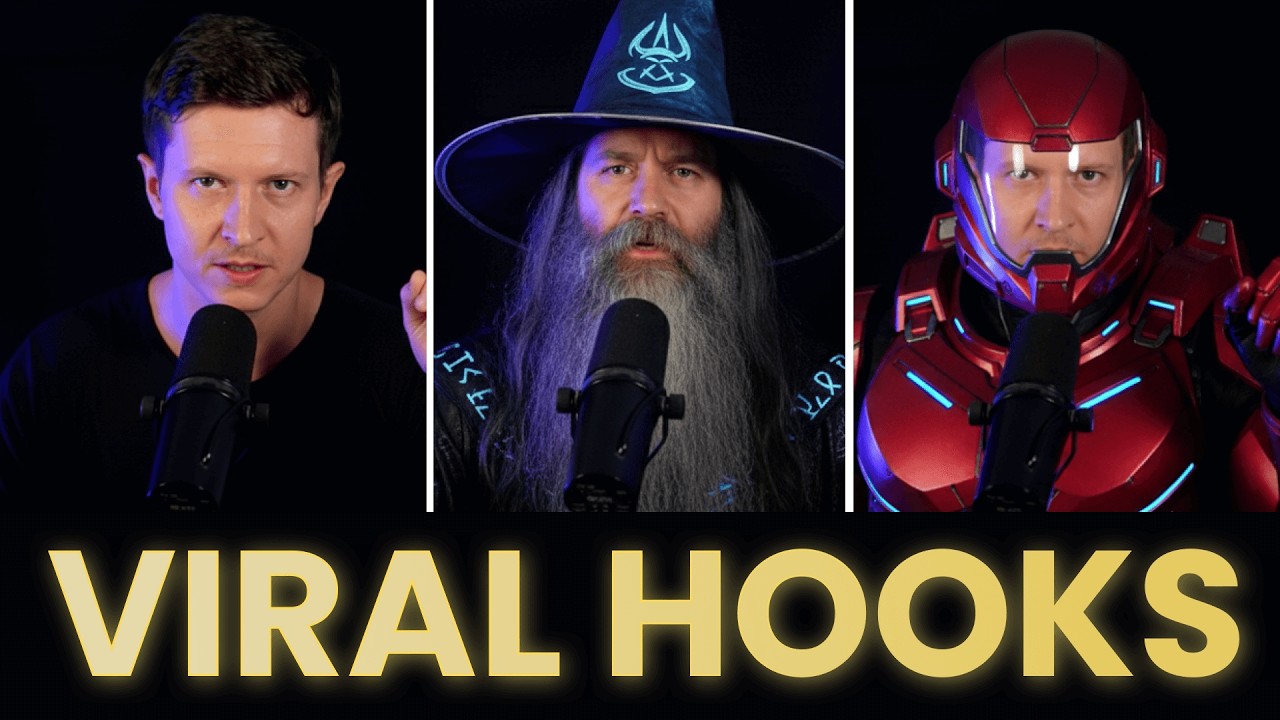
In this video, AI Samson explores how much of his YouTube channel content creation process can be automated using AI tools, focusing on creating viral hooks with special effects and automating video editing. He begins by demonstrating how to create engaging viral hooks using the latest Nano Banana Pro model. The process involves taking a screenshot of a frame from a video clip, uploading it to Nano Banana 2 inside Gemini, and prompting the AI to transform the image into a superpowered character while keeping the background consistent for smooth transitions. He then uses Google V3 within the Flow tool to animate the frames and generate a transformation sequence, which is edited together in software like Adobe Premiere to create a visually captivating intro.
Next, AI Samson explains how to create smooth transition shots by using the last frame of the original clip and the transformed image as the first and last frames of a video generation prompt. Speeding up the transition clip helps make the effect more seamless. He also shares tips on troubleshooting common issues, such as awkward cuts between clips, by re-prompting the AI to generate better transitions. He provides examples of different transformations, including turning into a wizard or a woman, and summarizes the entire viral hook creation process for viewers to follow along using prompts linked in the video description.
Moving beyond viral hooks, AI Samson introduces Descript, an AI-powered video editing platform that significantly speeds up the editing process. Descript automatically transcribes raw footage, allowing users to edit video by simply editing the transcript—deleting unwanted parts or rearranging content with ease. He highlights features like studio sound enhancement, which improves audio quality, and automatic removal of filler words, long pauses, and redundant phrases, making the editing process more efficient and professional. Descript also identifies parts of the script that detract from the main message, helping creators condense their videos effectively.
Another standout feature of Descript is AI eye contact correction, which adjusts the subject’s gaze to look directly at the camera even if they were looking away during recording. Additionally, Descript offers AI green screen capabilities, enabling users to replace backgrounds with AI-generated images or any desired visuals, enhancing the production value without needing physical green screens. The platform also includes pre-built animations, customizable captions, and an AI assistant that can add B-roll footage or perform other edits based on natural language commands, showcasing the future potential of AI-driven video editing.
Finally, AI Samson discusses Descript’s voice cloning feature, which allows creators to generate AI versions of their own voices by reading a script. This can be used to create avatars that speak new text in the creator’s voice, adding another layer of automation and creativity. He outlines Descript’s pricing plans, including a free tier with one hour of AI video editing per month and affordable paid plans for more extensive use. Wrapping up, he encourages viewers to explore the linked prompts and Descript tool, promising more advanced AI video techniques in future videos, and thanks the audience for watching.