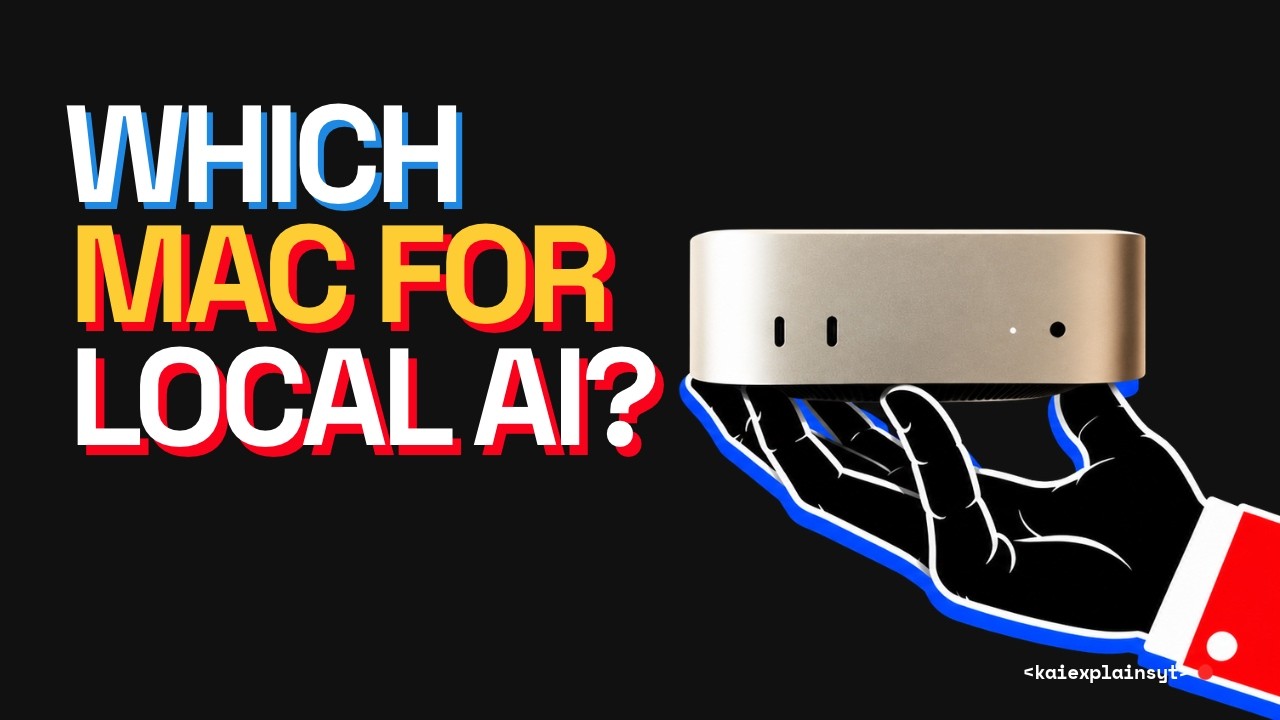
The video cautions against rushing to buy a high-end Mac for AI workloads without considering critical factors beyond just specs. The creator shares a personal experience of almost overspending on a maxed-out Mac Studio, only to realize that the spec sheet misses the importance of timing—specifically, delivery dates and return windows. For example, cheaper Macs like the Mac Mini often arrive quickly and come with extended holiday return periods, while expensive Mac Studios with advanced chips have long wait times and shorter return windows, limiting the buyer’s ability to test and return the machine if it doesn’t meet expectations.
While hardware specs such as memory size, bandwidth, and thermal performance matter, the video emphasizes that these are static and don’t capture the dynamic nature of AI workloads and software updates. Memory pricing is steep and consistent at about $25 per gigabyte, but the top-tier memory upgrades can be disproportionately expensive due to current shortages. This makes future-proofing by buying extra memory risky, especially since AI models and software evolve rapidly, often becoming more efficient or changing requirements by the time the machine arrives.
The video also highlights the challenge of AI context memory and workflow complexity. AI models require significant memory not just for the model file but also for context, system overhead, and simultaneous applications. Buyers often underestimate this, leading to the “256 trap” where a machine with 256 GB memory is insufficient for large, real-world AI workloads. Additionally, switching AI engines or upgrading hardware can cause loss of context and workflow continuity unless the user employs solutions like Fulcra, which centralizes and synchronizes AI context across tools and devices.
Another key insight is the rapid pace of software and model updates, which can quickly invalidate buying advice based on benchmarks or reviews. Models can shrink in memory requirements or new models can emerge, changing the ideal hardware configuration within weeks. Similarly, inference engines update frequently, sometimes improving performance by 15% or more, meaning the machine’s real-world speed can improve post-purchase. However, this also means buyers must be cautious about relying solely on early benchmarks, especially for expensive, less common configurations with limited community data.
In conclusion, the video advises potential Mac buyers for AI to leverage the return window fully by testing their actual workloads and context lengths rather than relying on generic benchmarks. If the desired Mac cannot arrive before the holiday return window closes, renting cloud GPUs to test workloads is recommended. The overarching message is to buy only the memory and specs proven necessary for current workloads, not speculative future needs, because AI hardware and software evolve rapidly, and timing plays a crucial role in making a satisfying purchase.