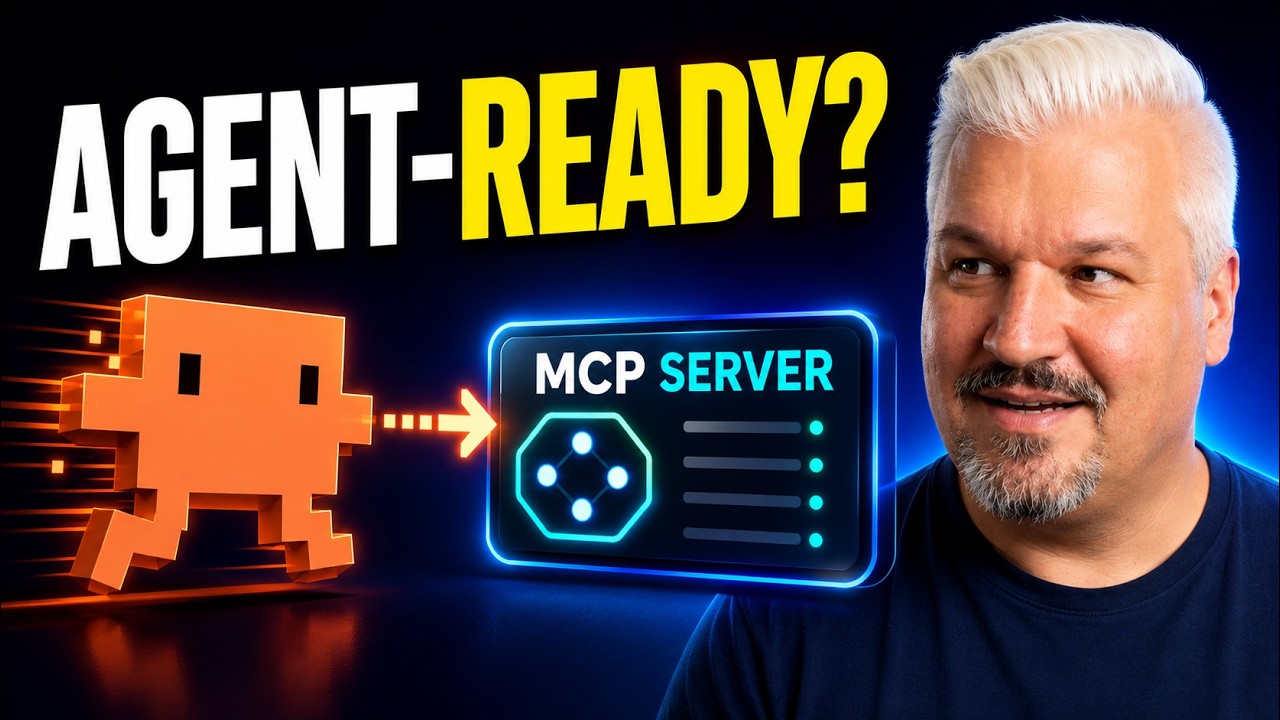
In this video, Leon emphasizes the growing importance of making applications “agent-ready” by integrating MCP (Model Context Protocol) servers, which enable apps to communicate seamlessly with AI agents like ChatGPT, Claude, and others. He explains that traditional user interfaces are no longer sufficient, as users increasingly rely on AI assistants to interact with software on their behalf. MCP, created by Anthropic, serves as a standardized protocol that connects AI agents to various platform tools, allowing agents to perform tasks such as generating images or managing prompts within an app.
Leon then walks through the process of building an agent-ready app from scratch using Next.js. He installs several skills from Anthropic’s skill library, including front-end design, authentication best practices, and an MCP builder skill. Using Claude Code, an AI coding assistant, Leon plans the app architecture and saves the development plan for future reference. This approach leverages AI to assist in both planning and coding, streamlining the development process.
Next, Leon sets up a Postgres database using Neon, a cloud database provider, to store user data, prompts, and API keys. He demonstrates creating a development branch for safe testing and configures environment variables to connect the app to the database. With the database ready, Claude Code helps implement the app’s features, including user authentication and prompt management. Leon tests the app by creating user accounts, saving prompts, and generating API keys, which authenticate agents interacting with the MCP server.
To verify the MCP server’s functionality, Leon uses the Model Context Protocol inspector tool to connect, authenticate, and test the available tools (save prompt and search prompts). He then integrates the MCP server with Claude Code, enabling the AI agent to access and manipulate the prompt library directly. This integration showcases how AI agents can interact with the app autonomously, performing complex tasks like storing conversation prompts without manual user input.
Finally, Leon deploys the app to production using Vercel, updating environment variables to point to the production database and URL. After deployment, he confirms that the app works as expected in a live environment, including API key generation and prompt management via the MCP server. He encourages developers to adopt this approach to build agent-ready applications and highlights the ease of adding MCP servers to existing apps. The video concludes with a thank you to Neon for sponsoring and a call to action for viewers to start building their own AI-integrated software.