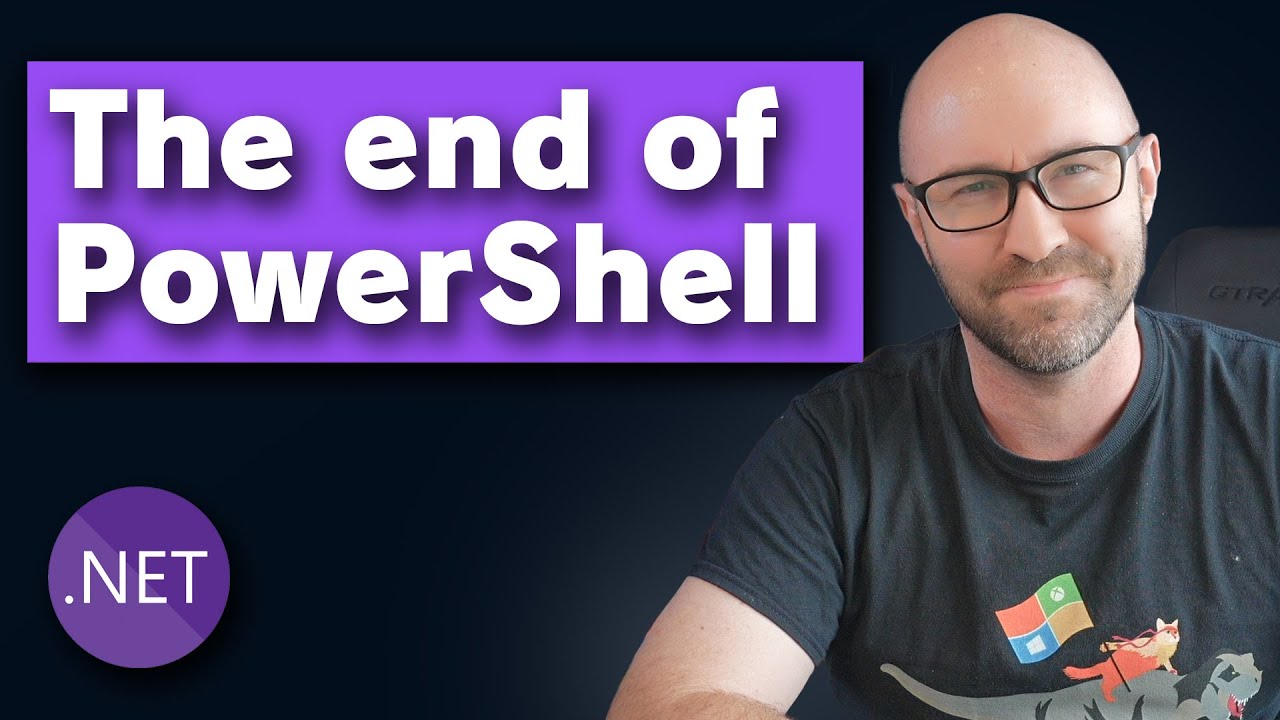
In this video, Damian Edwards introduces the concept of “file based apps” in .NET 10 Preview 6, a feature that formalizes what was previously informally known as “.NET Run .cs”. He demonstrates this with a simple ChatGPT chat completion loop written in C#. Traditionally, running such a script required typing dotnet run ChatGPT.cs, which would then prompt the user for input and provide a response. This approach, while functional, involved extra steps that could be streamlined.
Damian then highlights a new enhancement in .NET 10 Preview 6 that supports the use of a shebang (#!) at the top of C# script files on macOS. This allows the script to be executed directly without needing to prepend the command with dotnet run. By adding the shebang pointing to the dotnet executable, users can simply run ./ChatGPT.cs and interact with the program seamlessly, making the experience more natural and efficient.
To further improve usability, Damian modifies the script to accept command-line arguments, allowing users to pass their chat messages directly when invoking the script. This means instead of running the script and then typing the message, users can execute commands like ./ChatGPT.cs "hello, how are you?" and receive immediate responses. This change leverages the implicit args variable in the minimal API style C# scripts, enabling a more streamlined interaction with the language model.
Taking convenience a step further, Damian shows how to create a shell alias in the .zshrc file, mapping a simple command like chatgpt to the script file. After reloading the shell configuration, users can type commands such as chatgpt "what is the date today?" directly in the terminal. This aliasing technique effectively turns the script into a custom command-line tool, enhancing productivity and making it feel like a native part of the system.
Overall, the video showcases how .NET 10 Preview 6’s file based apps feature, combined with shebang support, command-line argument handling, and shell aliasing, can transform C# scripts into powerful, easy-to-use command-line utilities. Damian expresses enthusiasm about these improvements, emphasizing how they simplify running and interacting with C# scripts, and encourages viewers to subscribe for more content on .NET and C#.