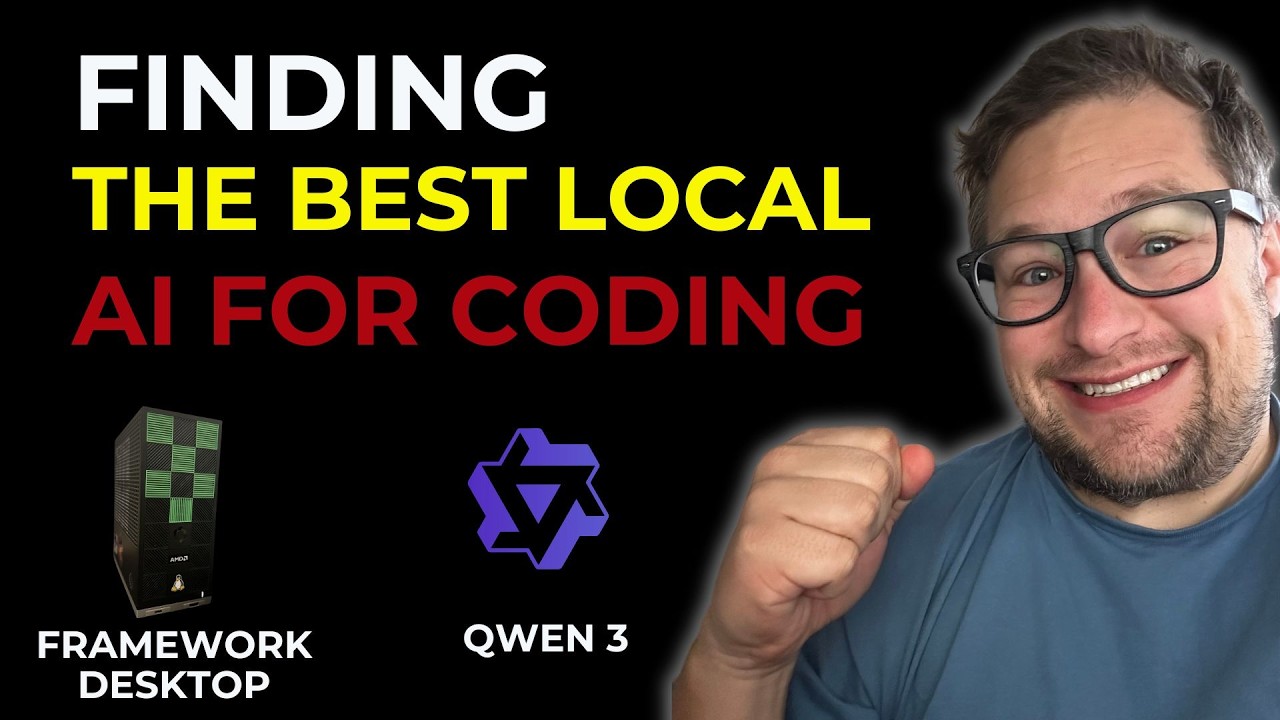
In this video, the creator shares their experience using the Framework Desktop, particularly focusing on running local AI coding models. Equipped with an AMD Ryzen AIAX Plus 395 processor, 128 GB of memory, and 4 TB of storage, the creator initially aimed to run AI coding models regardless of speed. However, they found that prompt processing times were too long for agentic workflows, causing some tools to time out. This led to a shift in approach, focusing on finding the best-performing models that could achieve at least 10 tokens per second (TPS) on the Framework Desktop.
The creator explains the difference between dense models and mixture of expert (MoE) models, noting that dense models activate all parameters and tend to be slower. For example, a 36 billion parameter dense model only achieved about 5 TPS on the Framework Desktop. In contrast, MoE models like GLM4.5 and Quinn3 coder showed better performance, with TPS ranging from 14 to 50 depending on the model and context size. The creator settled on the G4_K_XL model (73 GB), which starts at around 17 TPS but slows down as the context window grows, highlighting the trade-off between context size and speed.
Several models were tested, including Quinn3 coder 30B with a 1 million token context window, DeepSeek V3.1, and GPT OSS120B. While Quinn3 coder impressed with its large context window and speed, it lacked the intelligence needed for complex coding tasks. DeepSeek V3.1 was too large to run efficiently, and GPT OSS120B performed well speed-wise but was inconsistent in coding quality. Ultimately, the creator chose the Q2_K_XL model from Quinn3 230B series, running it with a 50K token context on the Framework Desktop, balancing speed and coding capability.
To improve usability, the creator developed a local code editor application designed to work with these AI models. This editor allows users to open folders, include files in context, and generate diffs for code changes, which can be applied directly to files. The tool aims to streamline the coding process by enabling users to request improvements or modifications to code and receive AI-generated diffs that can be reviewed and applied easily. Although still in prototype form, the editor shows promise for integrating local AI coding models into practical workflows despite slower processing speeds.
In conclusion, the video emphasizes the challenges and potential of running AI coding models locally on compact hardware like the Framework Desktop. The creator highlights the importance of using mixture of expert models over dense models for better performance and shares insights into model selection and application development. They express hope for future advancements, such as larger and more efficient MoE models, and invite viewers to share their thoughts and experiences. Overall, the video provides a detailed and practical perspective on leveraging local AI models for coding tasks.