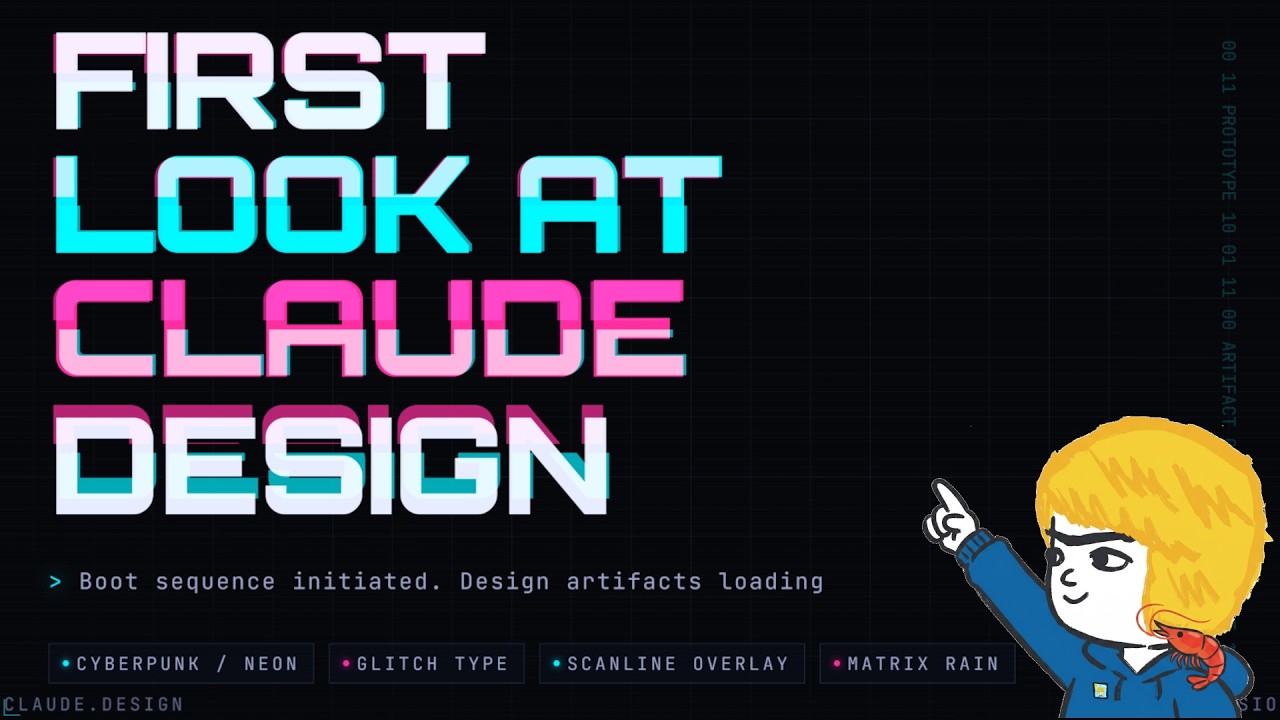
This video provides a first look at Claude Design, a new visual design tool released by Anthropic Labs as part of their Claude AI platform. Unlike most AI tools focused on coding, Claude Design targets visual design, offering users the ability to create high-quality, design-specific visuals. The presenter highlights that previous attempts to design visuals with Claude were disappointing, but this new tool leverages Claude Opus 4.7’s advanced vision capabilities, especially with high-resolution images, to produce much better results. Currently available as a research preview on claude.ai, subscribers can experiment with various design elements like shader wallpapers, app onboarding screens, and animated doodles.
The presenter demonstrates the tool by creating a one-page newsletter design for his AI Garage Weekly newsletter. Using banners with a playful, marker-style aesthetic featuring crabs, shrimp, and robots, he prompts Claude Design to generate a newsletter page that matches this branding. The tool successfully analyzes the attached images and produces a visually appealing layout with editable text and customizable elements such as fonts, colors, and doodle density. The interface allows direct editing, drawing on elements to resize or remove them, and adding animations to background doodles, showcasing the tool’s flexibility and ease of use even for non-designers.
Claude Design also supports collaborative features, including commenting on design elements and sharing files within teams. The presenter notes that all design assets, including HTML files and individual components, are accessible, making it easy to integrate the designs into other projects. He expresses interest in replacing his basic newsletter page with the AI-generated design and plans to continue refining it. This highlights the tool’s potential to streamline the design process for individuals and teams who may lack advanced design skills but want professional-looking results.
In addition to newsletter design, the presenter explores creating a slide deck using Claude Design. By providing a codebase related to a previous project on attention mechanisms, he asks Claude to generate a cyber-themed, animated slide presentation. The AI reads the codebase and produces a visually impressive slide deck with smooth animations and a cohesive cyberpunk aesthetic. The slides are fully editable, allowing the presenter to make quick adjustments by commenting or drawing on elements, demonstrating the tool’s versatility in handling both visual and technical content.
Overall, the video showcases Claude Design as a promising new tool that bridges the gap between coding and visual design. While professional designers might find some limitations, the presenter, who is not a designer, finds it highly effective and user-friendly. He plans to continue experimenting with the tool and anticipates creating more in-depth content about its capabilities. The video concludes with an invitation to subscribe, like, and sign up for the presenter’s free AI Garage Weekly newsletter, emphasizing the practical applications of Claude Design for content creators and developers alike.