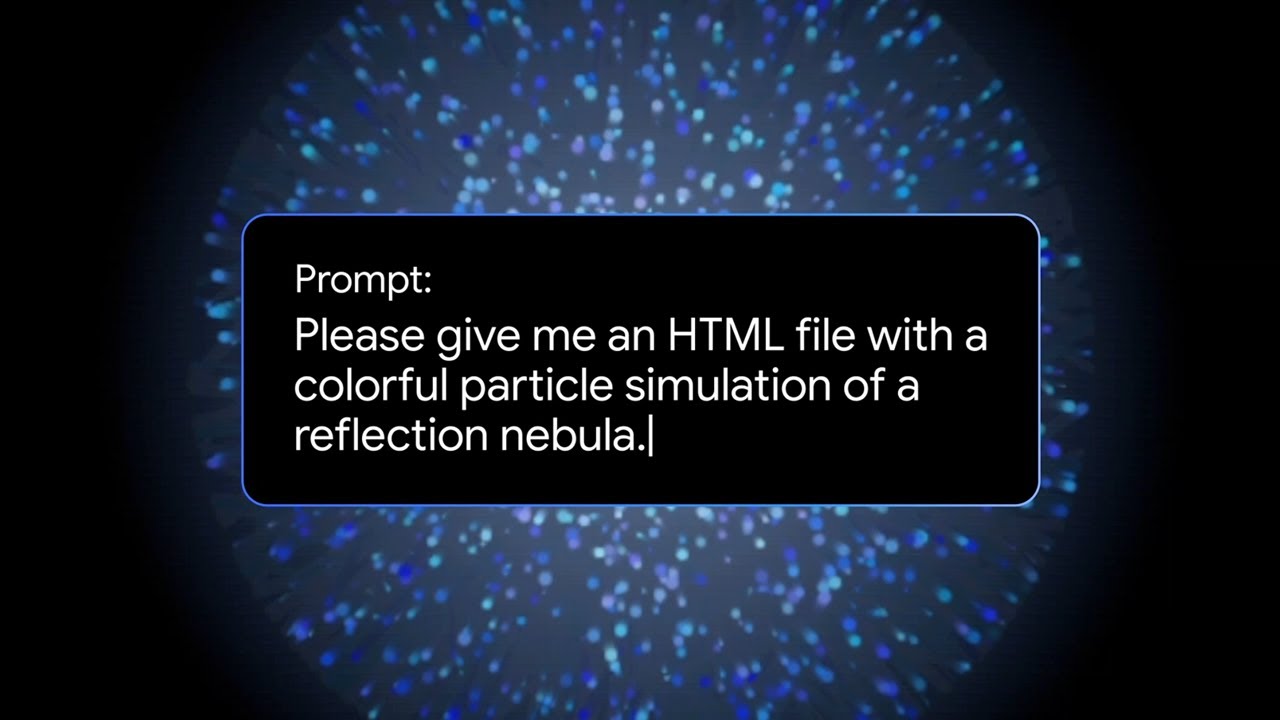
The video “Gemini 2.5: Code Particle Simulations with Dynamic Motion” demonstrates how to create realistic particle simulations using the Gemini 2.5 software, focusing on implementing dynamic motion for lifelike interactions. It provides a step-by-step tutorial on coding particle behaviors, applying forces, and customizing simulations, making it accessible for users of varying experience levels.
The video titled “Gemini 2.5: Code Particle Simulations with Dynamic Motion” showcases the capabilities of the Gemini 2.5 software in creating realistic particle simulations. The focus is on demonstrating how users can implement dynamic motion in their simulations, allowing for more lifelike interactions and behaviors of particles. The visual presentation highlights various features of the software, emphasizing its user-friendly interface and powerful tools for simulation.
In the initial segments, the video introduces the basic concepts of particle simulations, explaining how particles can represent various elements in a digital environment. Viewers are shown examples of different types of particles and their behaviors, such as bouncing, colliding, and reacting to forces. The importance of dynamic motion is underscored, as it adds depth and realism to the simulations, making them more engaging and visually appealing.
As the video progresses, the tutorial aspect becomes more pronounced, guiding viewers through the process of coding particle simulations. The presenter demonstrates step-by-step how to set up a simulation, including defining particle properties, applying forces, and creating interactions between particles. The use of visual aids and on-screen instructions helps to clarify complex coding concepts, making it accessible for users with varying levels of experience.
The video also showcases advanced features of Gemini 2.5, such as the ability to customize particle behaviors and integrate environmental factors that influence motion. Examples include simulating gravity, wind, and other forces that can affect the trajectory and dynamics of particles. This section highlights the software’s versatility and potential applications in fields like gaming, animation, and scientific visualization.
In conclusion, the video serves as both an introduction and a practical guide to using Gemini 2.5 for particle simulations with dynamic motion. By combining theoretical explanations with hands-on coding demonstrations, it equips viewers with the knowledge and skills needed to create their own simulations. The emphasis on dynamic motion not only enhances the visual quality of the simulations but also opens up new possibilities for creative expression in digital media.