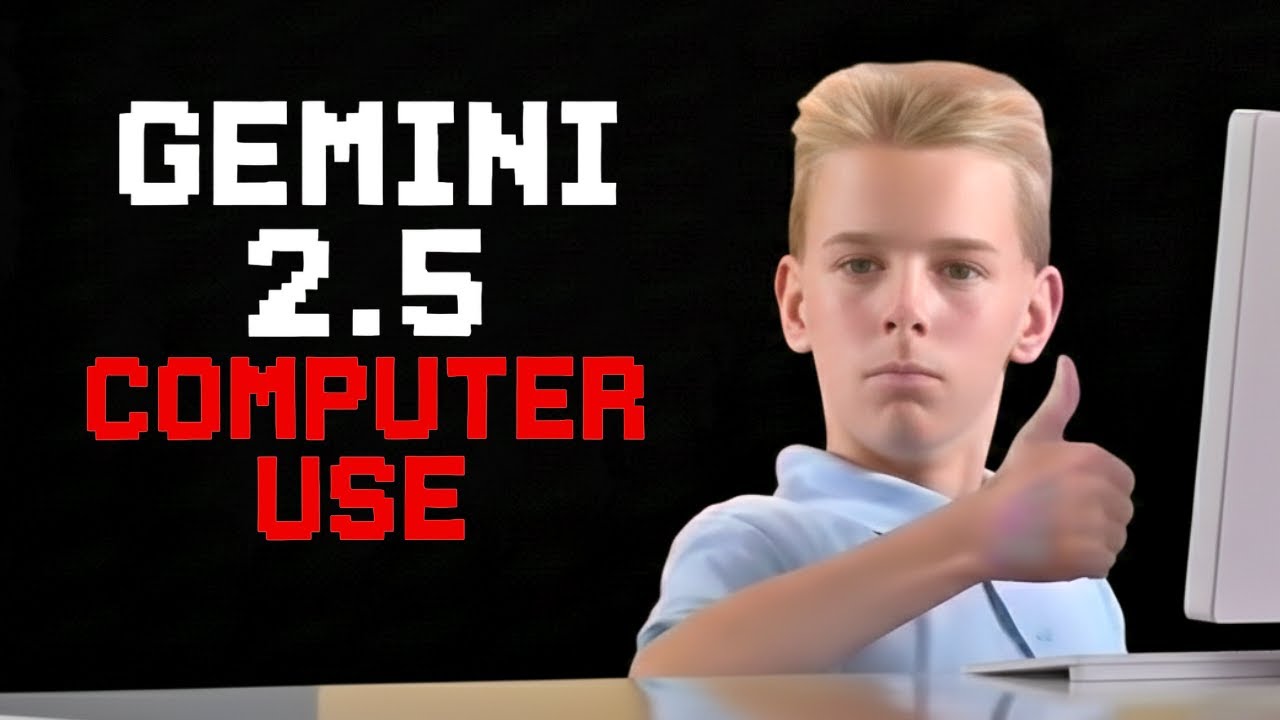
In this video, the creator explores the newly released Gemini 2.5 computer use model by Google DeepMind, demonstrating how it can be integrated into an MCP (Multi-Computer Protocol) server to control both a Mac computer and a web browser. The setup involves two main stages: browser control and Mac OS control, with specific tools developed for each environment. The creator briefly shows the code structure, highlighting TypeScript implementations for browser and Mac OS control, and explains the use of screenshots and action execution tools to interact with the computer and browser interfaces.
The first practical demonstration involves using the Gemini 2.5 model to locate and open a video file named “Elizabeth” on the Mac. The model successfully navigates the Finder, searches for the file, right-clicks it, and opens it with QuickTime Player, even managing to play the video. Although the process is somewhat slow and encounters minor errors, the model effectively interprets the screen and executes the required actions, showcasing its potential for desktop automation tasks.
Next, the video shifts focus to a browser use case where the model is tasked with filling out a complex online form. The form requires role-playing as Neo from the Matrix, and the model uses Chromium to access the form, take screenshots, and plan the input. It then proceeds to fill out the form fields with appropriate data, such as using “Thomas” for the name, referencing Neo’s real identity. Despite some limitations due to turn limits in the interaction, the model performs well in automating form completion, demonstrating its usefulness for web-based automation.
The final test involves using the model to control the Mac terminal via the Cursor app. The task is to create a Python file named “hello YouTube.py,” write a simple print statement, save the file, and execute it. While the model manages to create the file and input the code, it struggles with saving and running the script efficiently, encountering issues with keyboard layout and terminal commands. The process is slow and somewhat error-prone, but ultimately the code runs successfully, illustrating both the promise and current limitations of the model in handling more complex programming tasks.
Overall, the video highlights the exciting capabilities of the Gemini 2.5 computer use model in controlling both desktop and browser environments through an MCP server. While the model is not yet perfect and can be slow or error-prone in some scenarios, it represents a significant step forward in AI-driven computer automation. The creator expresses enthusiasm about the potential for further improvements and encourages viewers to explore the model, noting that combining it with MCP tools can enhance context awareness and enable more sophisticated use cases. The video ends with a positive outlook on the future development of this technology.