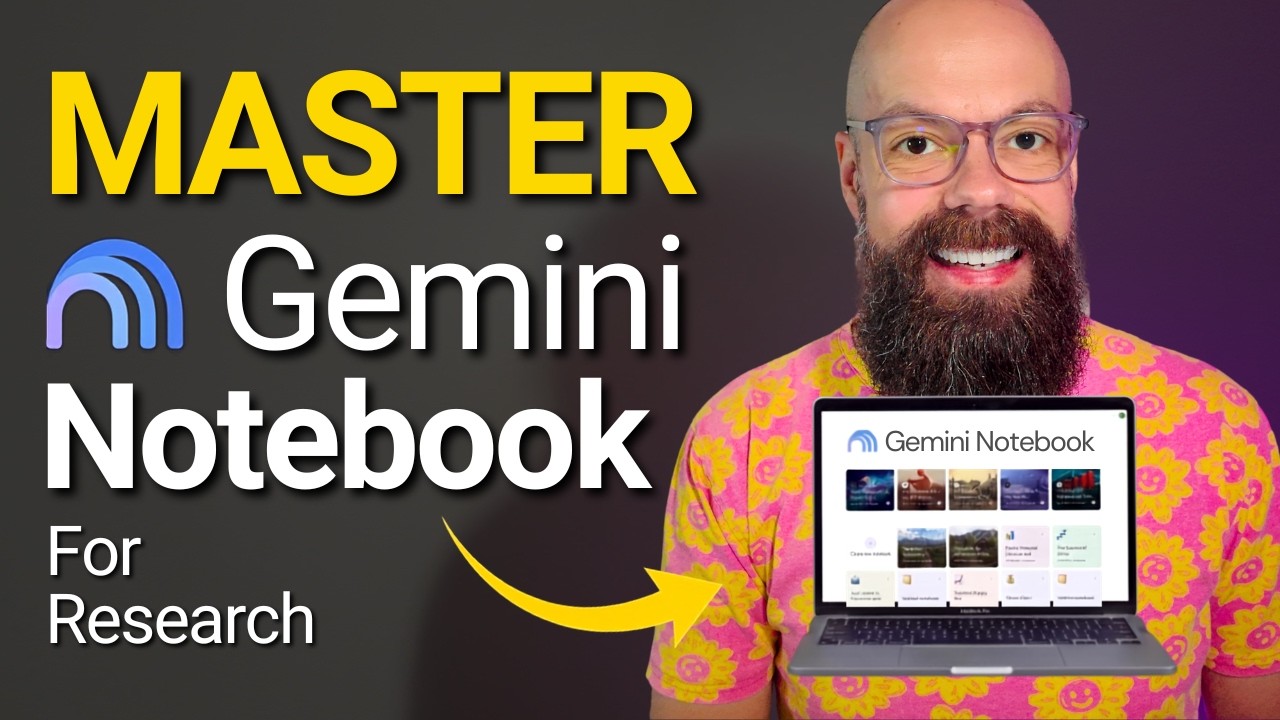
The video introduces Gemini Notebook, the successor to Notebook LM, as a powerful free tool from Google designed to enhance academic and research workflows. Upon logging in at notebook.google.com, users can create new notebooks that serve as project files to organize and interact with their research materials. The interface is divided into three main panels: sources on the left, a chat interface in the middle for querying the documents, and a studio on the right for generating various academic outputs. Users can upload PDFs, websites, text, and files from Google Drive, with the added benefit that updates in Drive automatically sync to the notebook, ensuring the knowledge base remains current.
A key feature is the ability to customize the notebook’s settings to align with academic standards. Users can define the conversational style and role of the AI, such as responding at a PhD student or professor level, and adjust response length for detail or brevity. This customization ensures that the AI’s outputs are tailored to rigorous academic language and expectations. The knowledge base can hold up to 50 sources for free users and up to 300 for paid subscribers, allowing extensive literature and data to be integrated and queried with full traceability to original sources, which is crucial for academic transparency.
The studio panel offers a variety of output formats to aid research comprehension and presentation. These include audio overviews customizable as conversations, critiques, or debates; video explainers with cinematic or whiteboard styles; mind maps to visualize research themes; reports; flashcards; infographics; quizzes; and data tables. These tools help researchers digest complex information, prepare presentations, and create study aids efficiently. The video highlights the slide deck feature, which generates detailed presentations from uploaded sources and allows limited post-generation customization to refine content.
Gemini Notebook also excels in handling experimental data. Users can upload datasets such as CSV files from their research and prompt the AI to analyze and summarize key outcomes and trends. While the AI-generated summaries are not intended for direct publication, they provide valuable initial insights that can guide deeper analysis. The integration with Google Drive ensures that updated data automatically refreshes the notebook’s outputs, streamlining ongoing research workflows. Export options allow users to save outputs in various formats like Google Docs or Sheets for further use.
Overall, Gemini Notebook represents a significant advancement in research tools by combining AI-driven analysis with flexible, transparent, and customizable academic workflows. It simplifies the process of going from raw data and literature to meaningful understanding and presentation. While outputs should be critically reviewed and not blindly accepted, the tool offers an accessible way to explore, organize, and communicate complex research efficiently. The video encourages users to share notebooks easily and invites feedback on best practices, emphasizing the tool’s collaborative potential in academic environments.
Useful Links