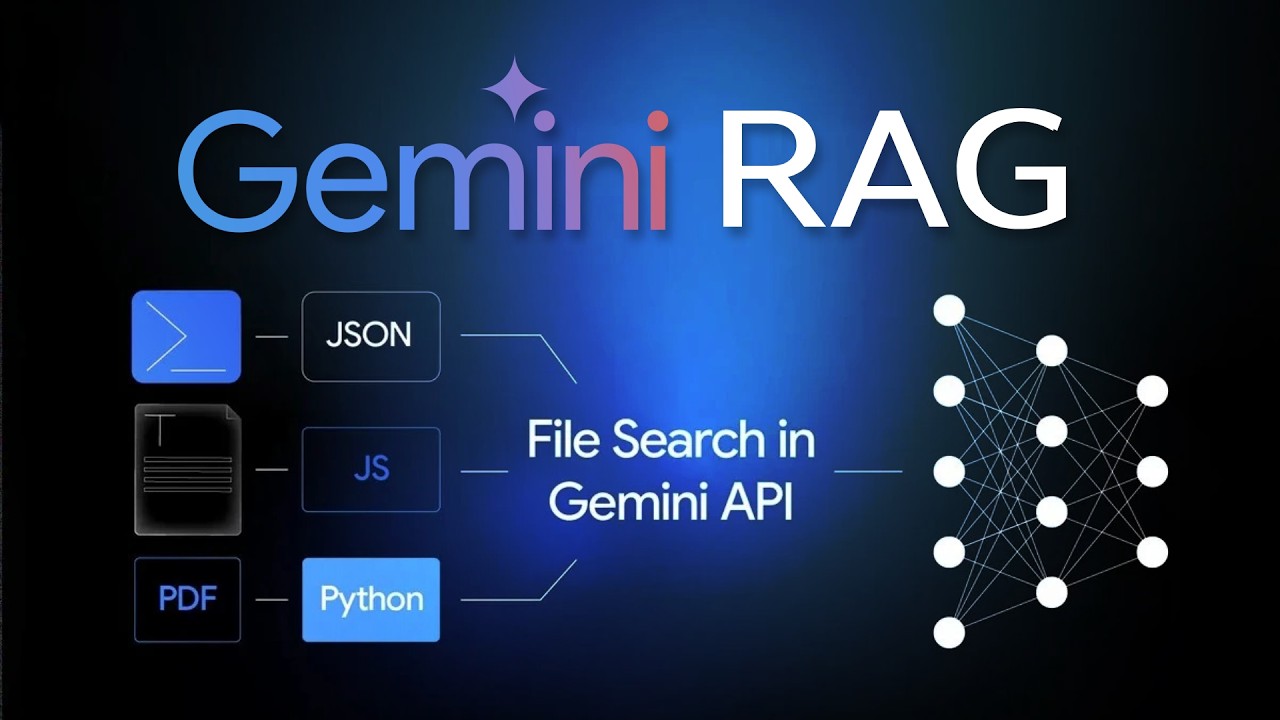
The video introduces a new feature from the Gemini API team called the “file search tool,” which essentially functions as an automated Retrieval-Augmented Generation (RAG) system. This tool allows users to upload various document types such as PDFs, code files, markdown text, logs, and JSON files. Once uploaded, the system automatically processes these files by chunking them, generating embeddings using the Gemini embedding model, and storing them in a vector store. At query time, the Gemini API uses this vector store to ground its responses, retrieving relevant chunks from the documents and providing answers along with citations, making it a streamlined and efficient RAG solution.
The presenter demonstrates how the file search tool works through a demo app, showing the process of uploading documents, generating embeddings, and querying the system. The tool does not load entire documents into the context window but instead retrieves relevant chunks based on the query. The responses include source citations, which can be used for UI features like highlighting. The video also explores the underlying TypeScript code, revealing how prompts are constructed to avoid asking users to read manuals directly and how suggested questions are generated using Gemini Flash models. This approach ensures precise and practical answers grounded in the uploaded documents.
Next, the video dives into a simple code example using a deposition document related to Ilya Sutskever and the firing of Sam Altman. The process involves creating a Gen AI client, setting up a file search store, uploading the document, and querying it. The system returns detailed answers with metadata and grounding chunks that show exactly where in the document the information was sourced. The presenter highlights the importance of managing file search stores, including listing and deleting them to avoid unnecessary costs. Pricing details are also discussed, noting that embedding calls are charged normally, while vector storage and query embeddings are currently free.
The video then explores a more advanced example involving multiple YouTube transcript files. It demonstrates custom chunking configurations, adding metadata such as titles and URLs, and uploading multiple documents to a vector store. The presenter shows how metadata filters can be used to refine searches, enabling queries to target specific videos by title or URL. This advanced setup allows for more precise and context-aware retrieval, such as returning timestamps linked to video segments. The flexibility of the system to handle multiple documents and metadata makes it suitable for larger-scale RAG applications.
In conclusion, the video emphasizes that while the Gemini file search tool may not replace highly customized RAG systems, it offers a quick and effective way to build RAG solutions that allow users to upload documents and query them easily. The presenter encourages viewers to experiment with the tool and consider its potential for agentic RAG applications, where agents autonomously create and use RAG databases from internet-sourced documents. The video ends with an invitation for feedback and suggestions for future content on RAG, highlighting the ongoing relevance and power of RAG techniques in leveraging large language models today.