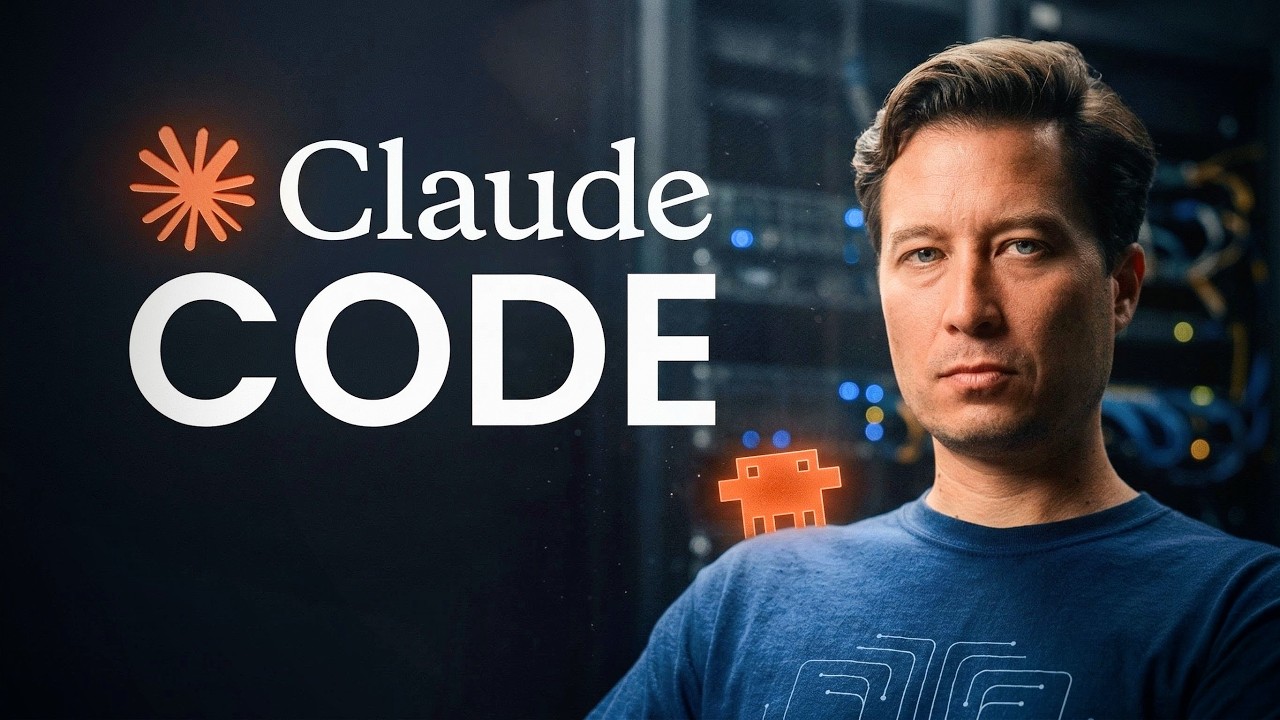
Claude Code is an advanced AI agent tool that enhances productivity by managing multi-step tasks, organizing files within a working directory, and maintaining a clean context window through features like plan mode, precise file referencing, compaction, and checkpoints. These capabilities enable users to efficiently collaborate, prevent errors, and experiment confidently, making Claude Code a powerful solution for complex workflows and AI-powered knowledge management.
The video introduces Claude Code, a powerful AI agent tool that goes beyond traditional AI chatbots by enabling multi-step tasks, running commands, and managing files on your computer. A key concept emphasized is the importance of managing the AI’s context window, which is likened to keeping a clean desk to avoid confusion and inefficiency. The presenter demonstrates Claude Code using a clean Mac desktop app account, highlighting that the AI has access to its own up-to-date documentation, allowing it to reliably answer questions about its features and functions.
One standout feature of Claude Code is “plan mode,” which allows users to have the AI outline a detailed roadmap before making any changes. This mode is especially useful for complex projects involving multiple files or high-stakes tasks where mistakes could be costly. The presenter shows how plan mode can be used to research and recommend legal structures for a nonprofit in Mexico, including funding strategies, and how it facilitates iterative collaboration by allowing users to refine the plan before execution. This upfront planning helps prevent errors and keeps the AI’s context window uncluttered.
Claude Code organizes work within a designated folder or working directory, where all related files are stored and managed. The AI can handle large sets of documents by breaking them into manageable sections and searching for key themes. The video demonstrates how users can reference specific files precisely using an “at” symbol feature, which helps keep queries focused and the context window clean. This precision is crucial when working with extensive or complex source material, ensuring the AI’s responses remain relevant and accurate.
To manage the limited context window effectively, Claude Code includes a “compaction” feature that summarizes long conversations, preserving essential points while discarding less relevant details. Users can manually trigger this summarization with slash commands, allowing them to focus on specific issues and keep the AI’s workspace organized. These summaries can also be copied and used to start new conversations or transferred to other tools, making interactions more portable and manageable over time.
Finally, Claude Code incorporates a checkpoint system similar to save points in video games, enabling users to undo actions and revert to previous states if mistakes occur. This feature encourages experimentation and exploration without fear of irreversible errors, transforming Claude Code into a robust and flexible tool for complex workflows. The video concludes by inviting viewers to join a new cohort focused on building AI-powered second brains, emphasizing the transformative potential of tools like Claude Code in enhancing productivity and collaboration.